Messages in your inbox
All WhatsApp and Telegram conversations of your business in one place. See who is answering – and take over yourself when your team is needed.
9 steps about 3 min
Step by step
Open “Nachrichten” (messages) in the menu on the left.
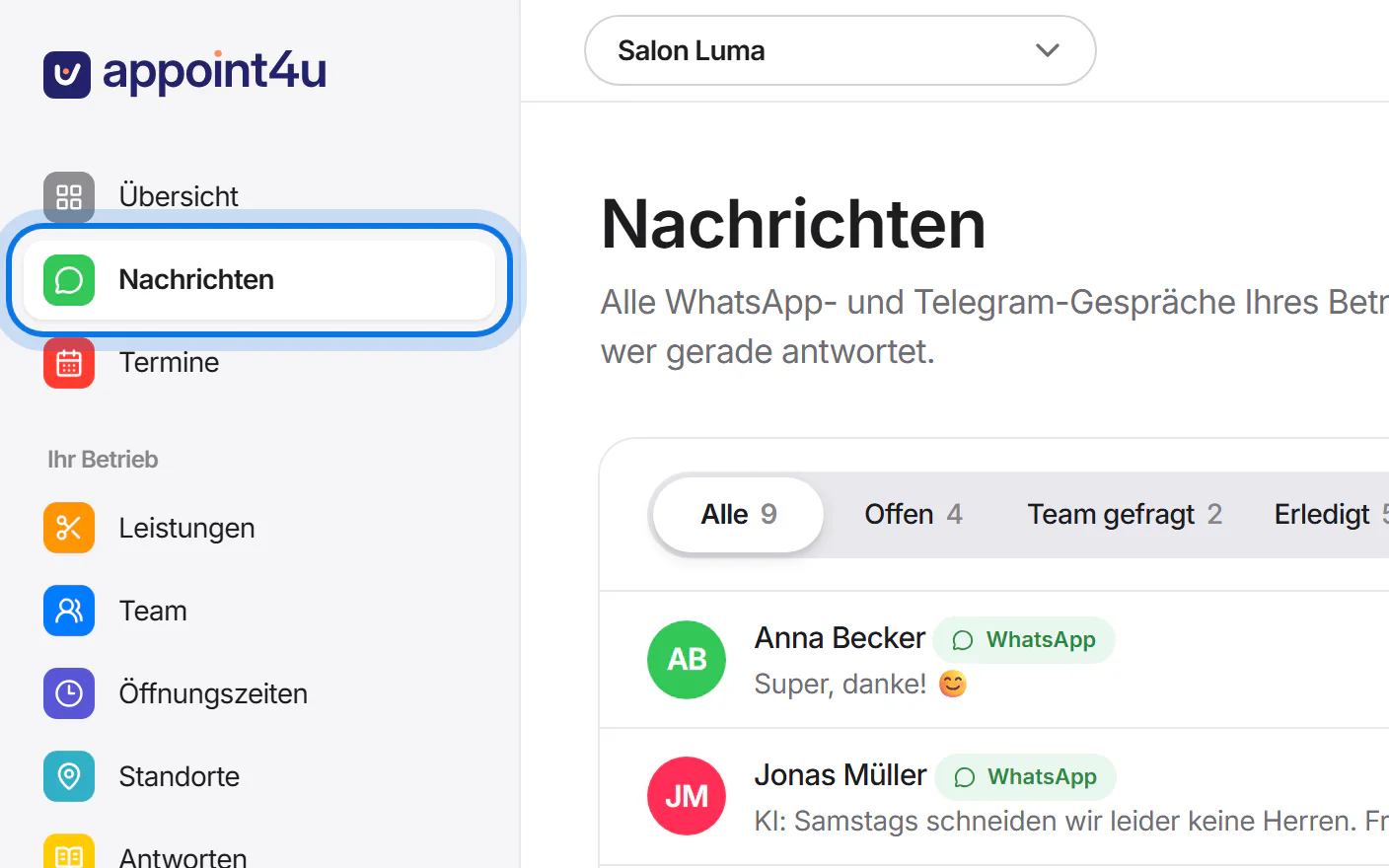
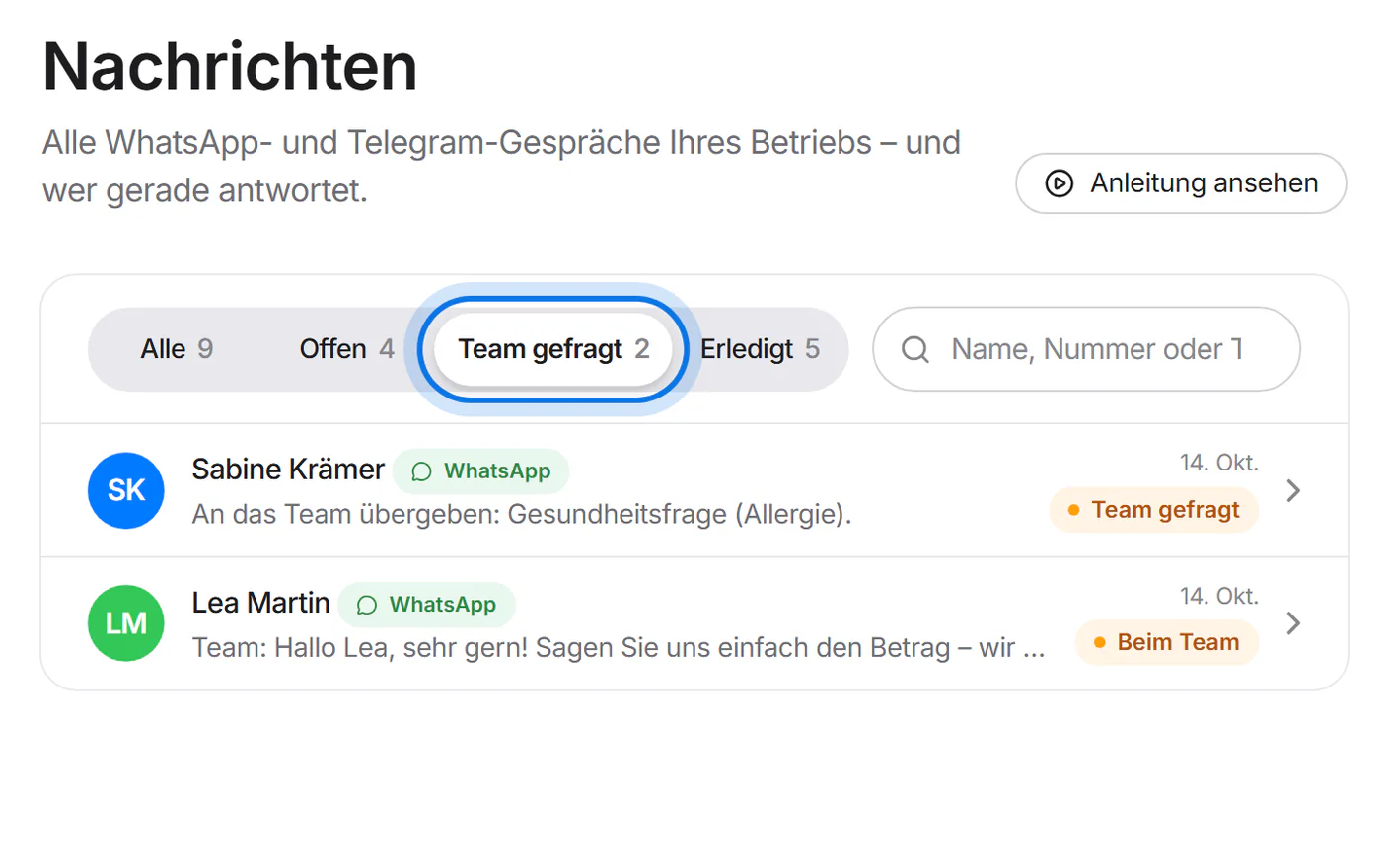
At the top, filter by “Offen” (open), “Team gefragt” (team needed) or “Erledigt” (done). Next to it you can search by name, number or text.
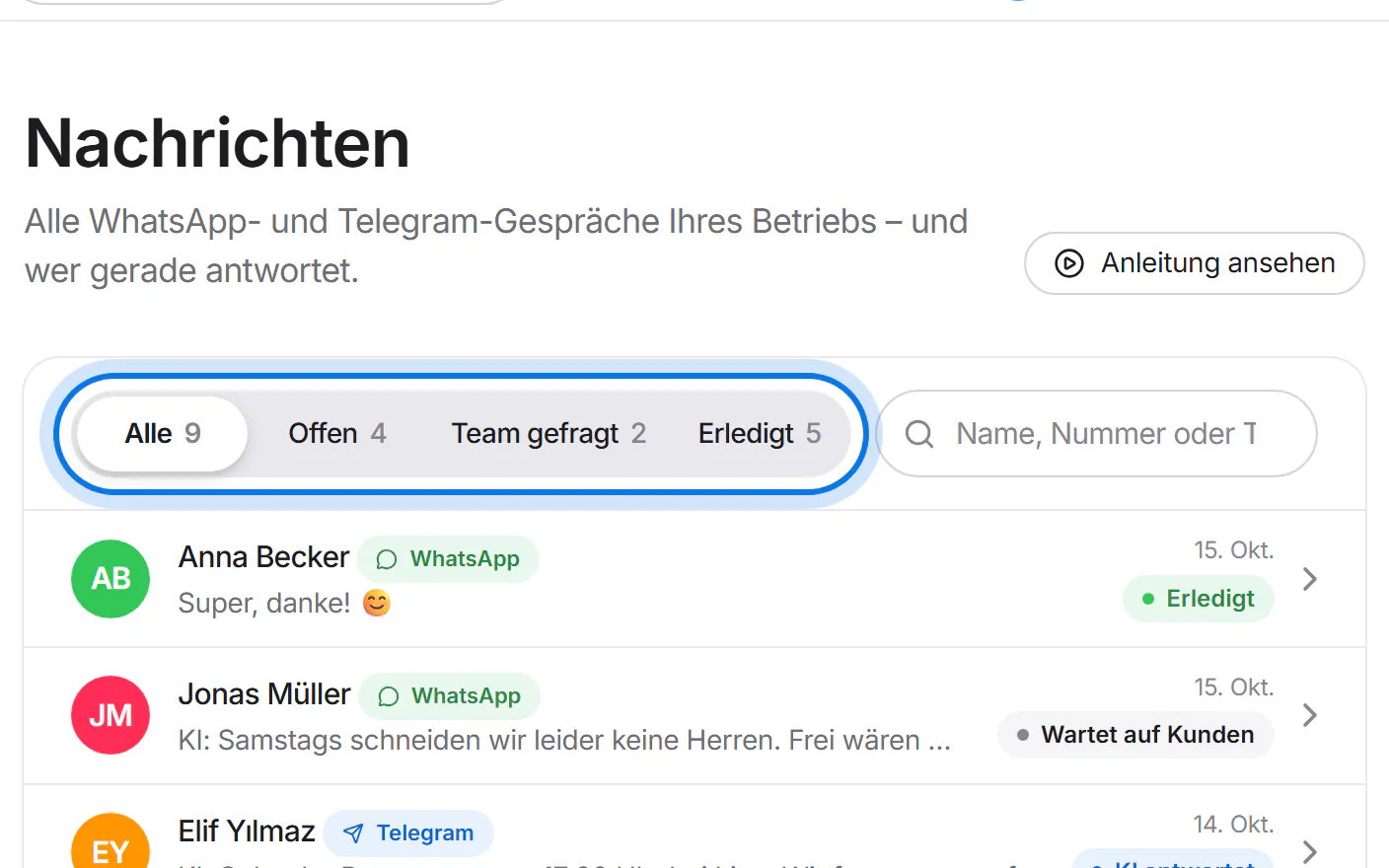
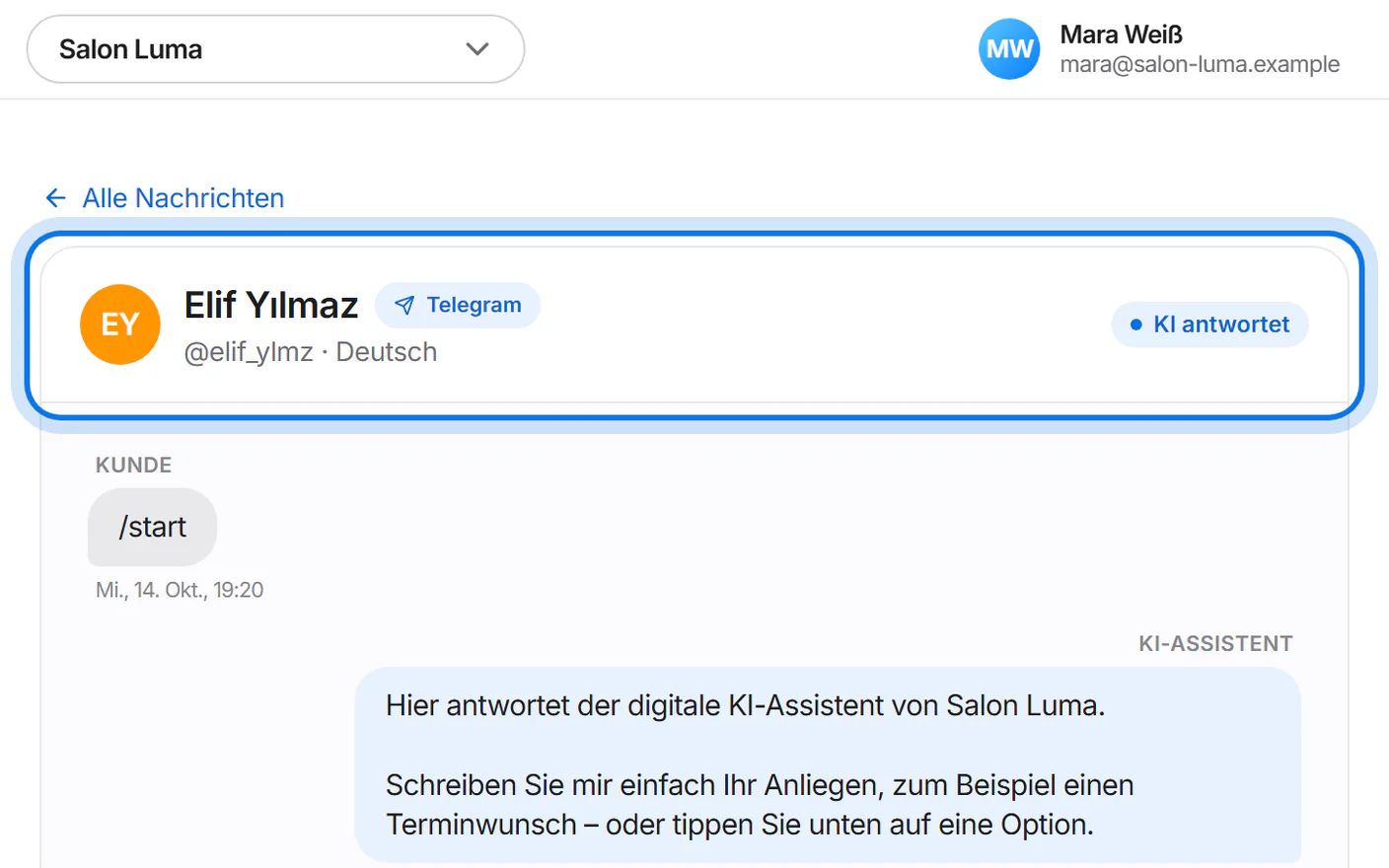
Next to each name you see where the conversation comes from: “WhatsApp” or “Telegram”.
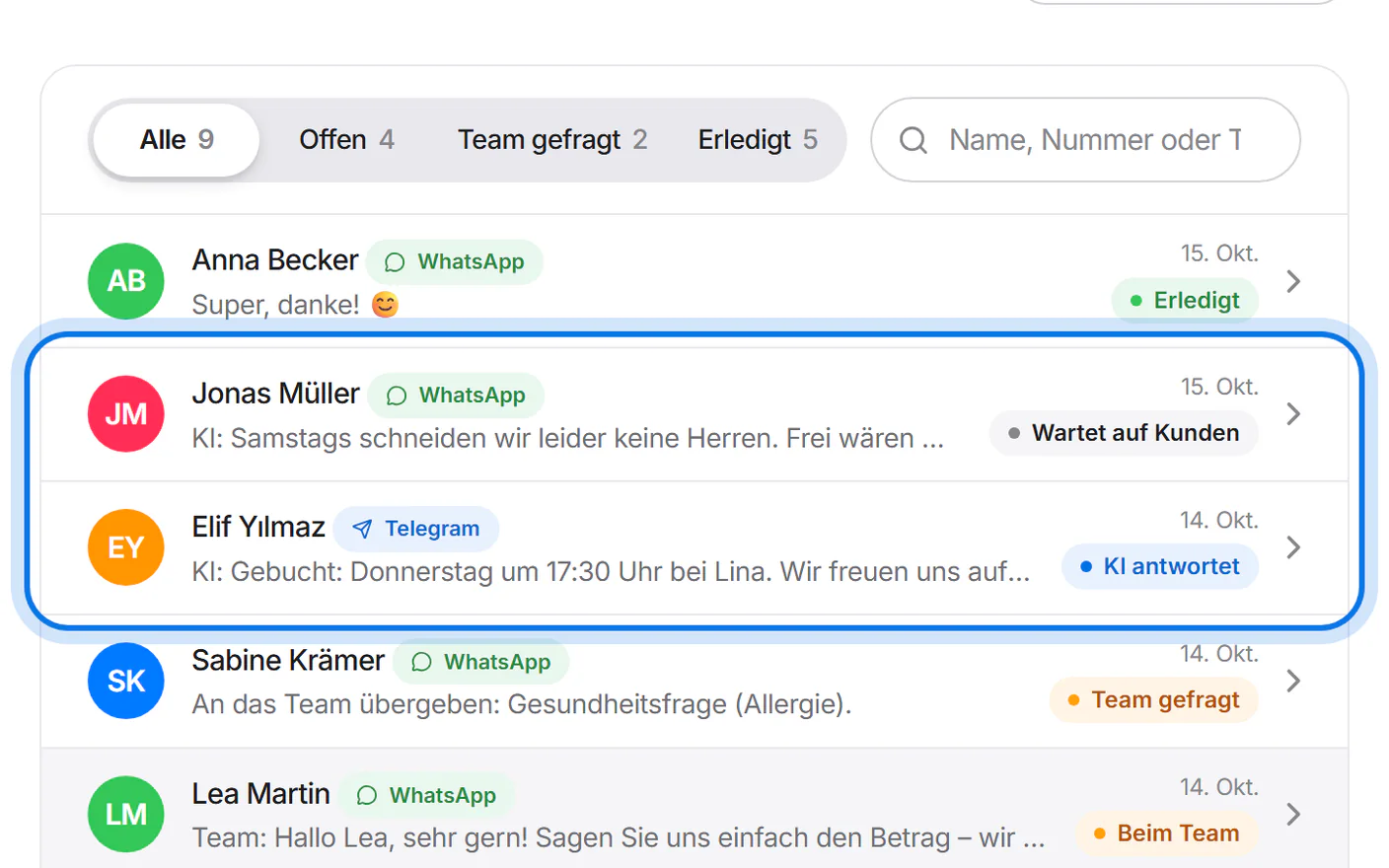
“Team gefragt” means the conversation is waiting for your team and the assistant no longer writes there. You also get an email “Übergabe angefordert” (handover requested) with a button that opens the conversation.
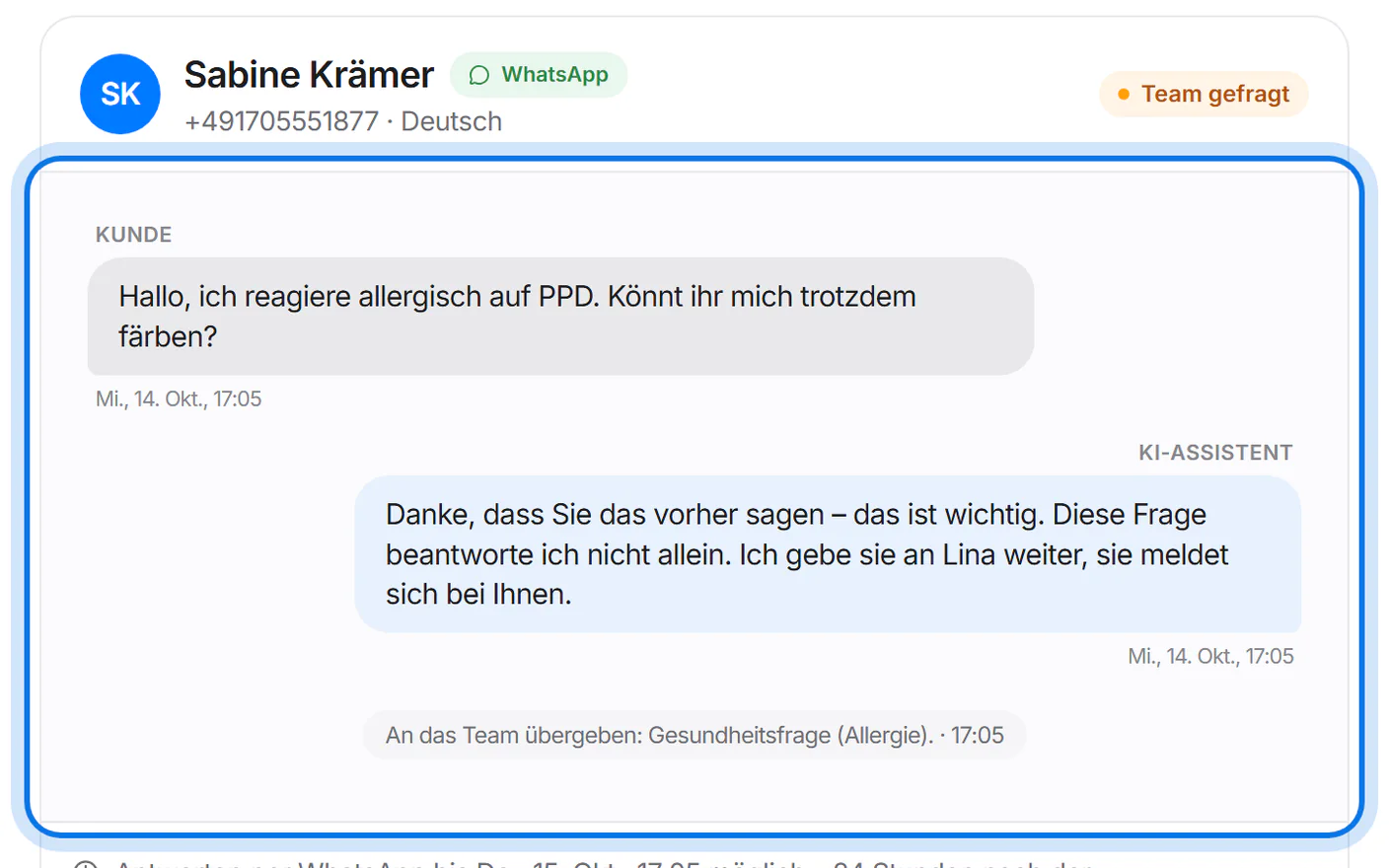
Tap a conversation to see the whole history – from the customer, the assistant and your team.
On Telegram, the customer's @name appears below their name instead of a phone number – the number only if they share it themselves. On Telegram you can reply at any time.
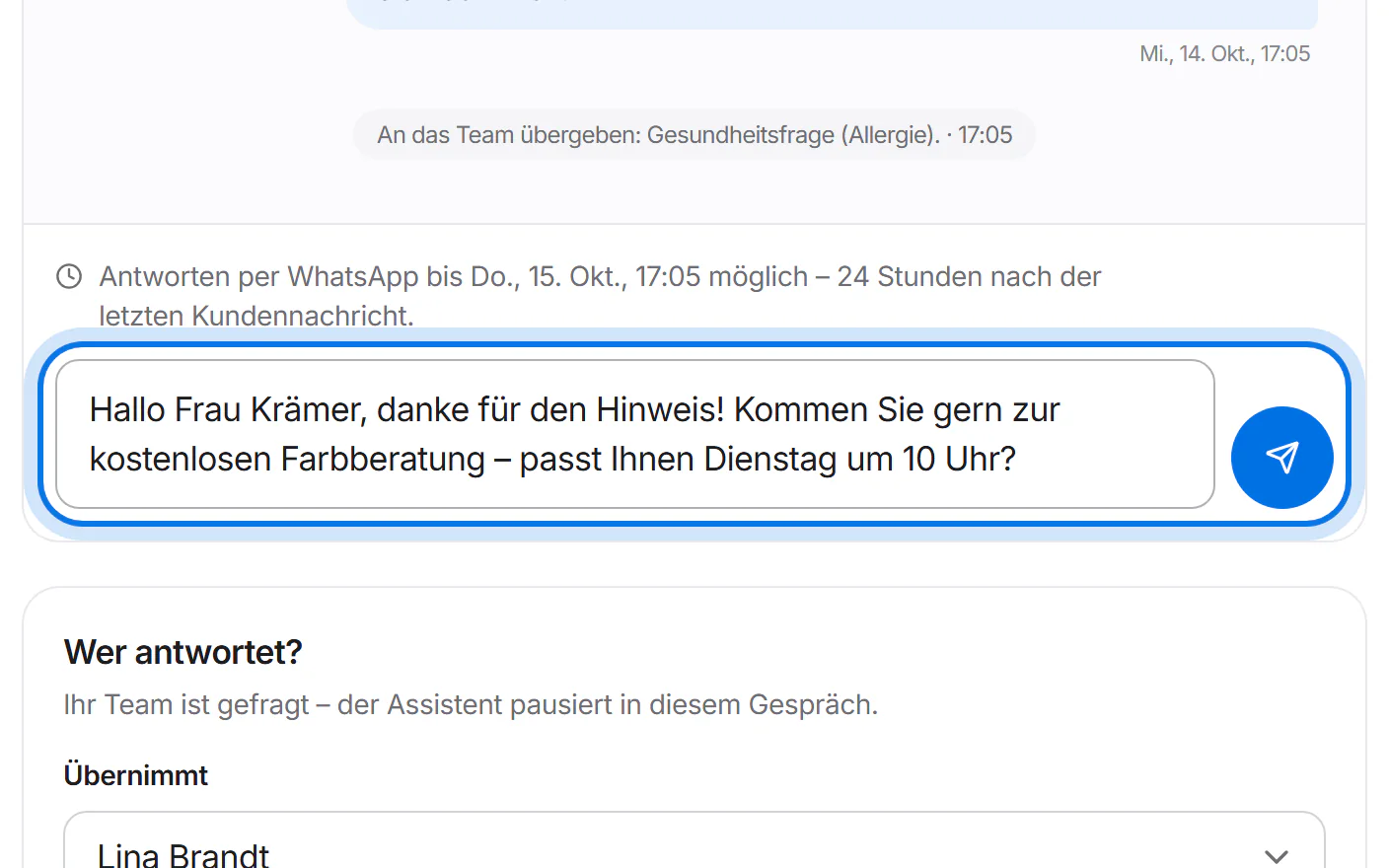
Write your reply in the field at the bottom and tap send – or press Ctrl + Enter (⌘ + Enter on a Mac). Above the field you see until when WhatsApp allows it: up to 24 hours after the customer's last message.
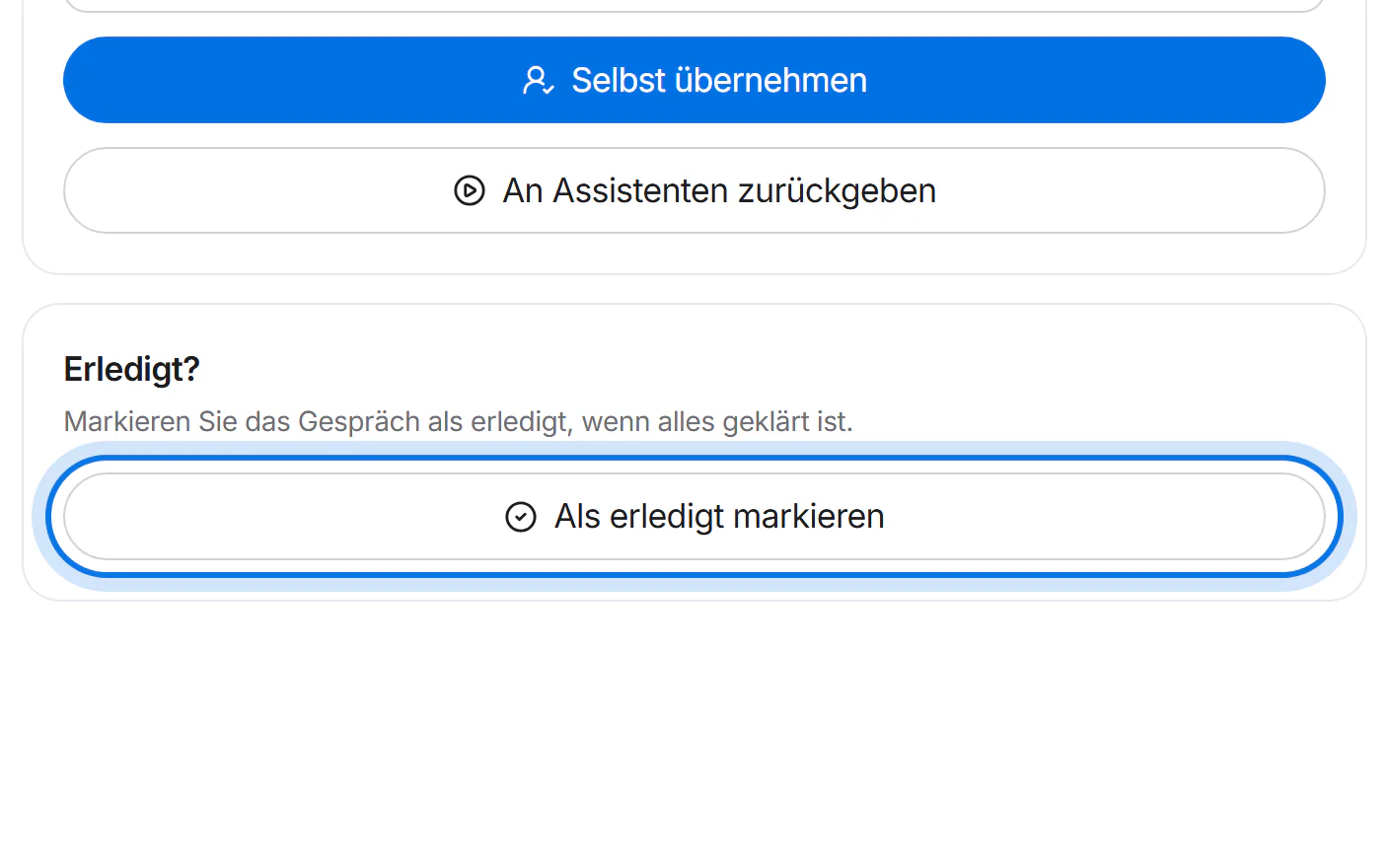
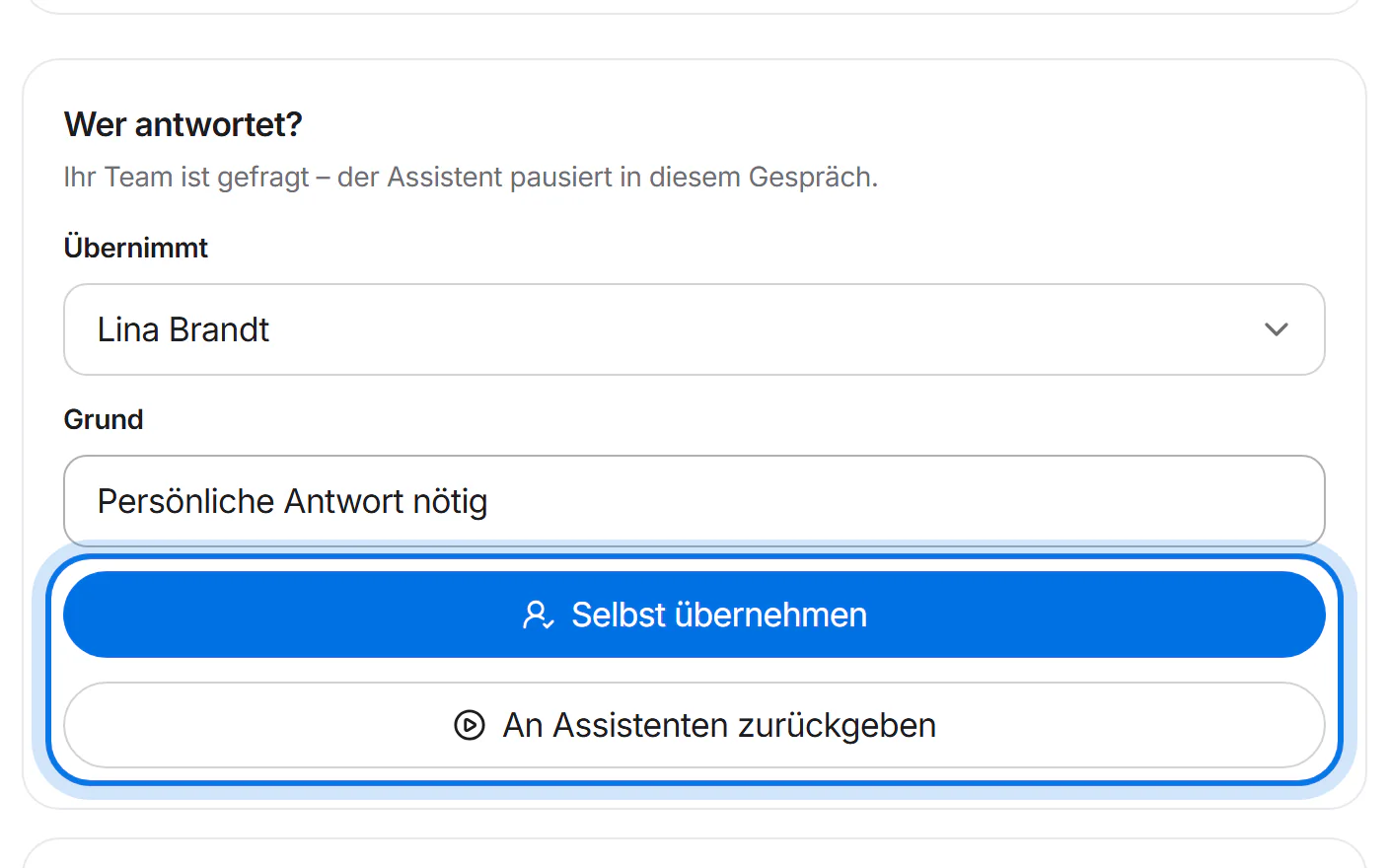
Under “Wer antwortet?” (who answers), tap “Selbst übernehmen” (take over) – this also works for “Team gefragt”. The assistant then stays quiet until you tap “An Assistenten zurückgeben” (hand back to the assistant).
When everything is settled, tap “Als erledigt markieren” (mark as done).