Create your account and get started
Your account is ready in a few minutes. After that, the setup guides you step by step to a working assistant.
6 steps about 3 min
Step by step
Open the “Konto erstellen” (create account) page with the button at the top right of our website.
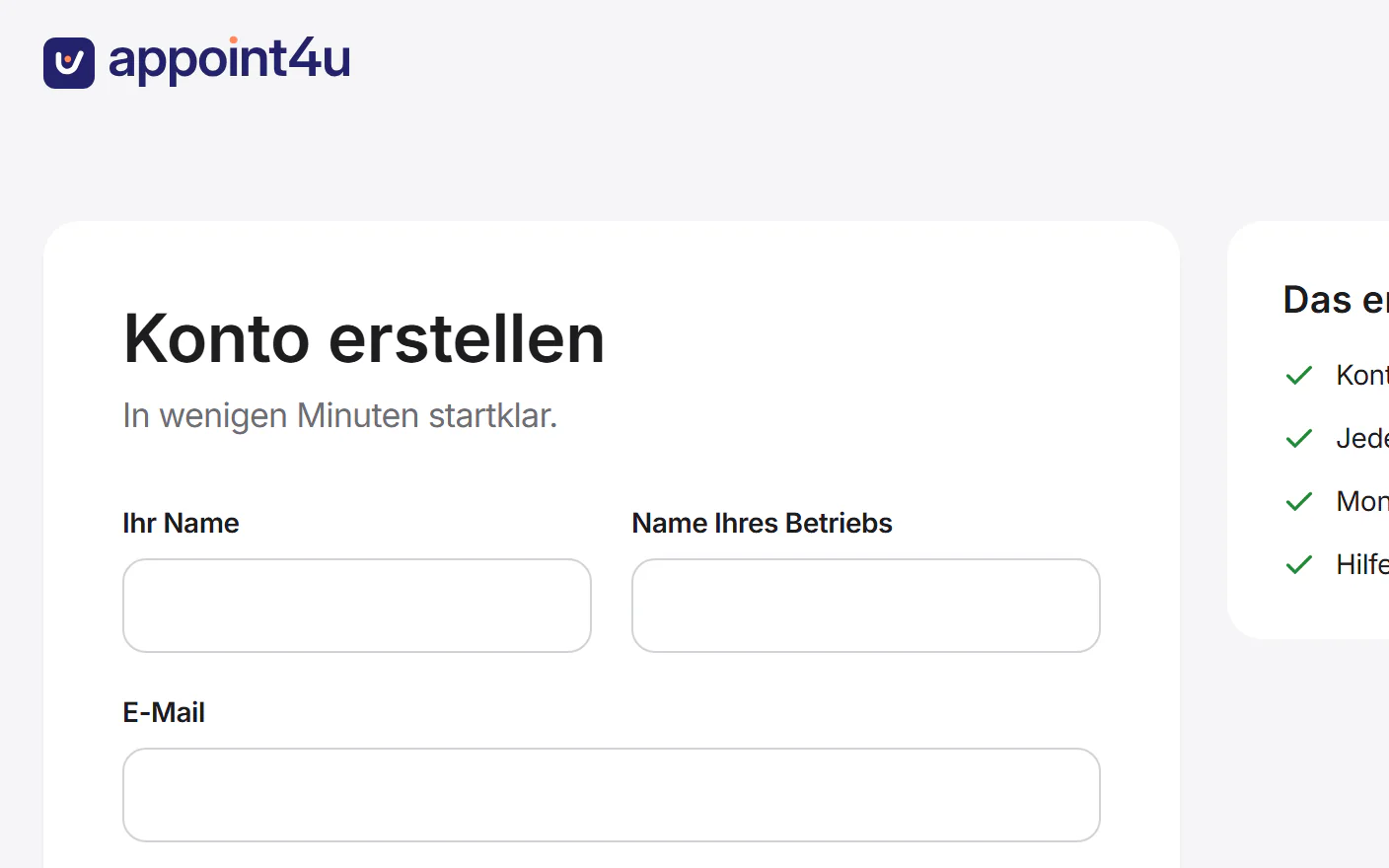
Enter your name, your business name, your email address and a password with at least 12 characters.
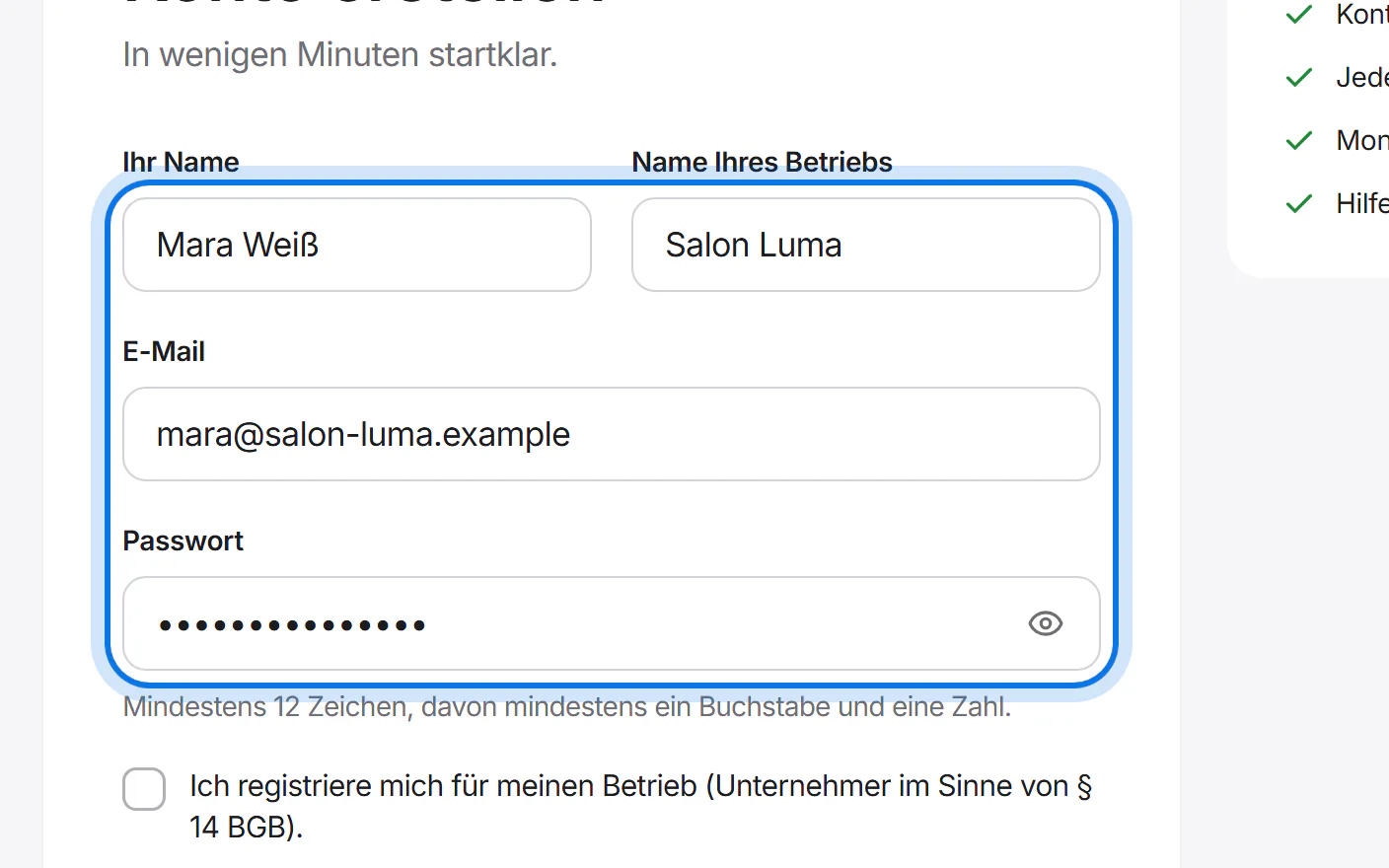
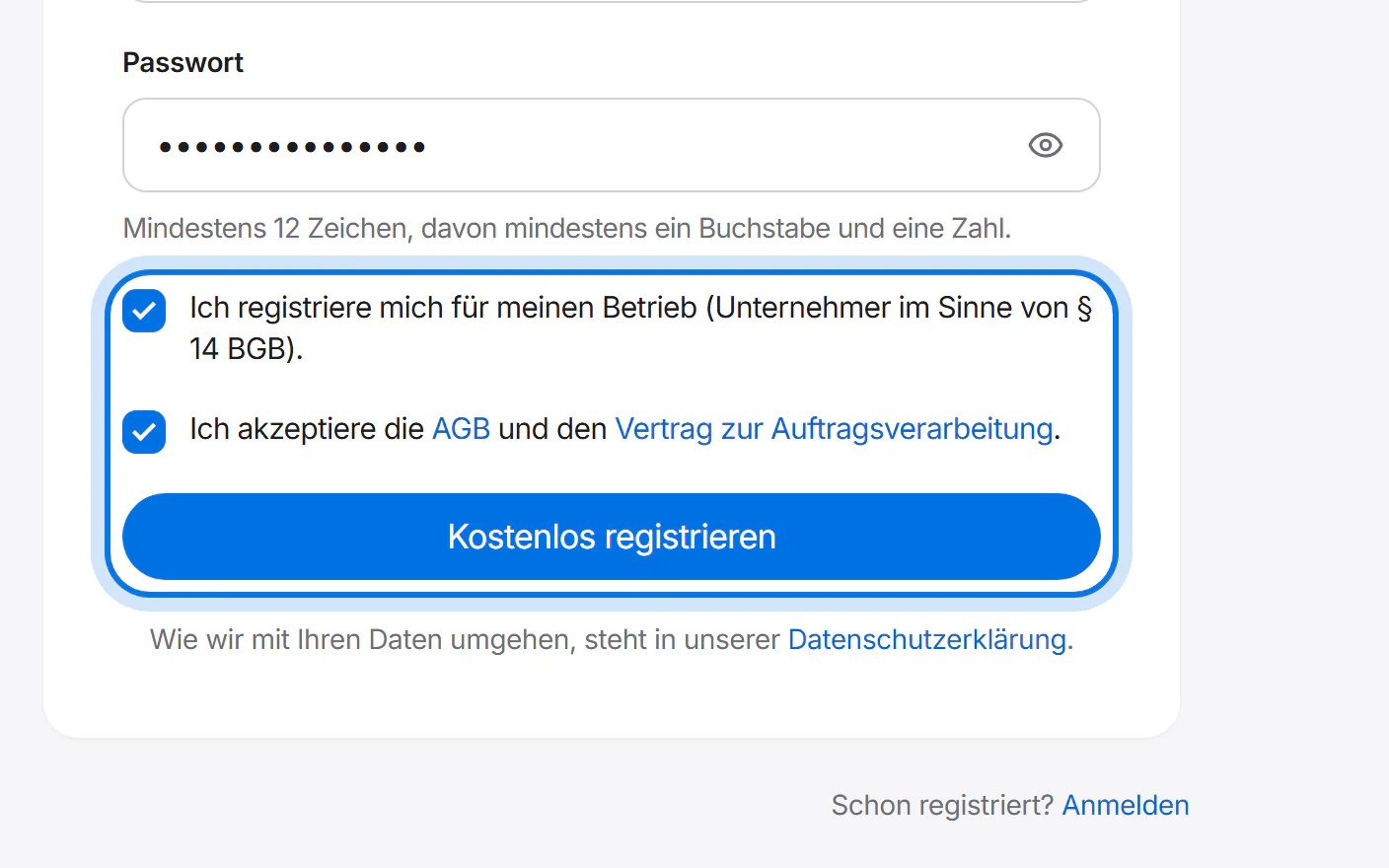
Tick the boxes and tap the blue button to sign up.
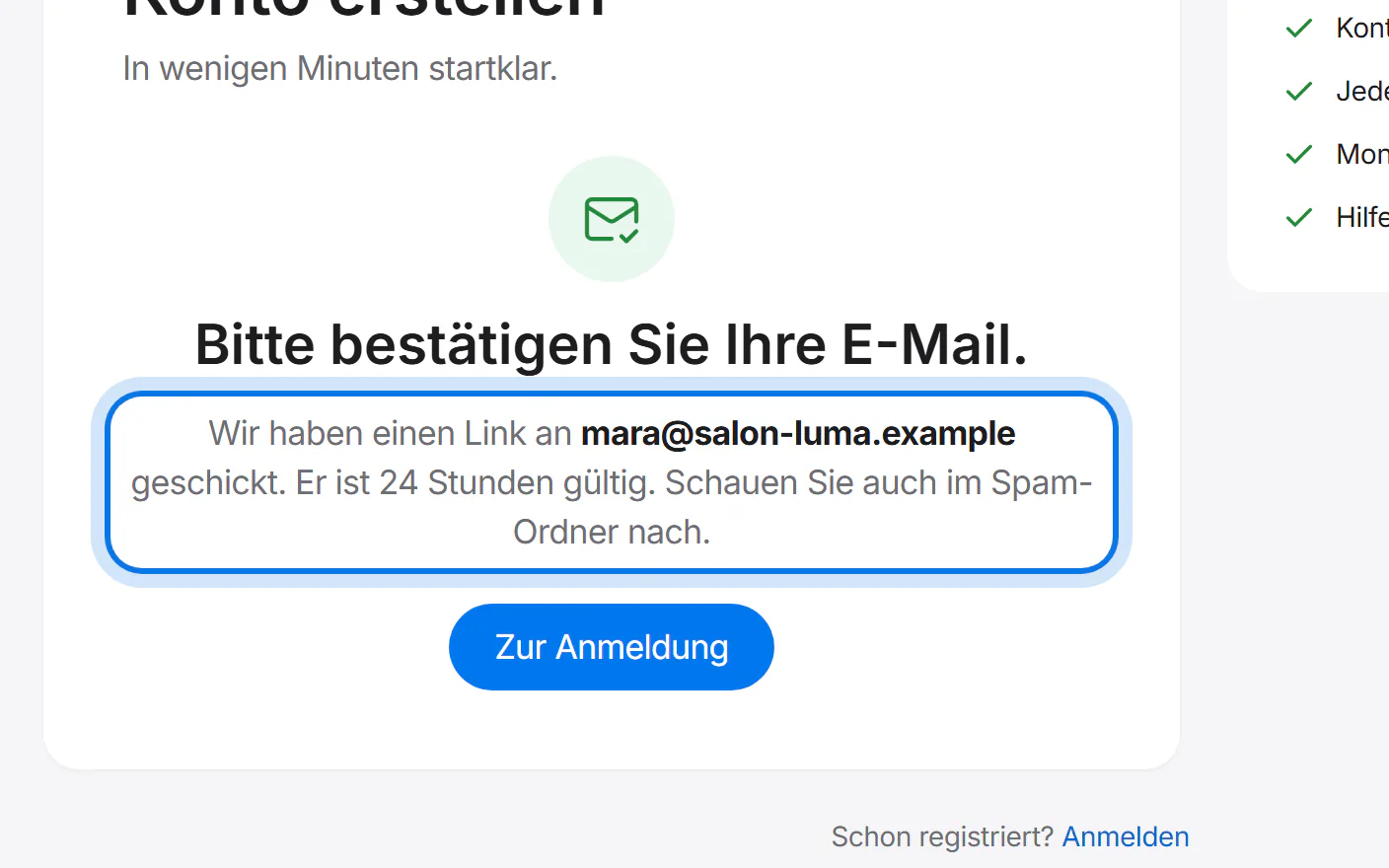
We send you an email. Tap the link in it – it is valid for 24 hours.
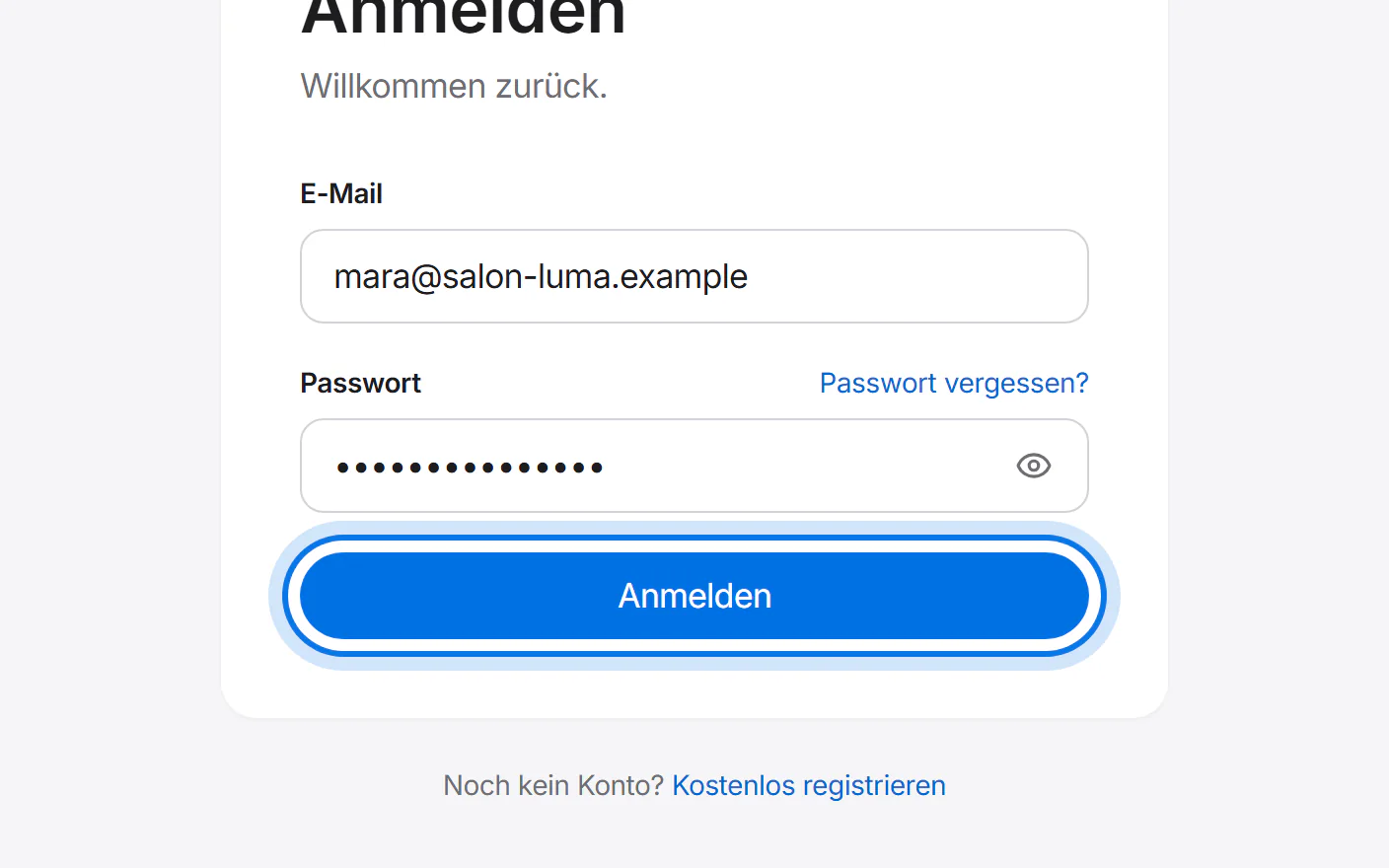
Then sign in with your email address and password.
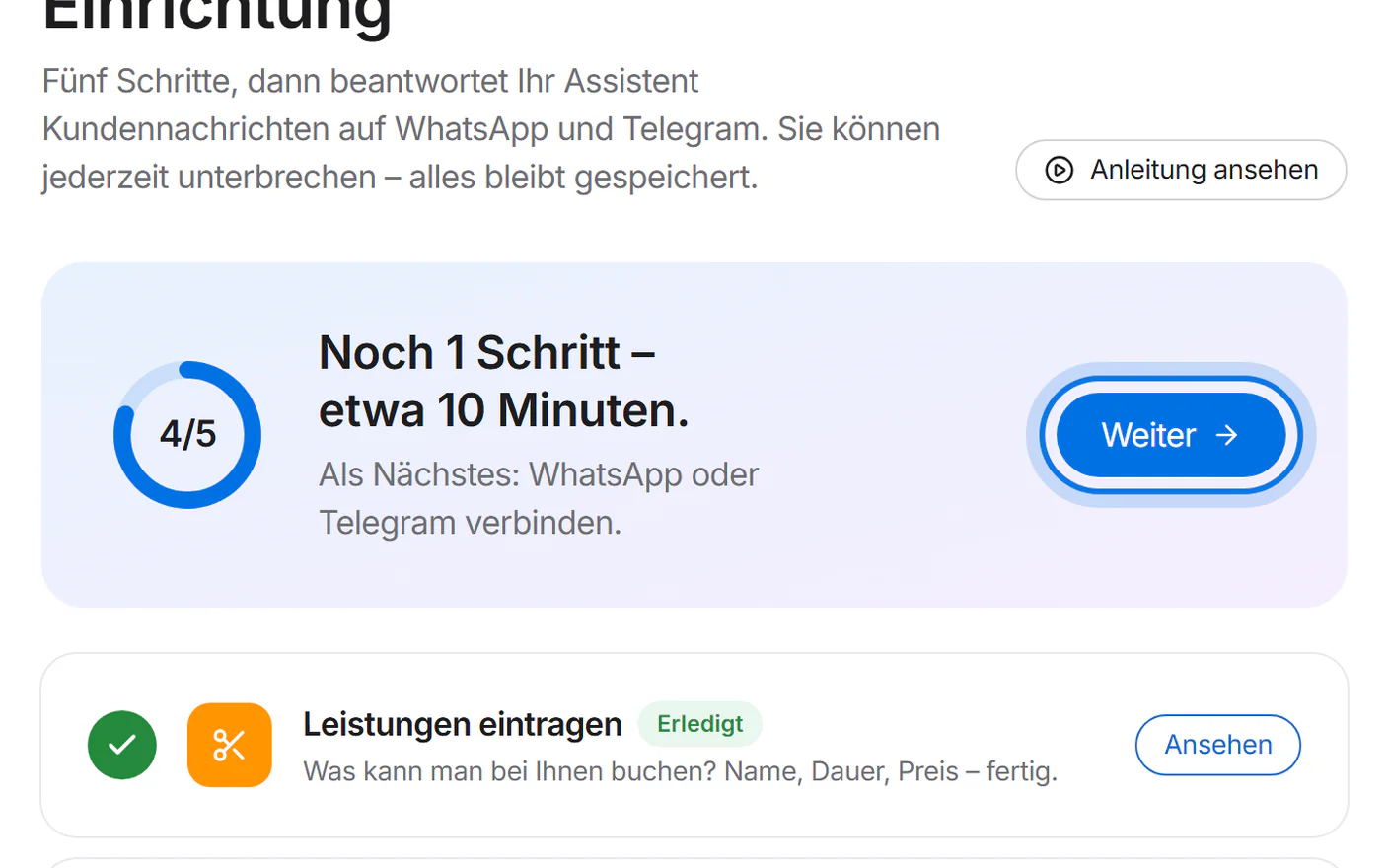
You arrive at the setup. Tap “Weiter” (next) to go through the five steps one by one.