Choose a plan and cancel
Under “Vertrag & Rechnungen” (plan & invoices) you choose your plan – the first 30 days are free. Cancelling takes two steps, no phone call.
10 steps about 3 min
Choose a plan
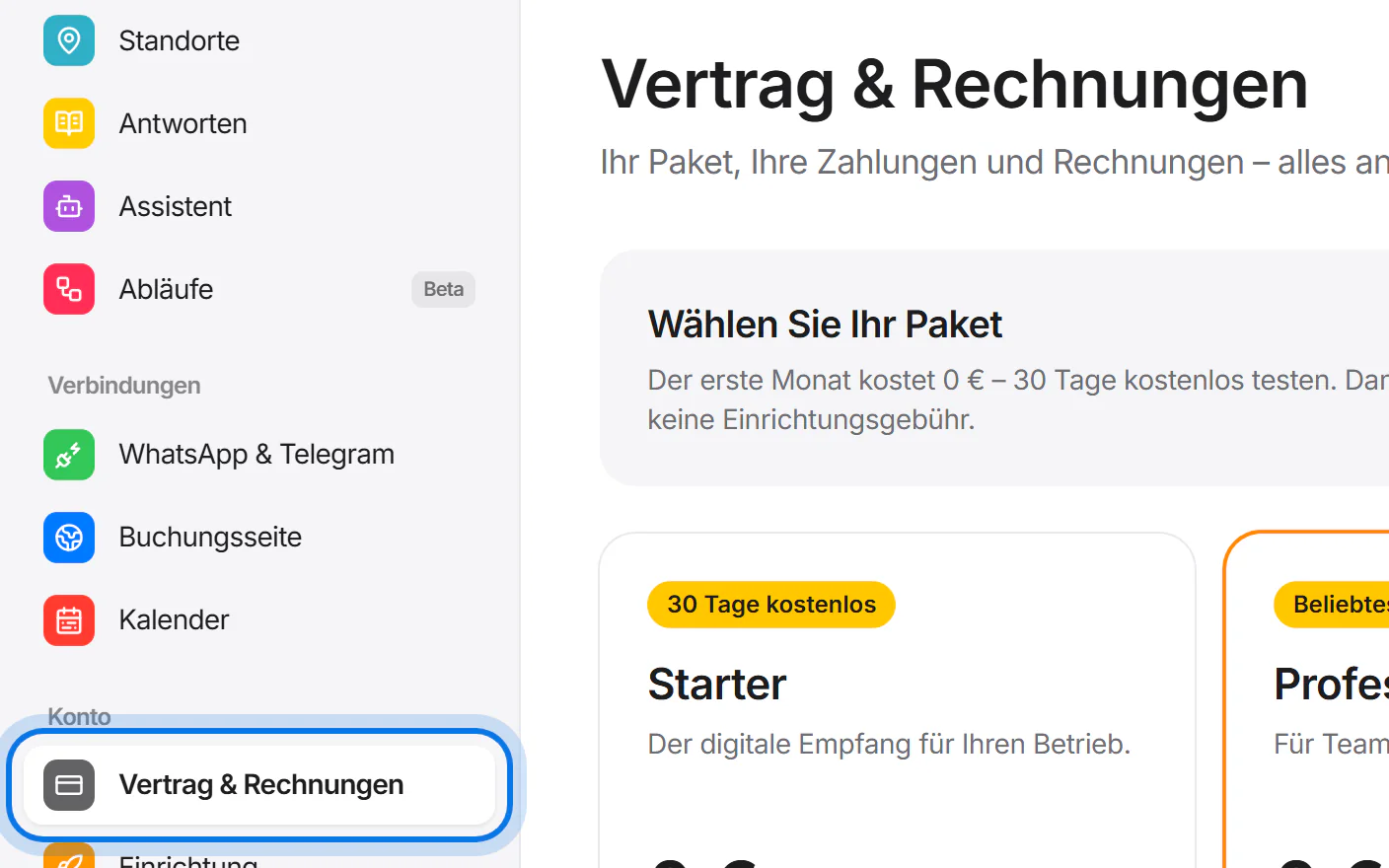
Open “Vertrag & Rechnungen” (plan & invoices) in the menu on the left.
Choose whether you want to pay monthly or yearly.
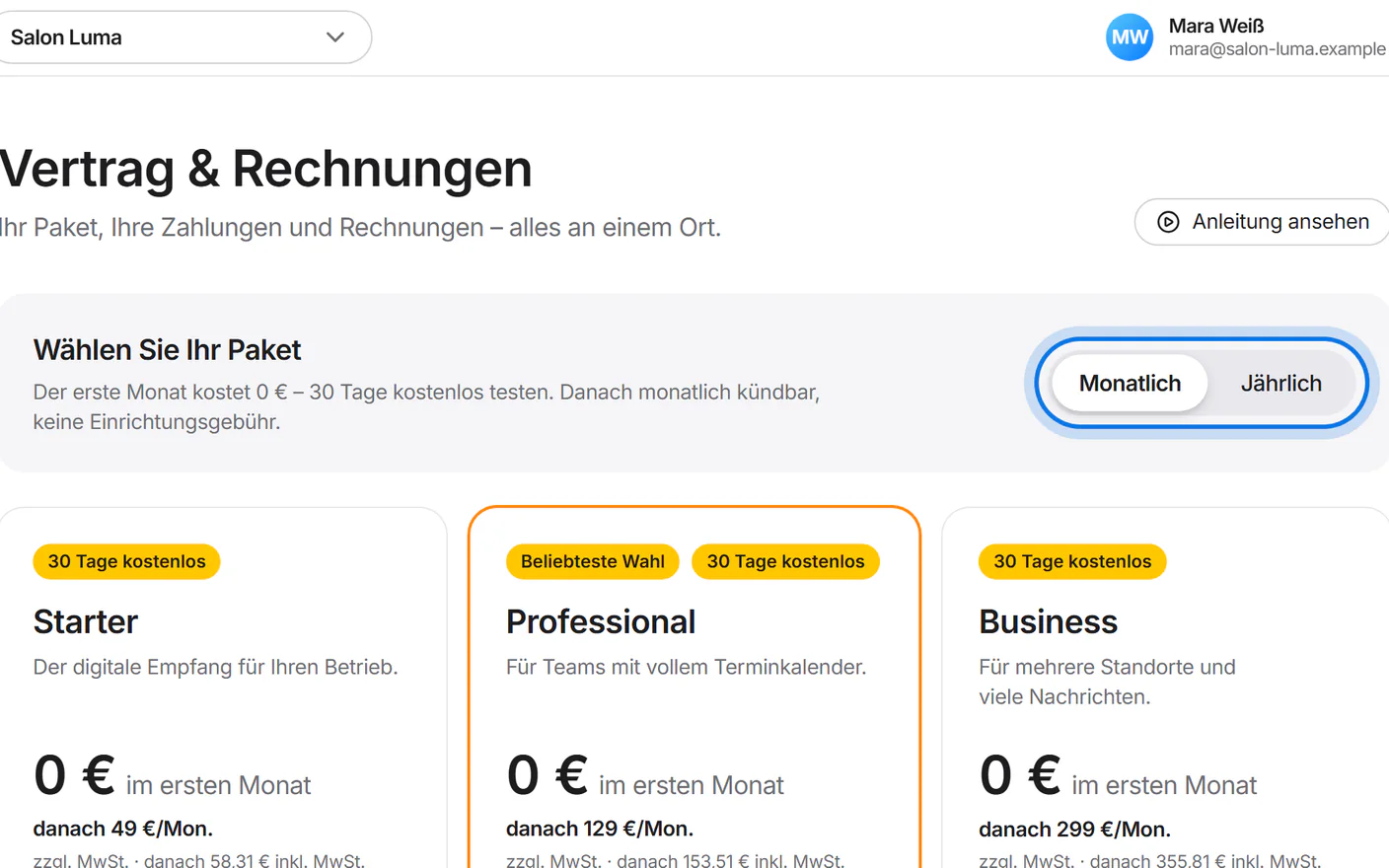
Tap “30 Tage kostenlos testen” (try free for 30 days) on the plan that suits you.
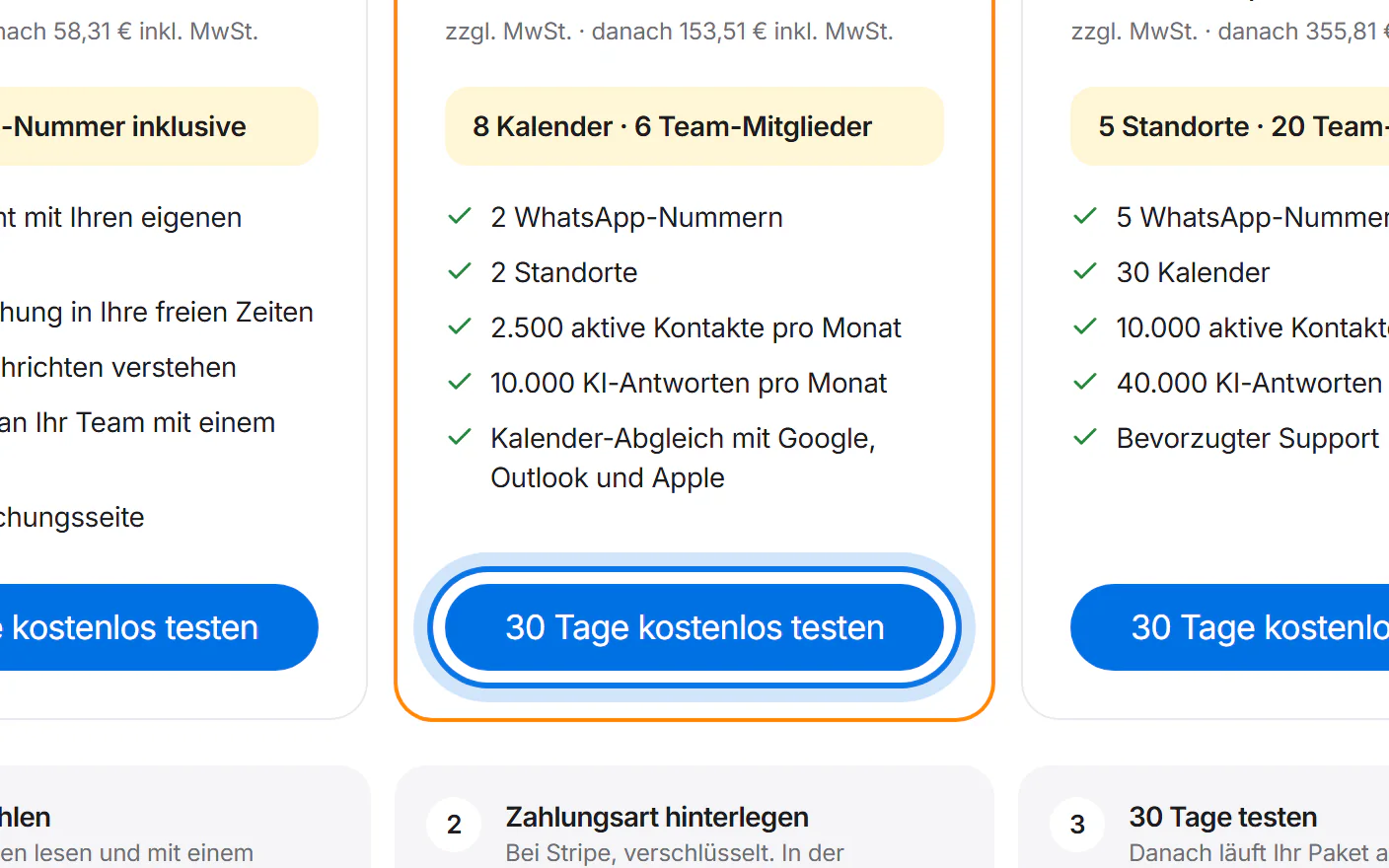
Read the terms, tick the box and tap “30 Tage kostenlos testen – danach kostenpflichtig” (try free for 30 days – paid afterwards).
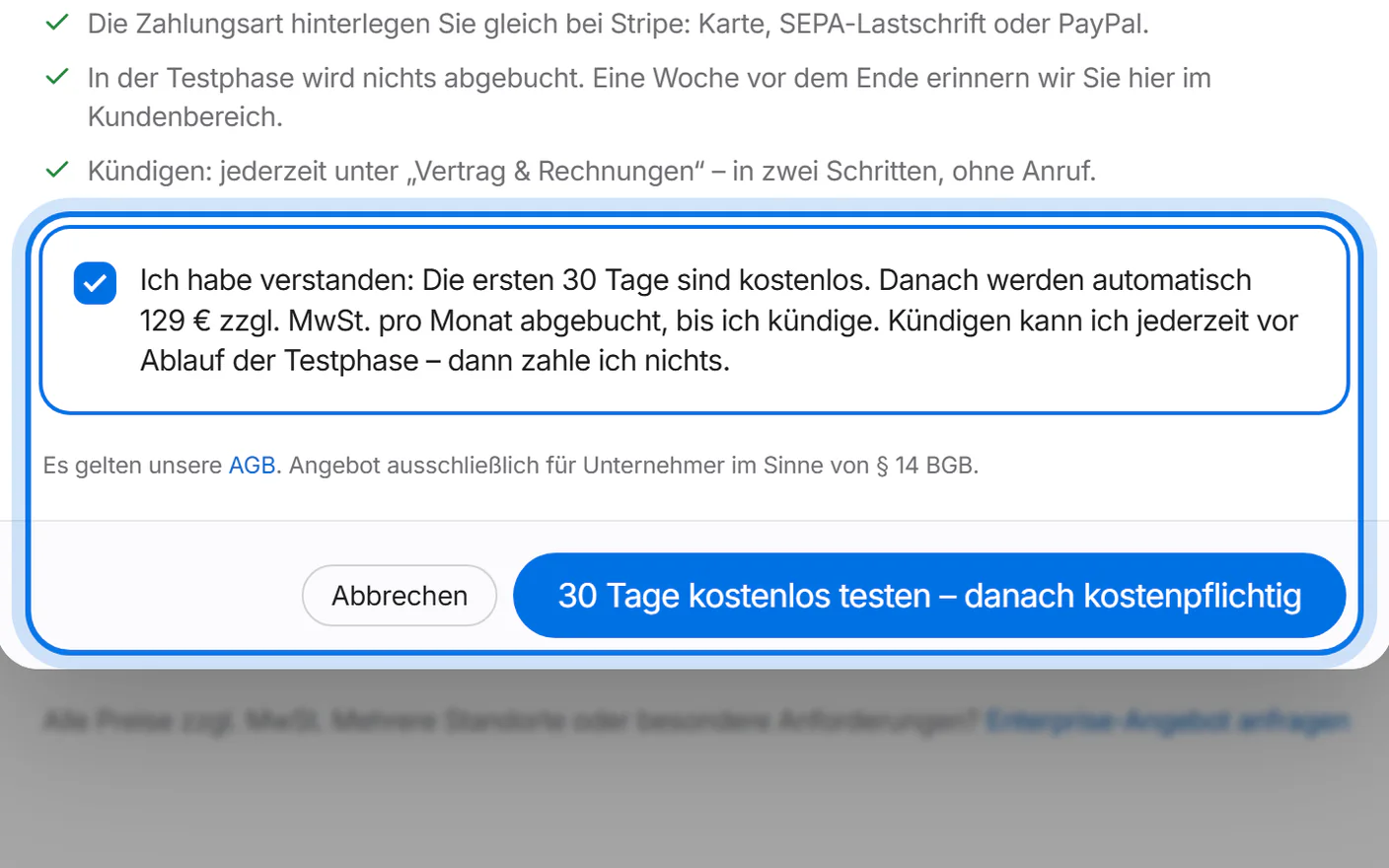
At Stripe you add your payment method and accept the terms. Nothing is charged during the 30 days.
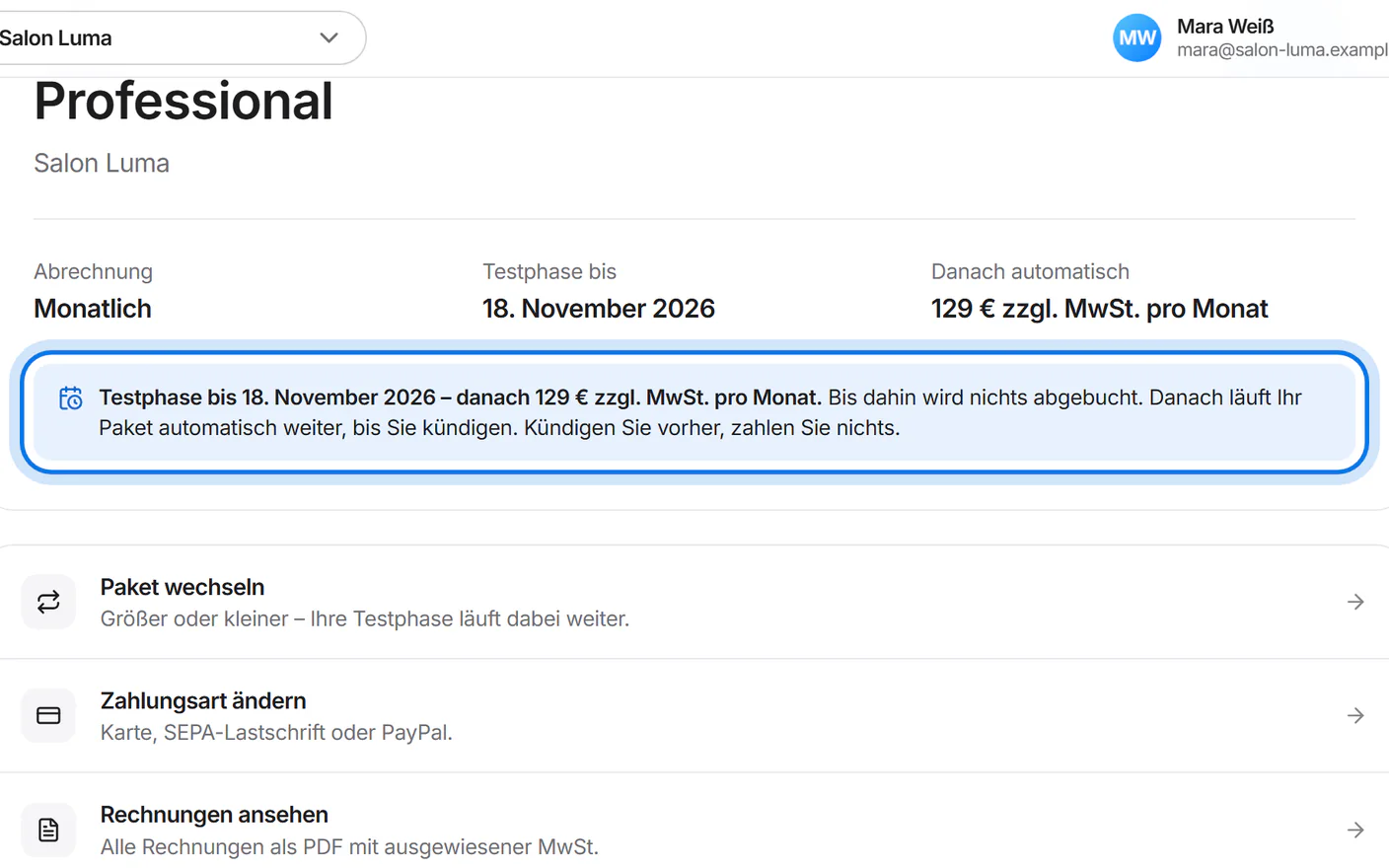
Simplified drawing – Stripe's page looks different. Here you see until when the trial runs and what it costs afterwards. Then your plan continues automatically – a notice reminds you in the last 7 days.


Cancel
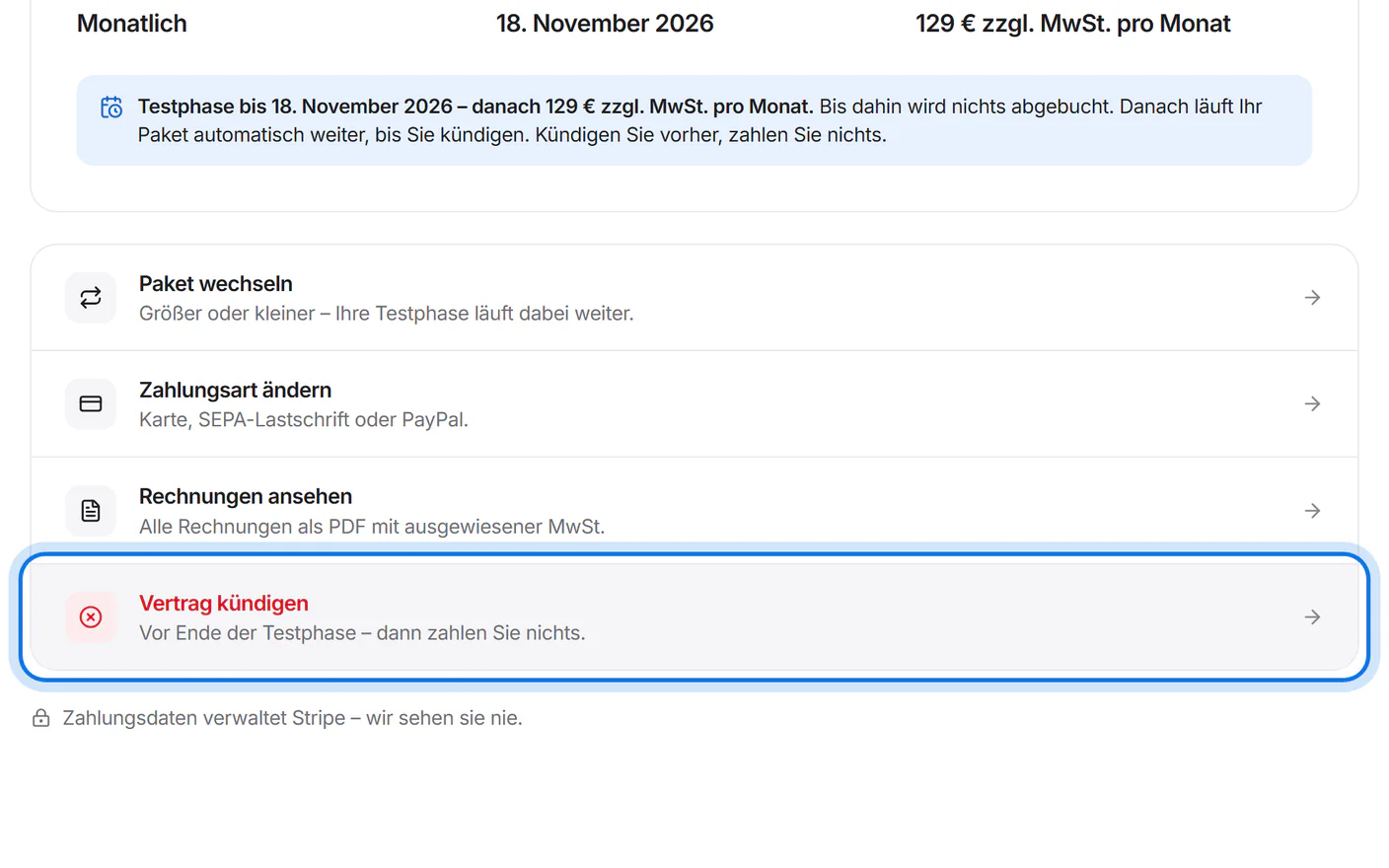
Tap “Vertrag kündigen” (cancel contract).
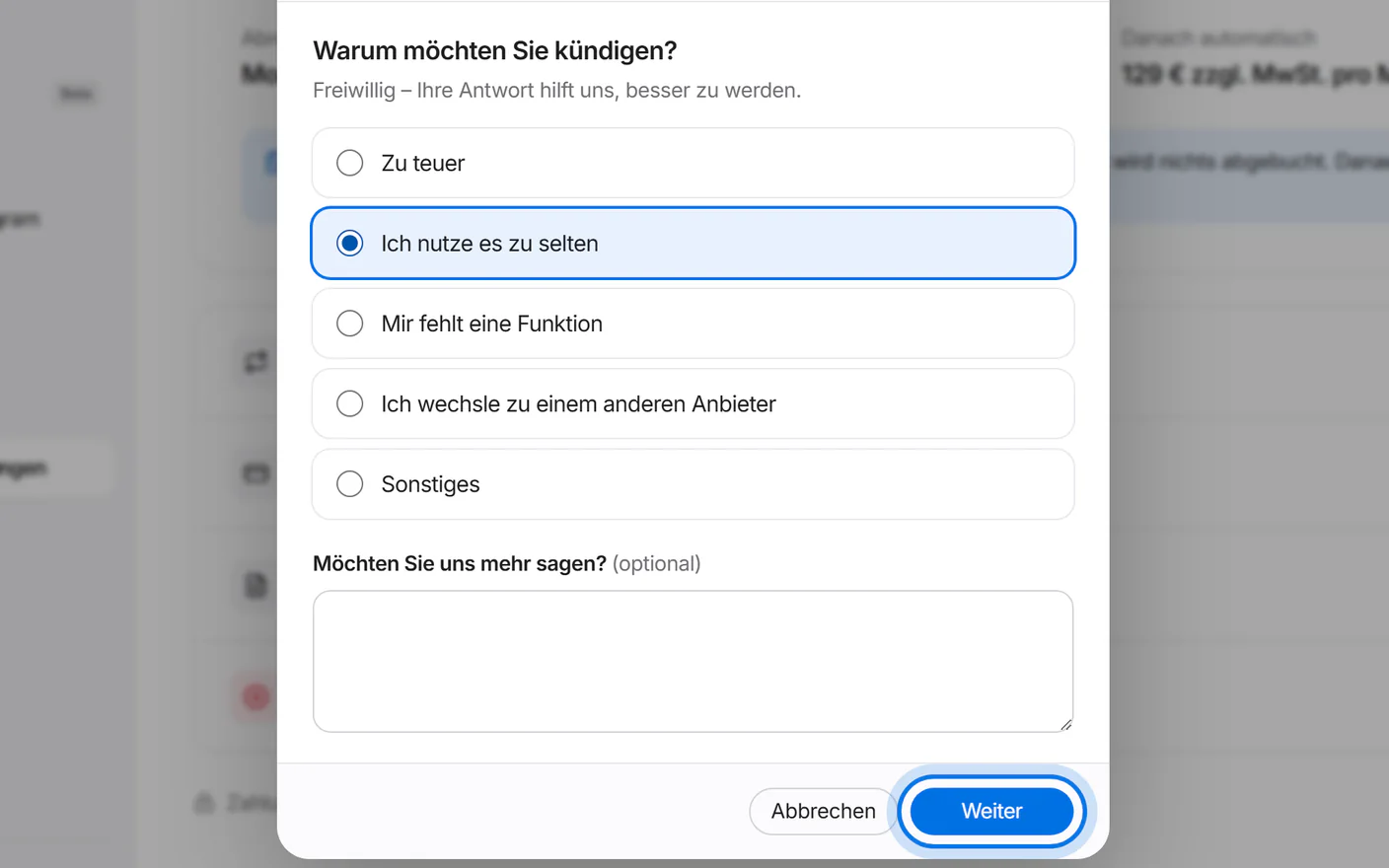
Give a reason if you like and tap “Weiter” (continue).
Step two shows an offer to stay. If you still want to cancel, tap “Nein danke, trotzdem kündigen” (no thanks, cancel anyway).
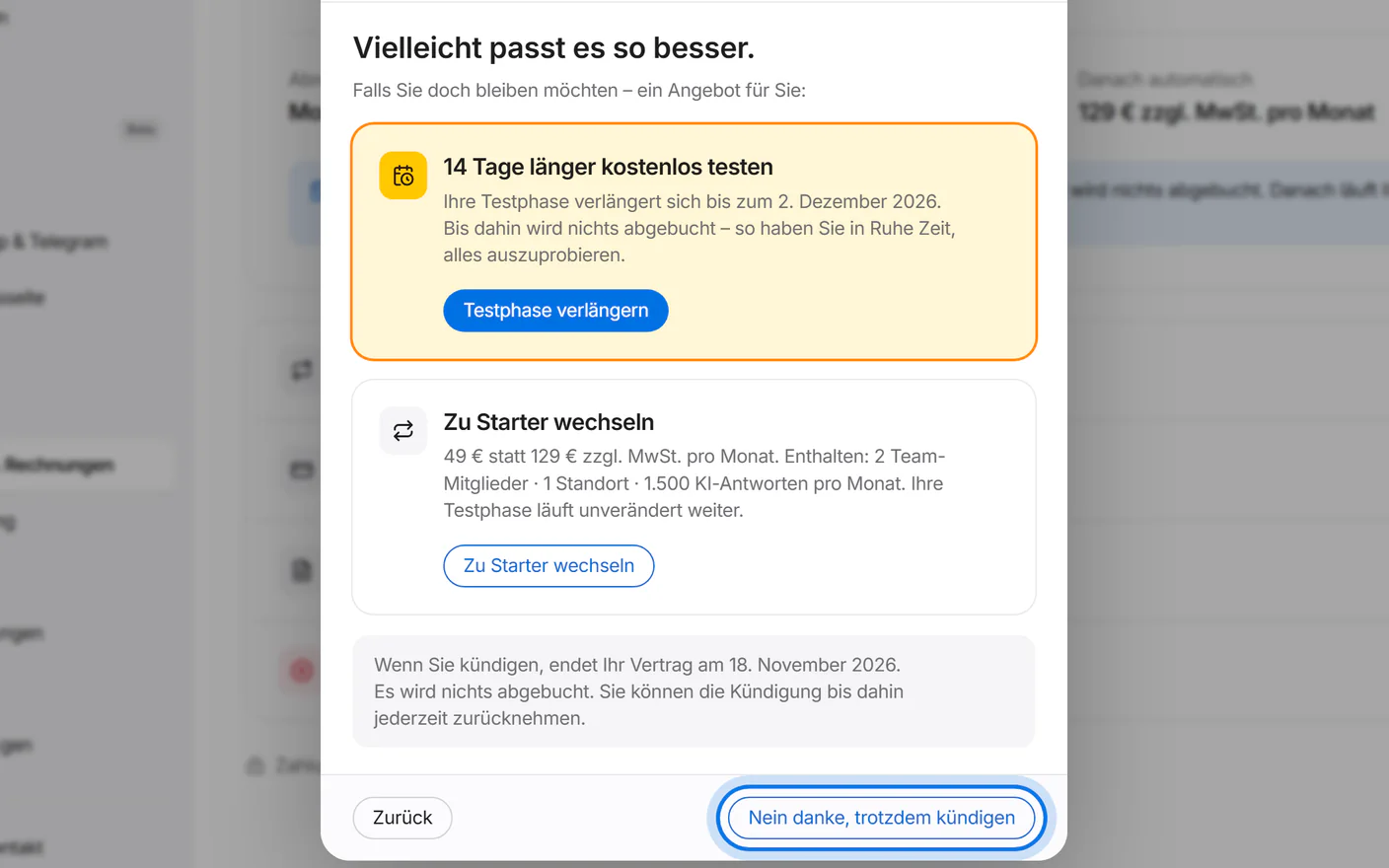
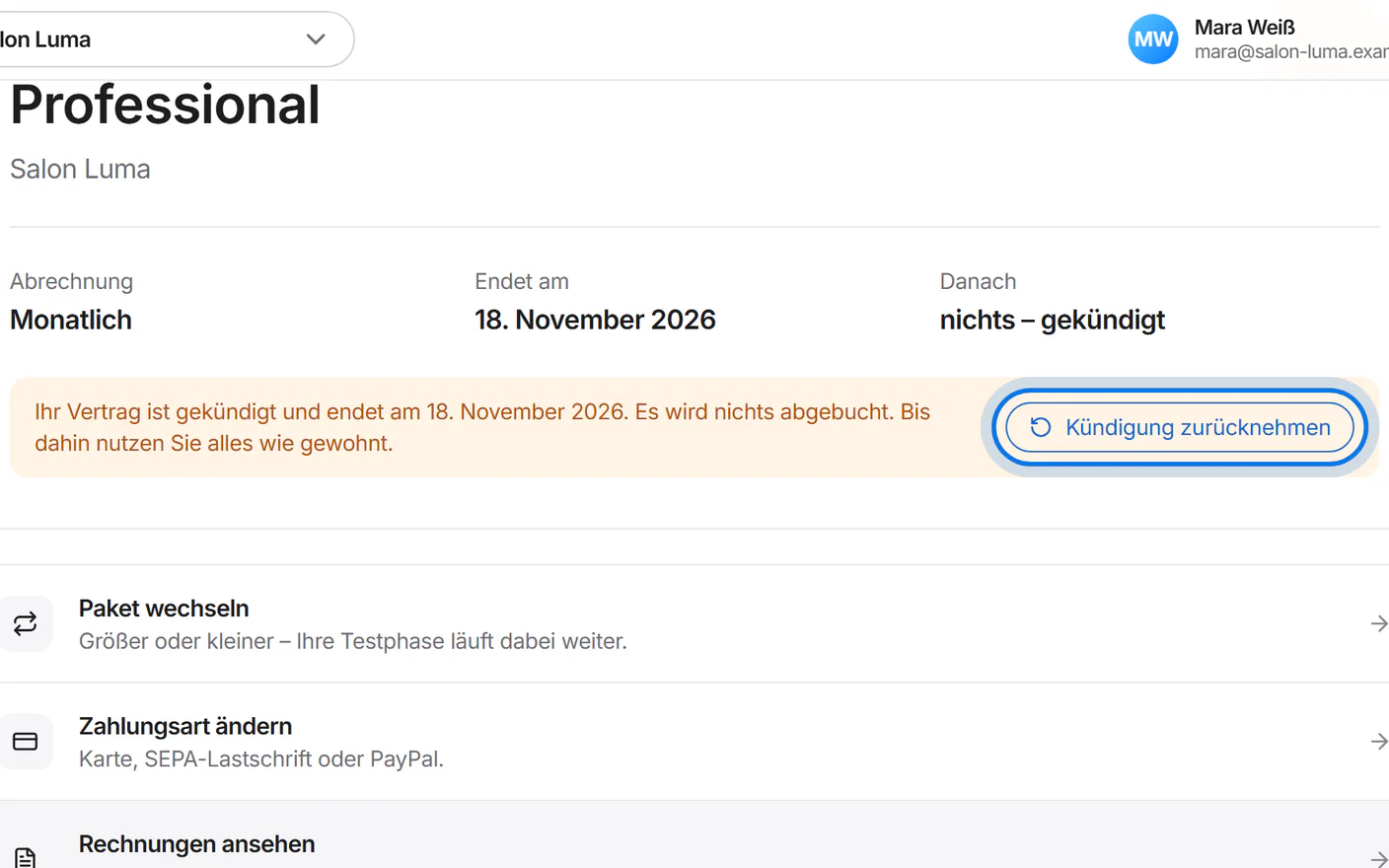
Your contract ends at the end of the trial or the paid period. Until then, “Kündigung zurücknehmen” (withdraw cancellation) undoes it.