Design your booking page and share the link
Your own page where customers book around the clock. Here is how to adjust it, share the link – and how your customers book.
14 steps about 5 min
Design the page
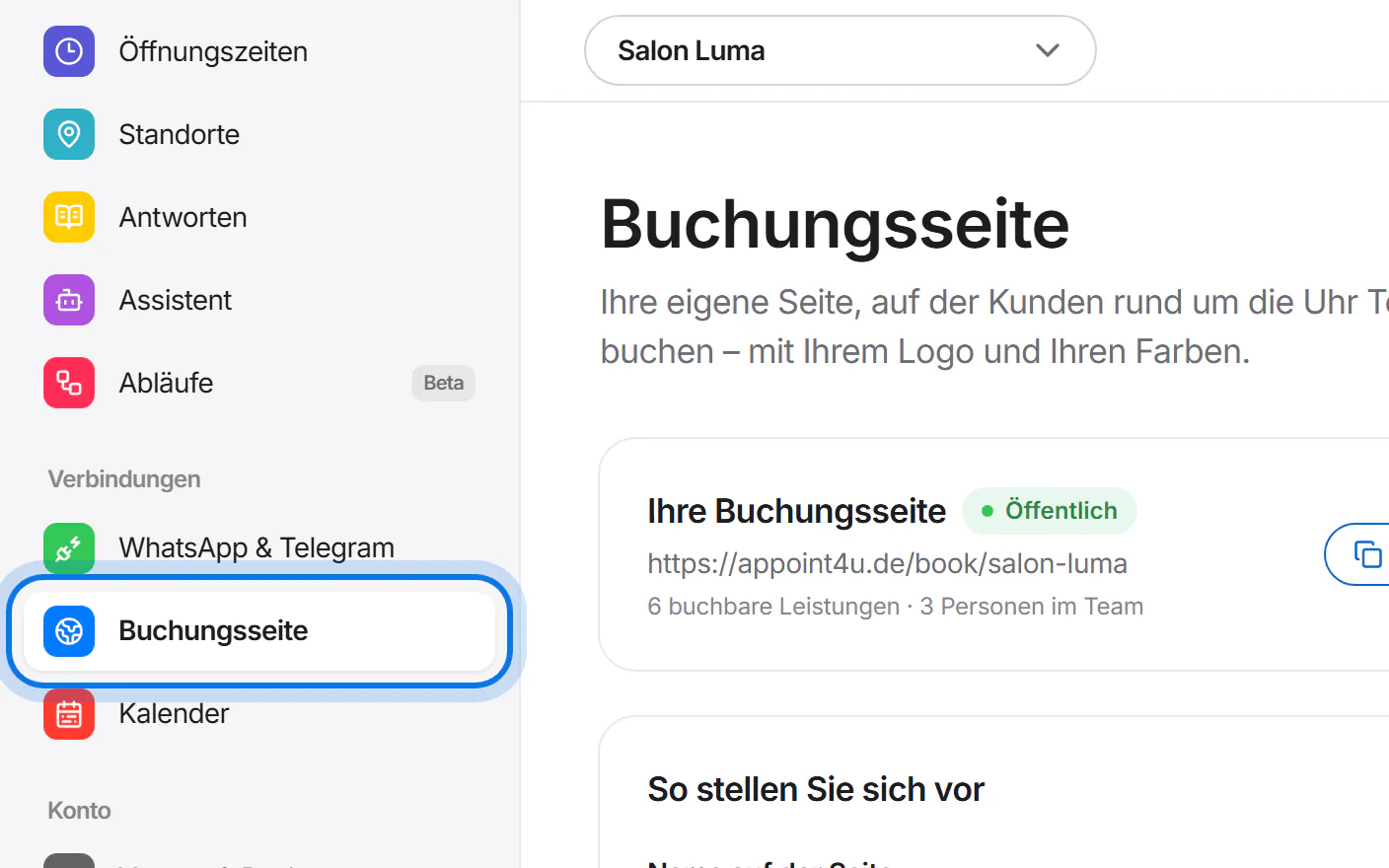
Open “Buchungsseite” (booking page) in the menu on the left.
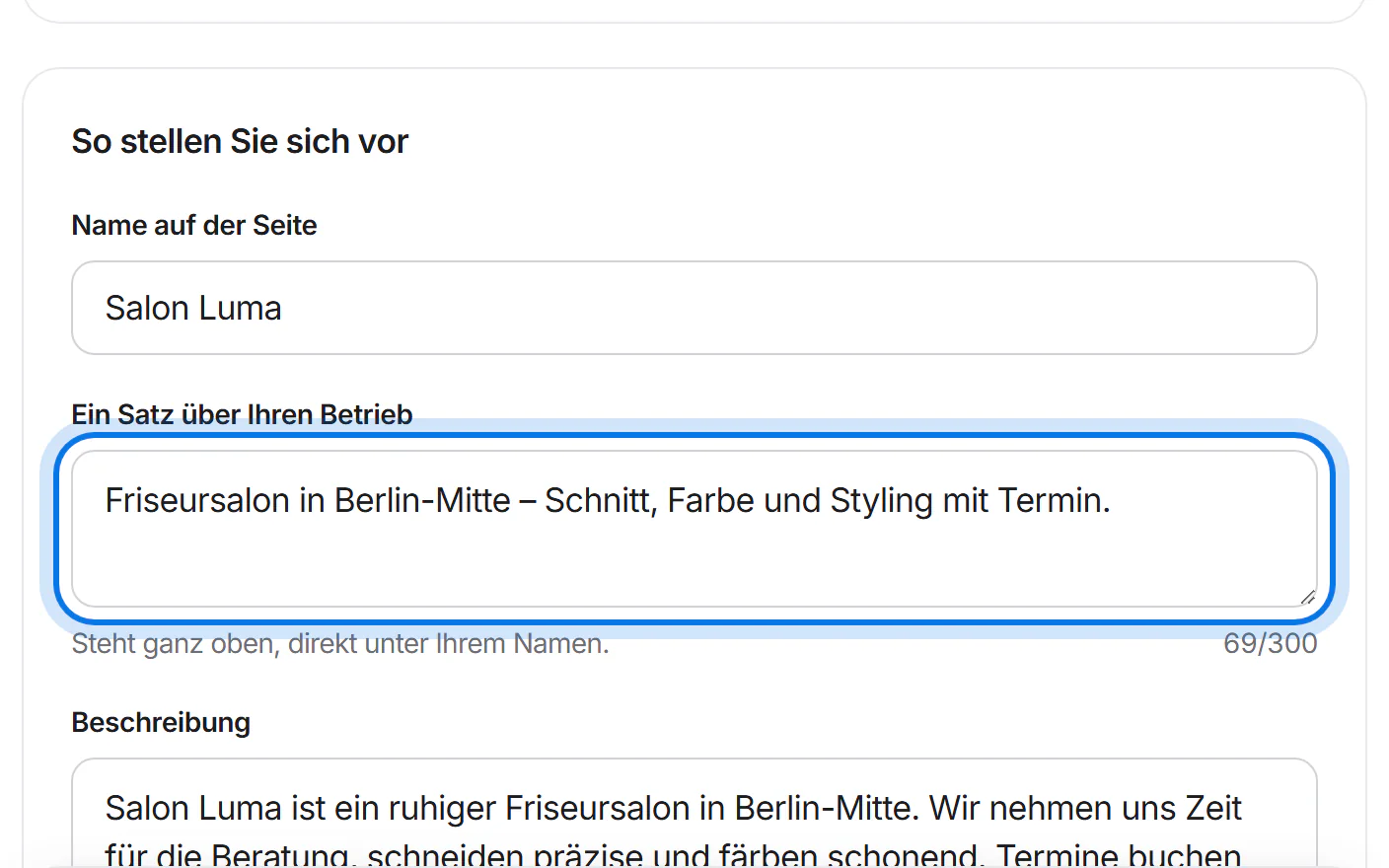
Adjust the texts – for example the sentence about your business.
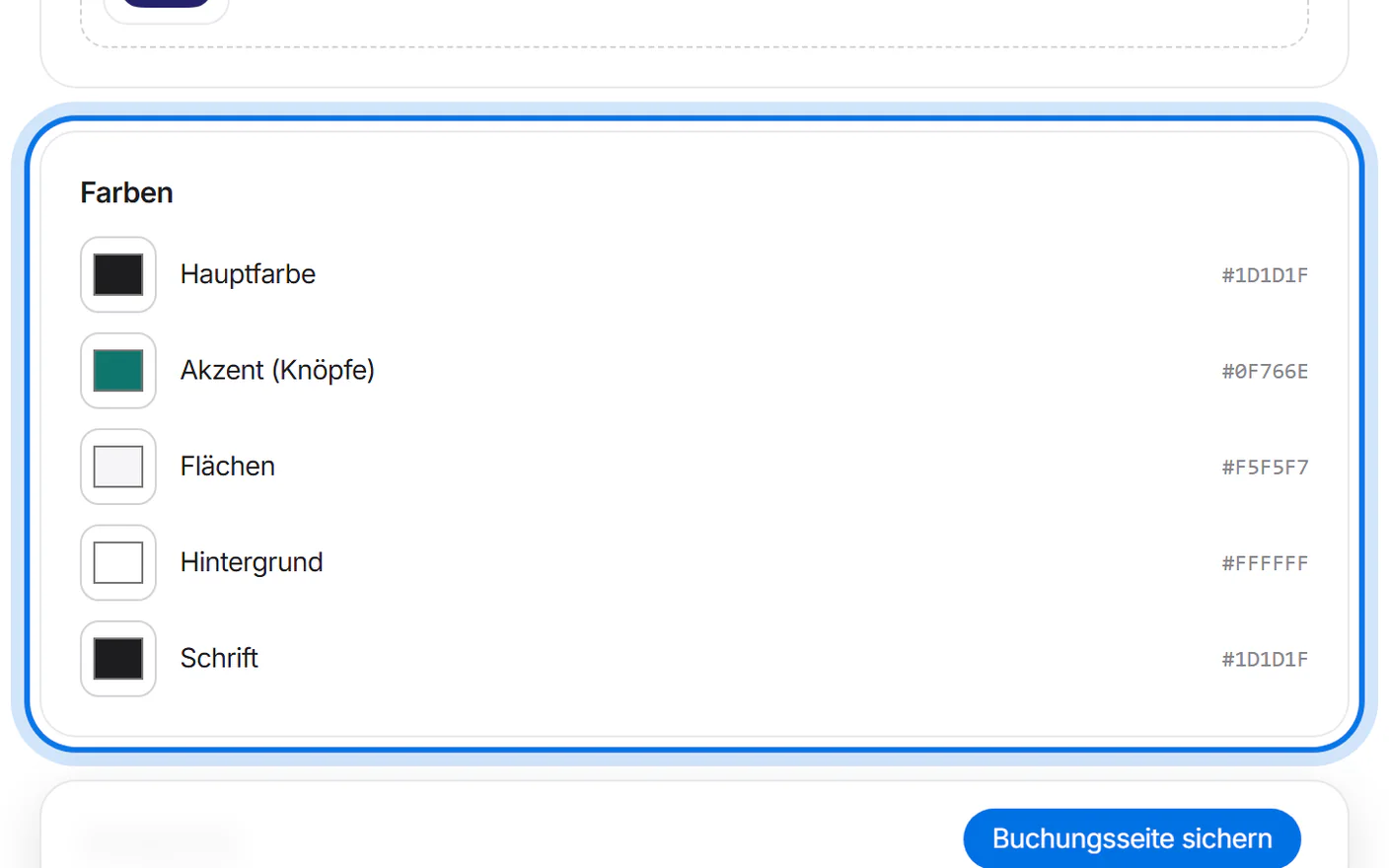
Choose your colours, for example the colour of the buttons.
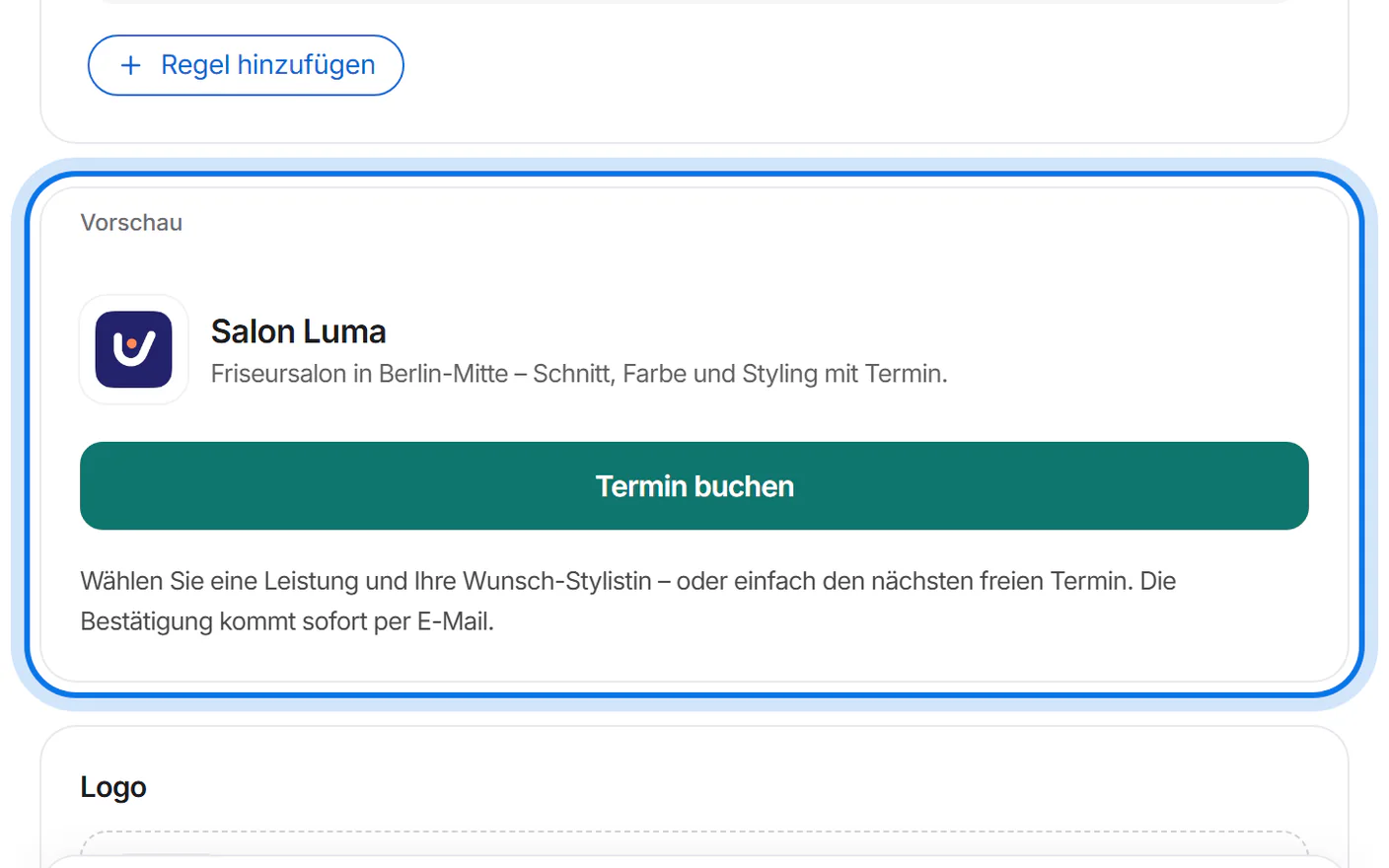
The preview shows right away how your page looks.
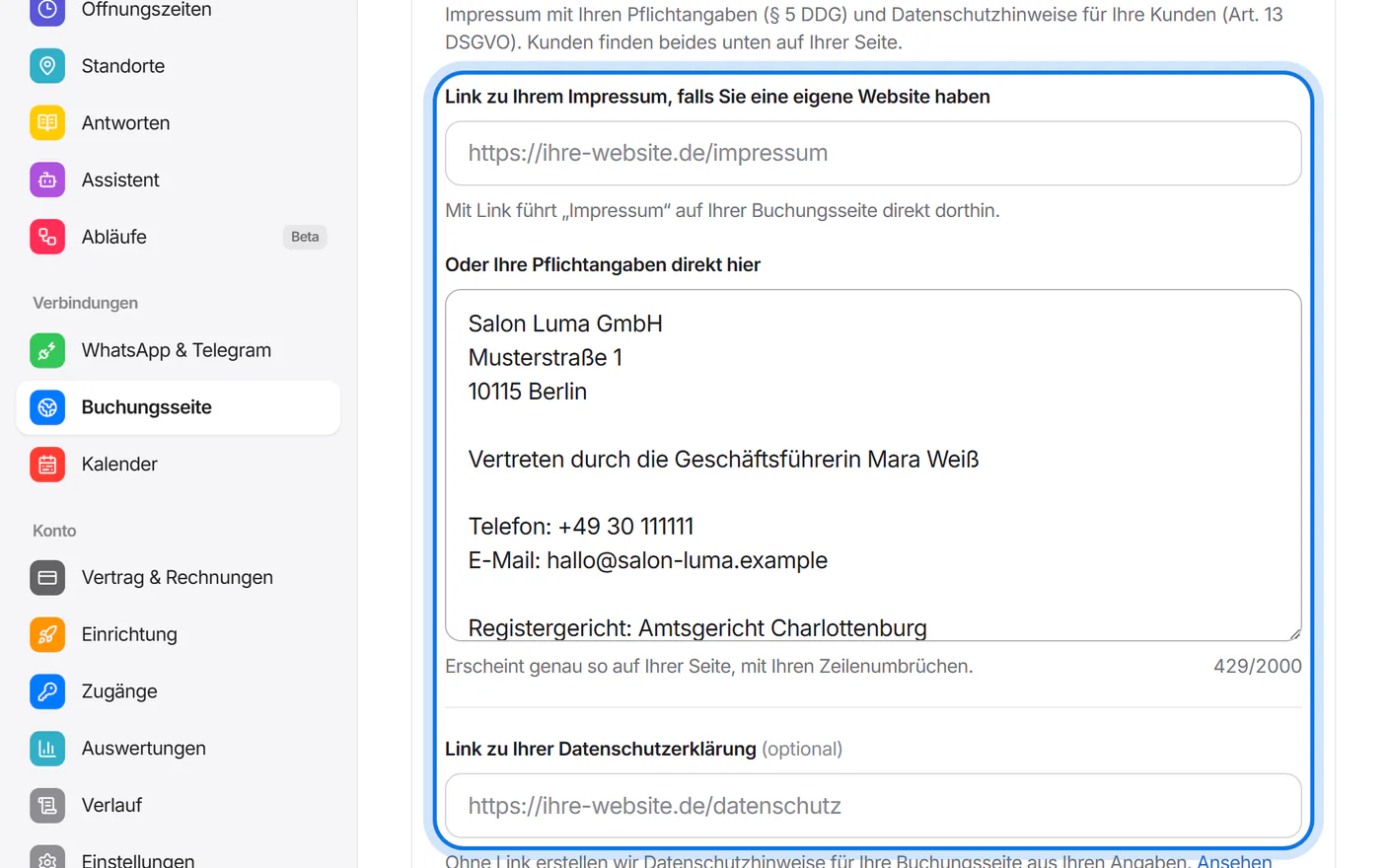
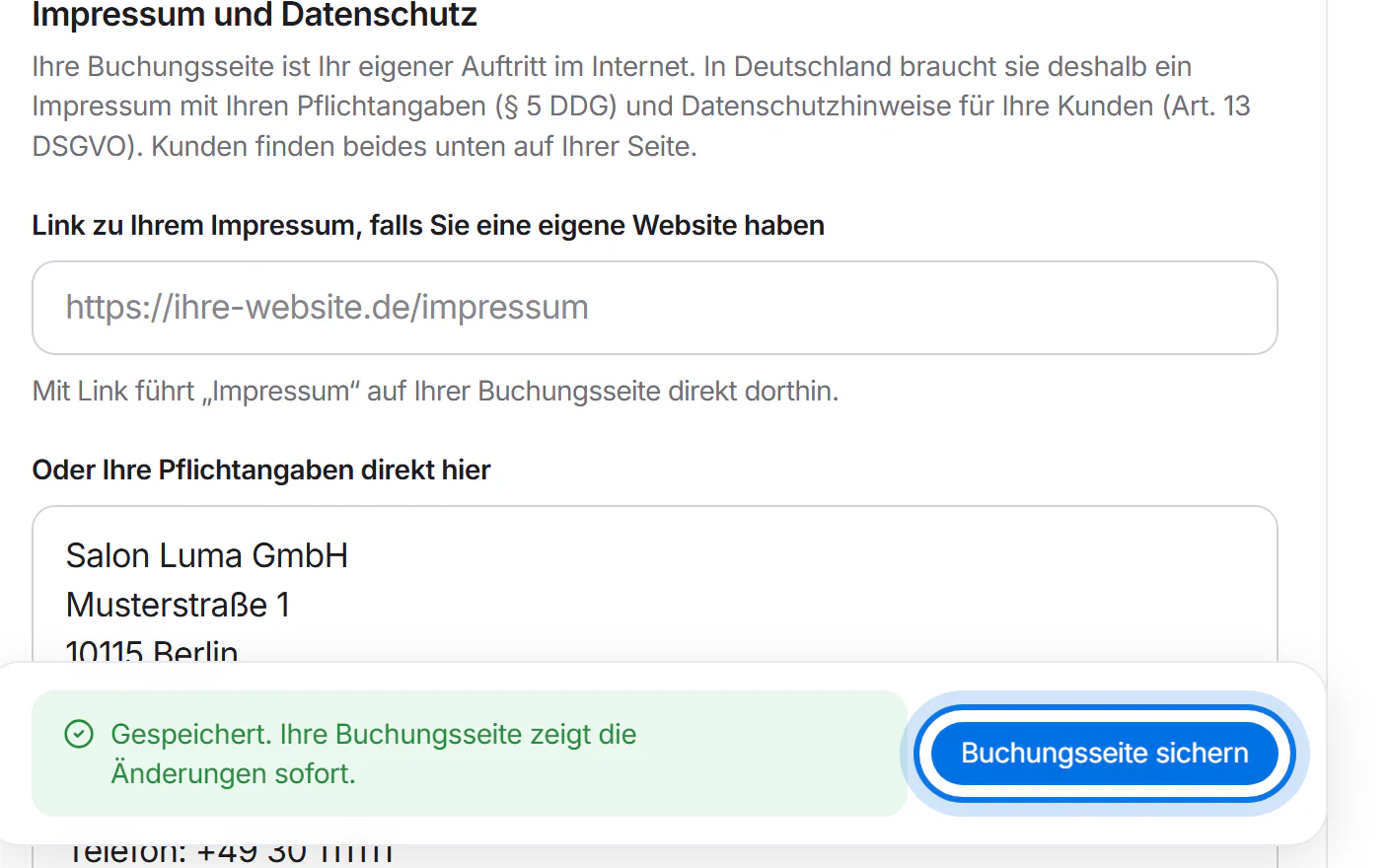
Under “Impressum und Datenschutz” (legal notice and privacy), enter a link to your imprint or your mandatory details – in Germany the page may not be public without an imprint. Without your own privacy link, we create privacy information from your details.
Tap “Buchungsseite sichern” (save booking page).
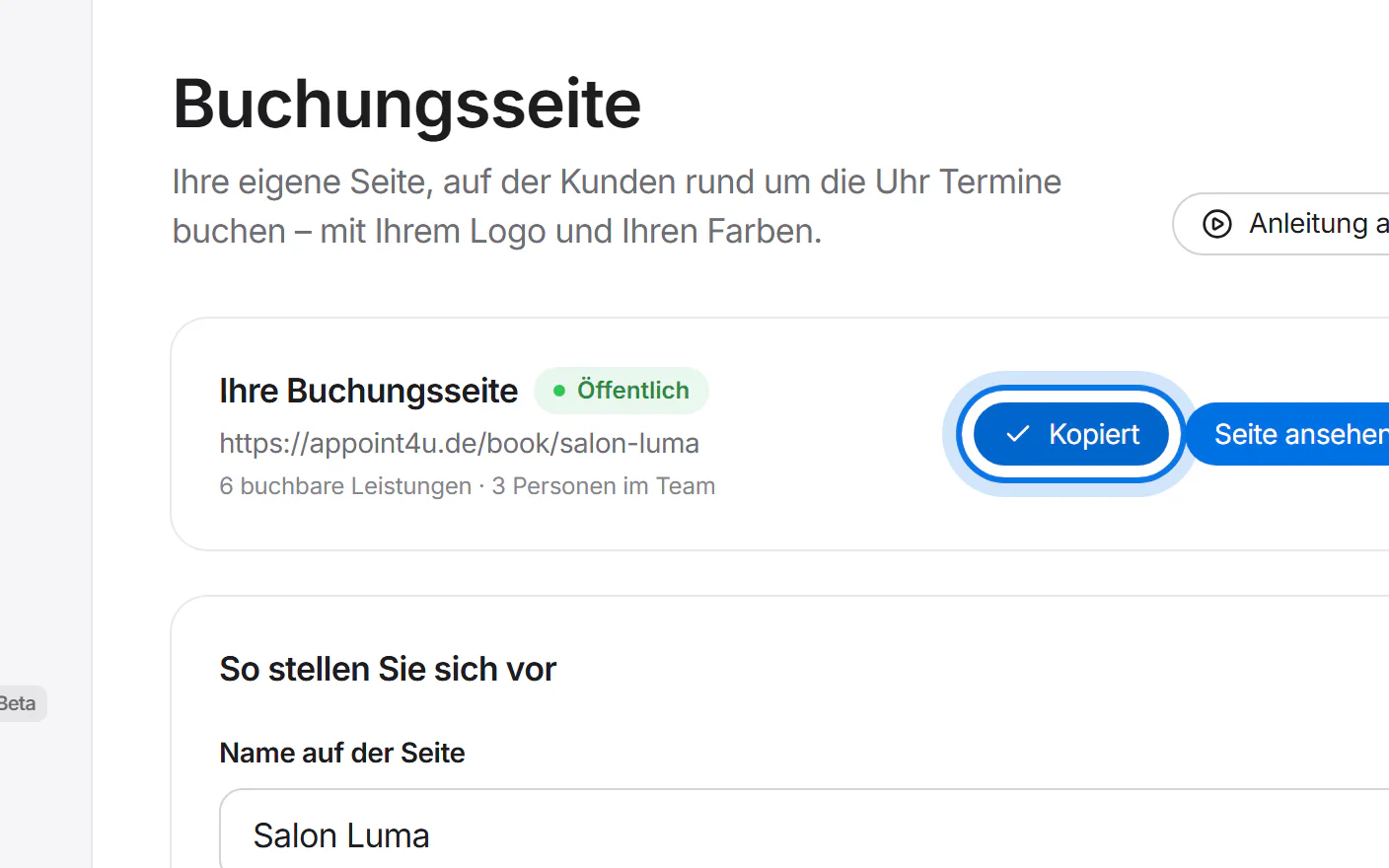
Tap “Link kopieren” (copy link) at the top and share the link – for example in your WhatsApp status, on Instagram or on your website.


How your customers book
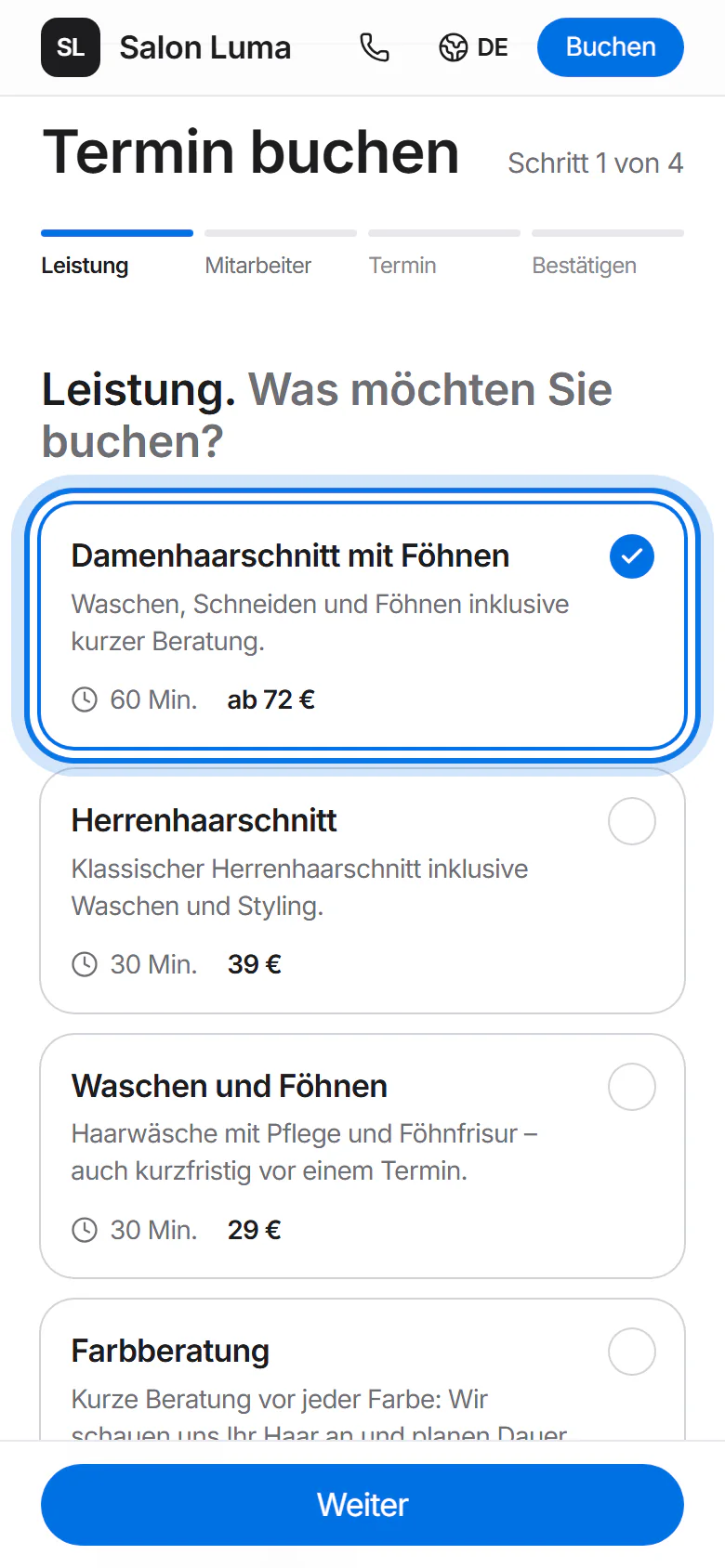
Your customer opens the link and chooses a service.
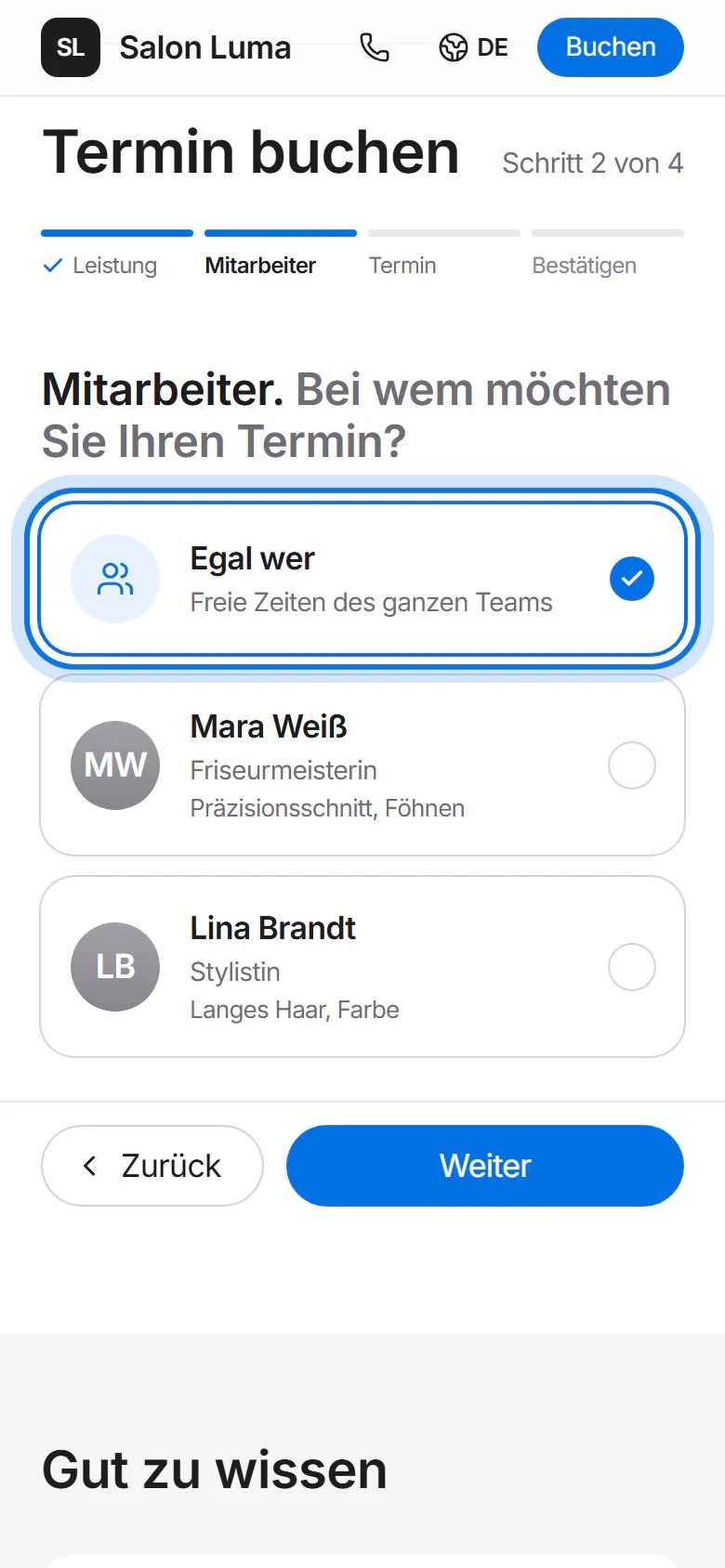
Then they choose who they want to book with – or “Egal wer” (anyone).
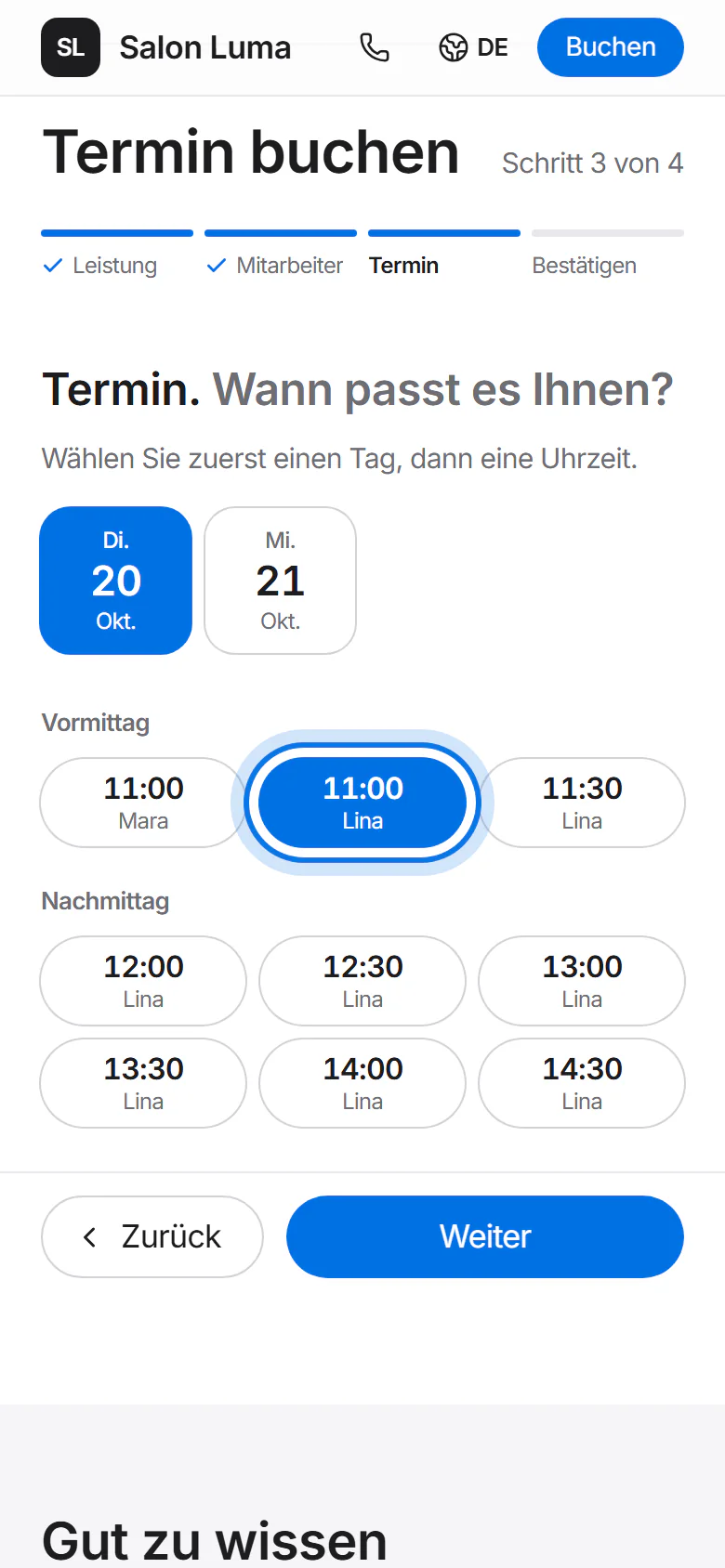
They pick a day and a free time.
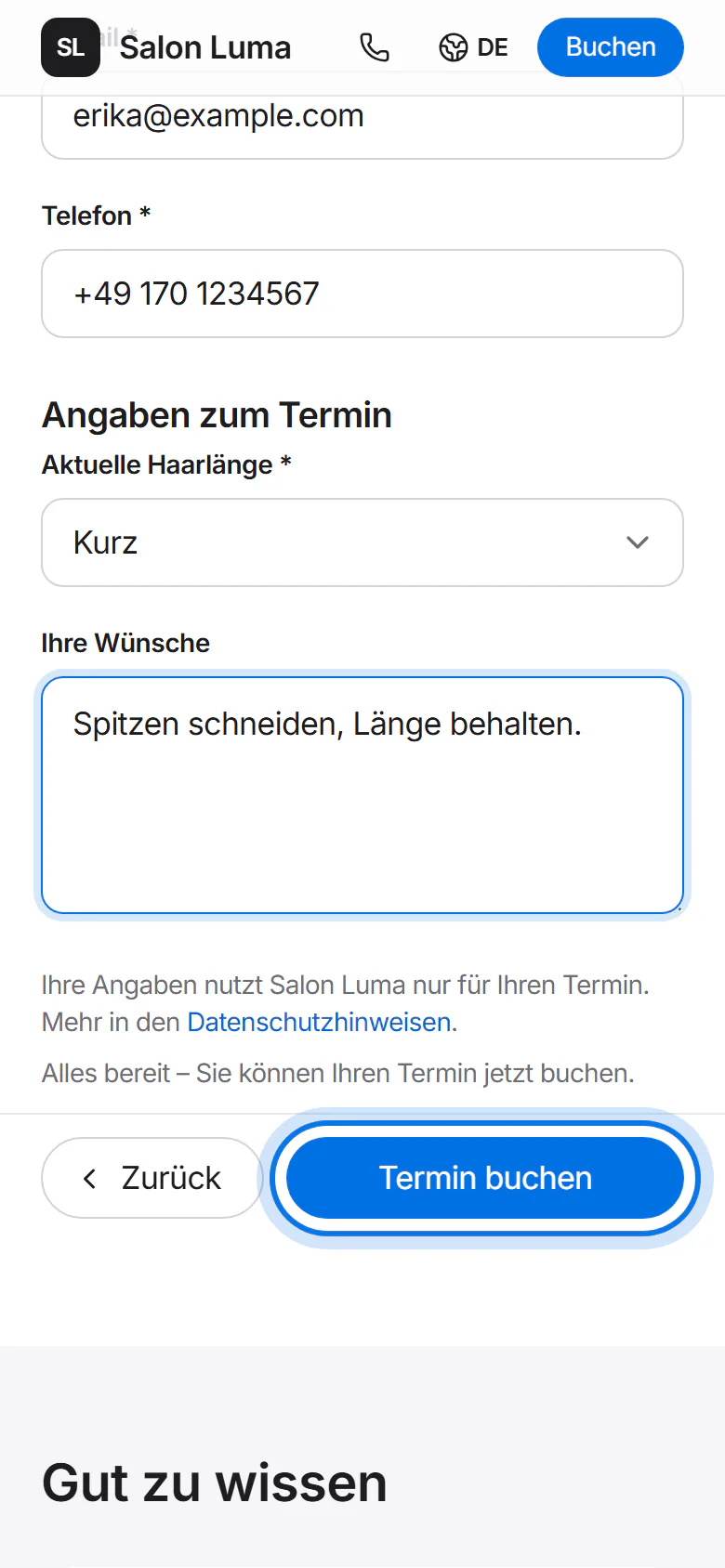
Finally they enter name, email and phone number and tap “Termin buchen” (book). The confirmation arrives by email.
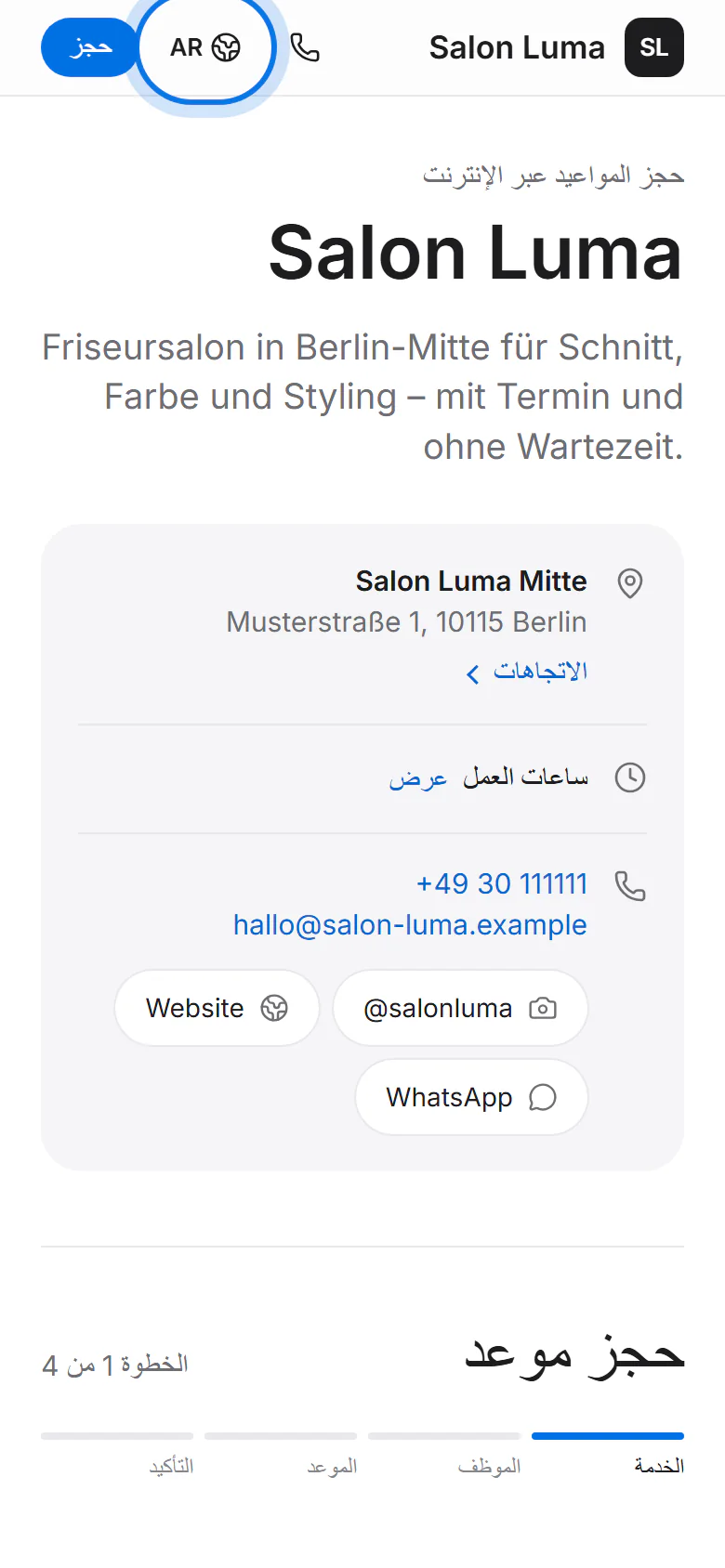
The page comes in seven languages: German, English, Turkish, Arabic, Russian, Ukrainian and Polish. Customers pick their language in the bar at the top; Arabic reads right to left.
Confirm bookings first
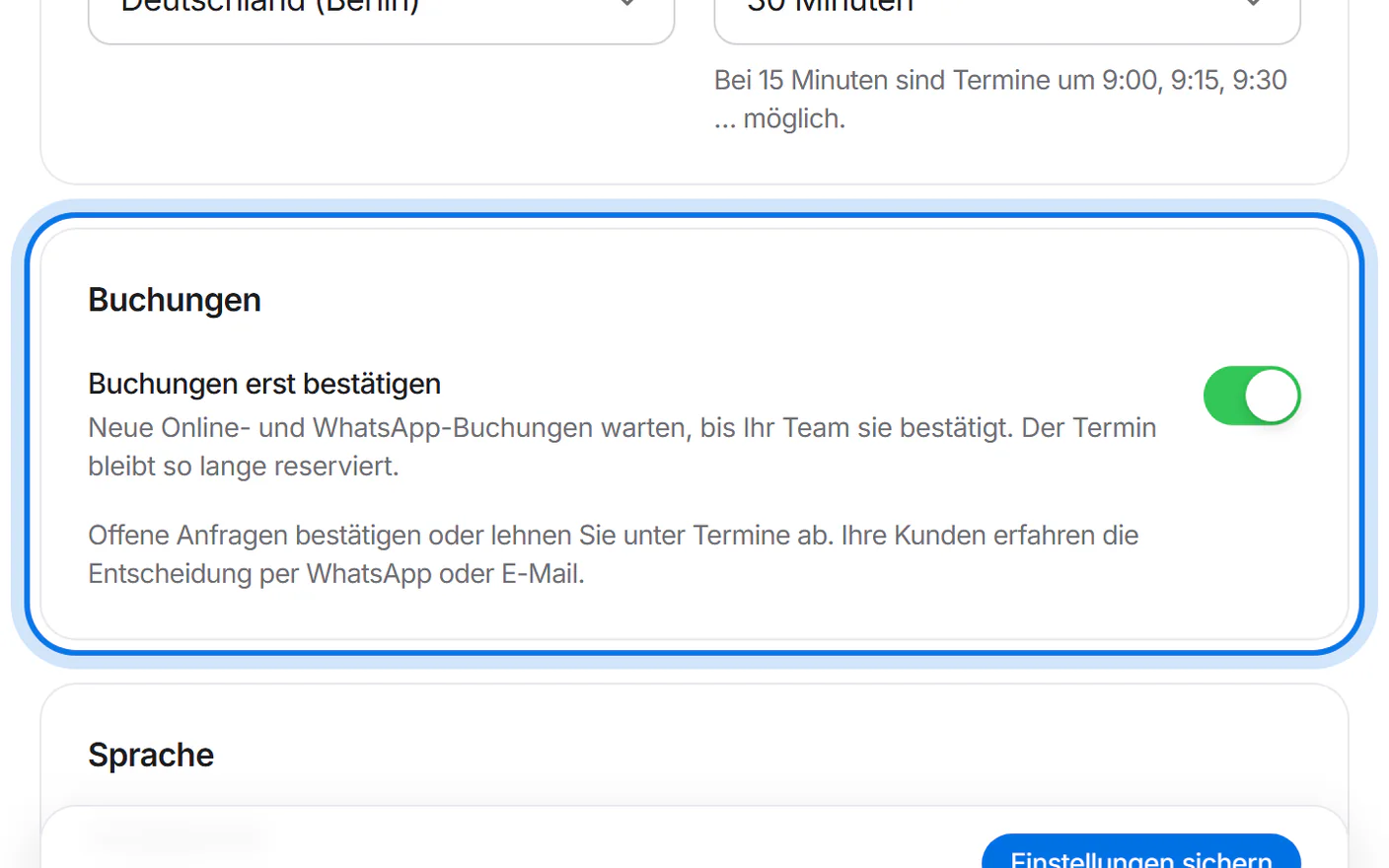
Want to confirm every booking yourself? Under “Einstellungen” (settings), in the “Buchungen” (bookings) panel, switch on “Buchungen erst bestätigen” (confirm bookings first) and tap “Einstellungen sichern” (save settings).
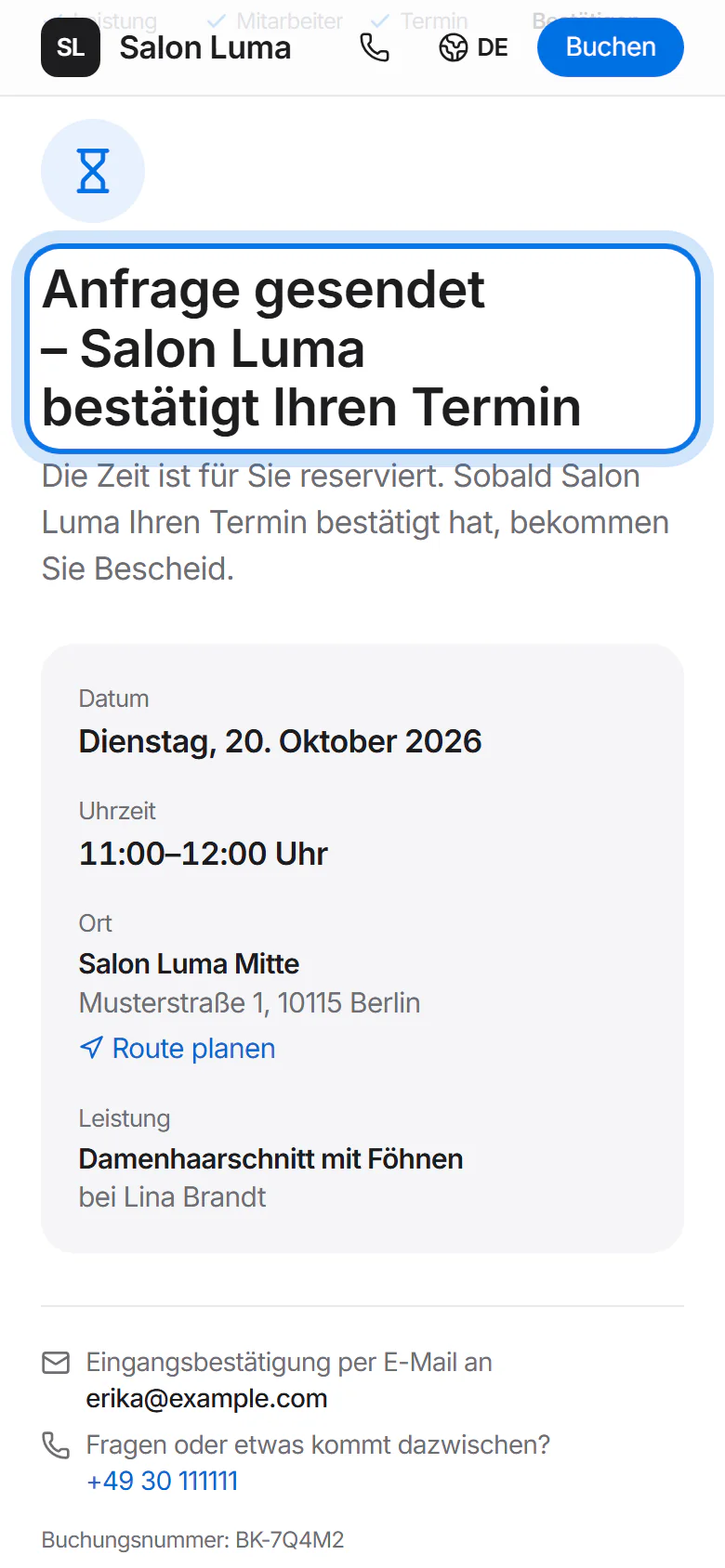
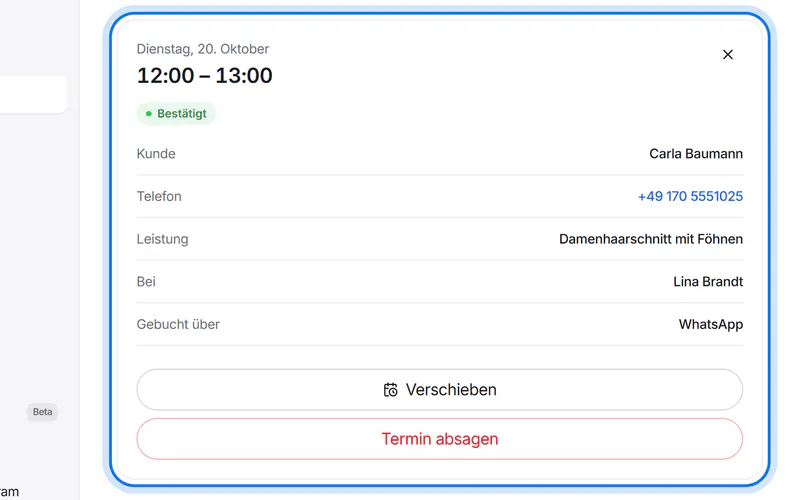
Your customer then sees “Anfrage gesendet” (request sent), and the time stays reserved for them. You confirm or decline under “Termine” (appointments) – they hear about it by WhatsApp or email.