Add answers for your assistant
What you write here is what your assistant tells customers. If something is missing, it passes the question to your team – it never makes things up.
6 steps about 10 min
Step by step
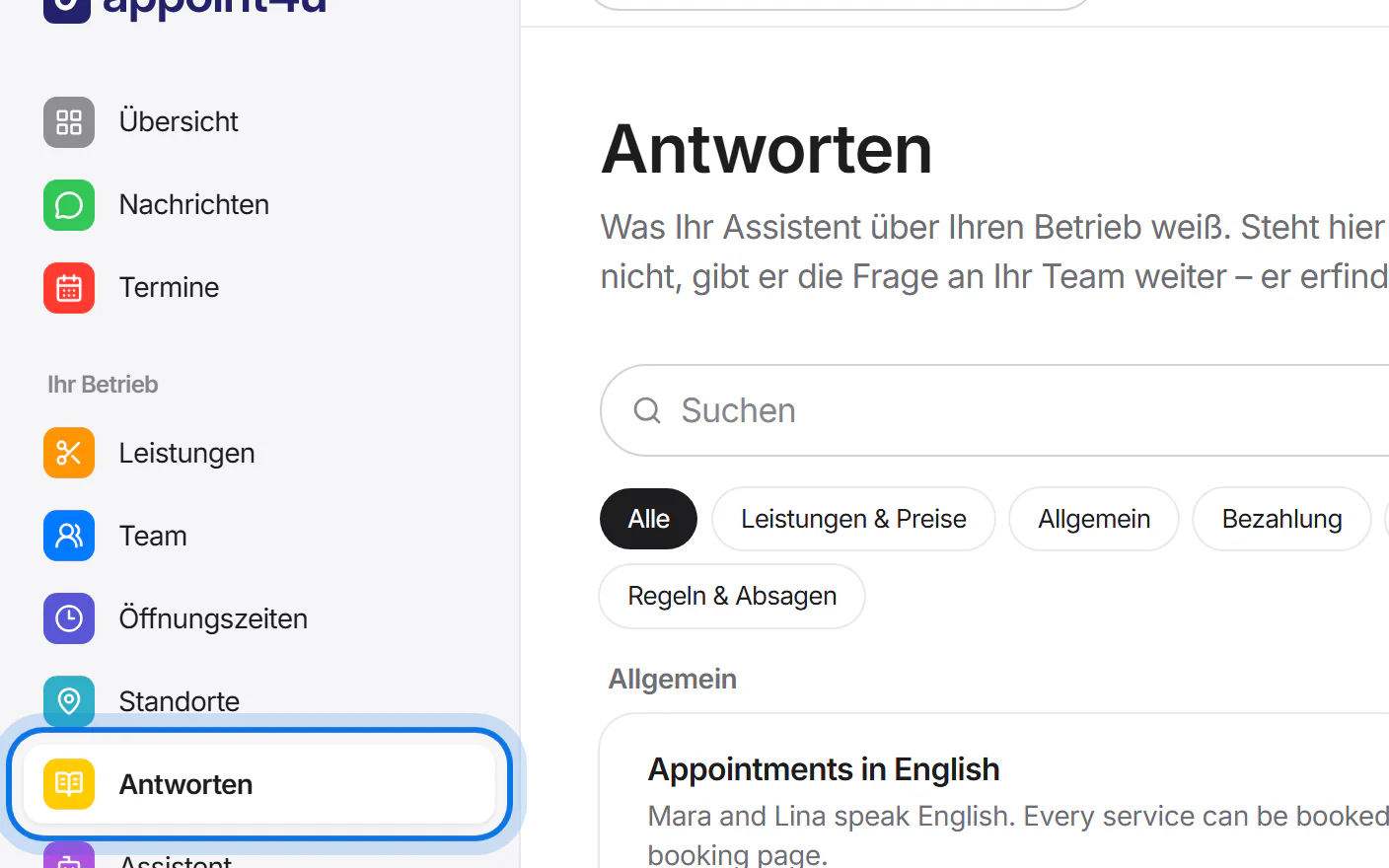
Open “Antworten” (answers) in the menu on the left.
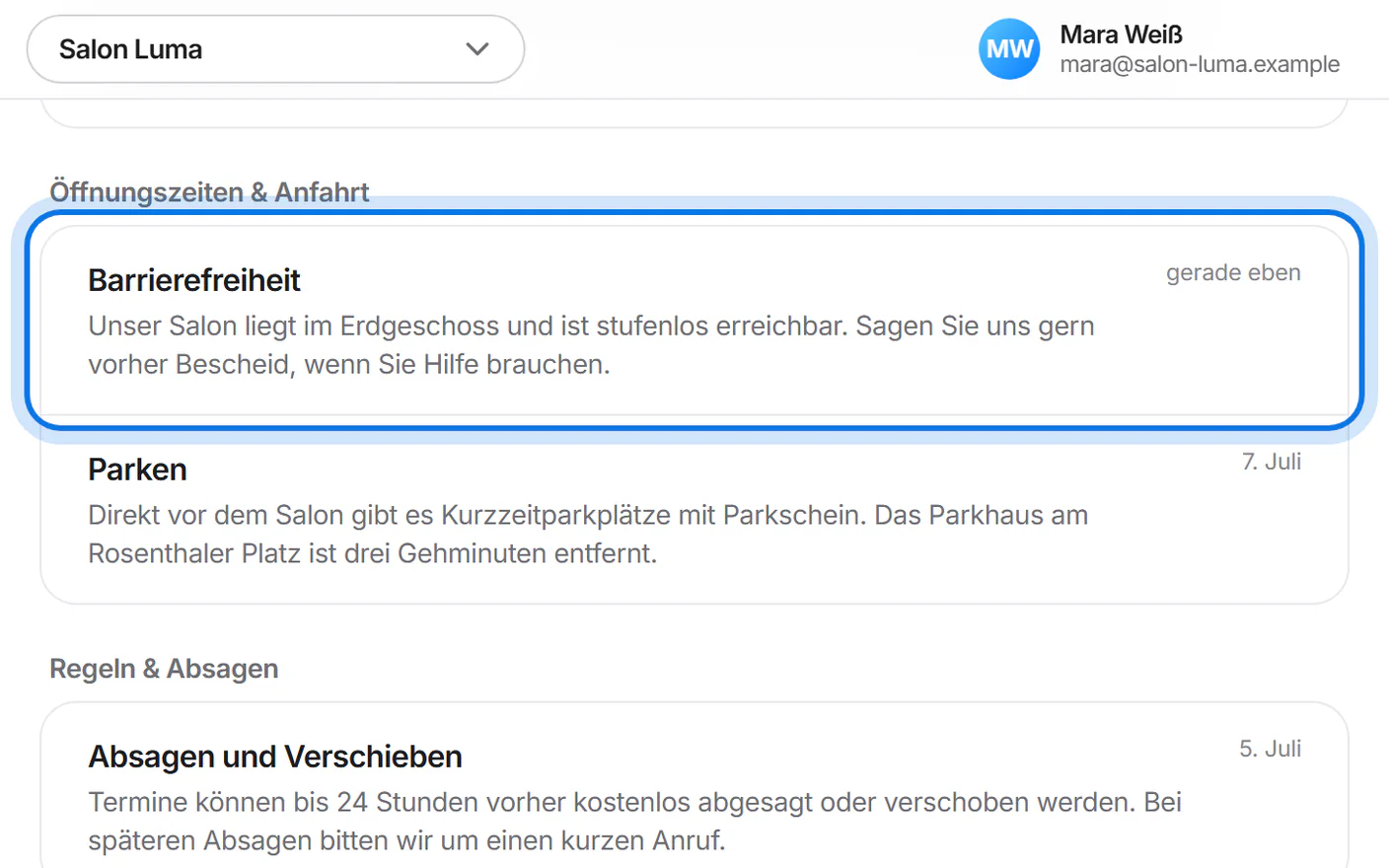
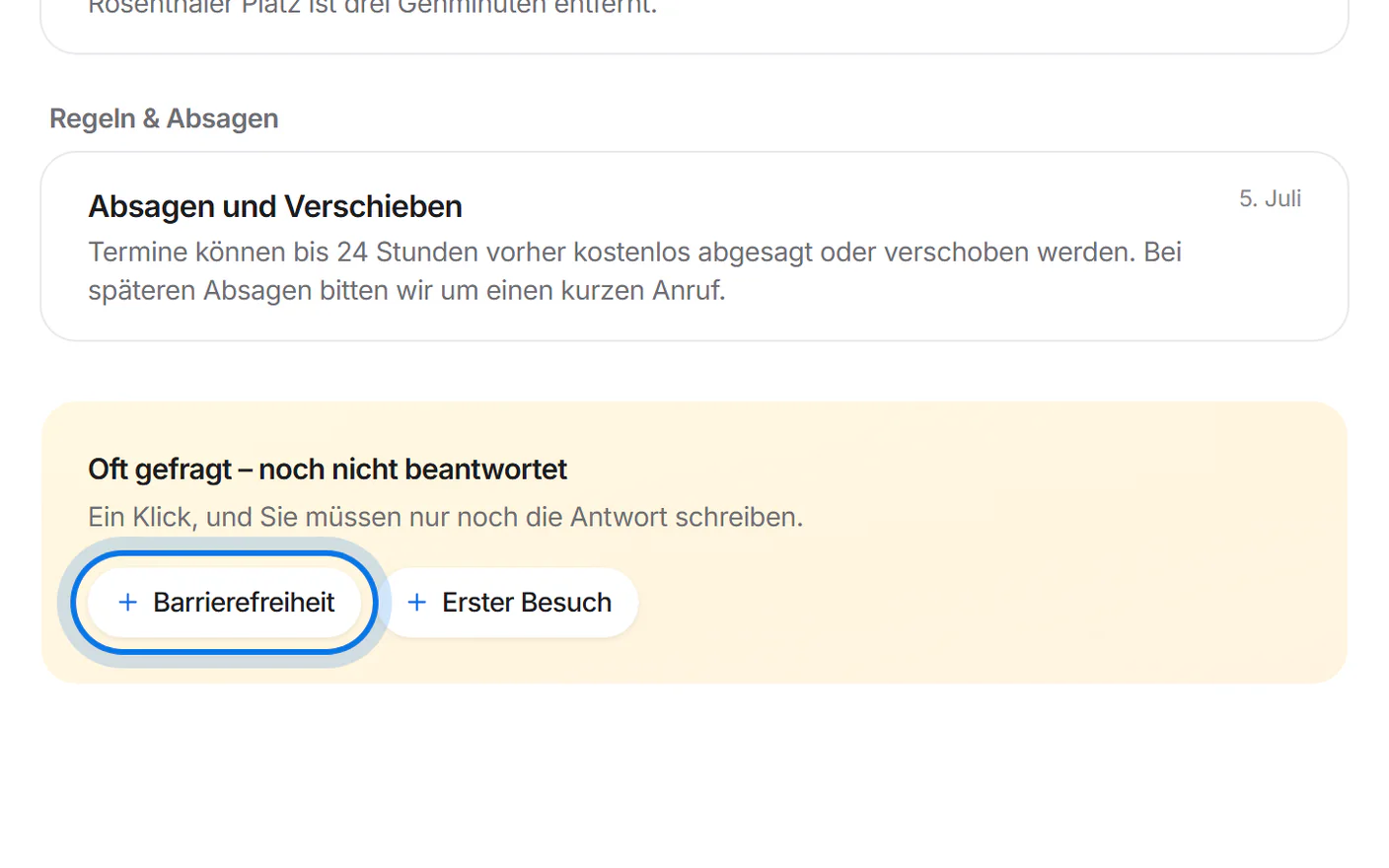
Below, under “Oft gefragt – noch nicht beantwortet” (often asked – not answered yet), tap a topic, for example “Barrierefreiheit” (accessibility).
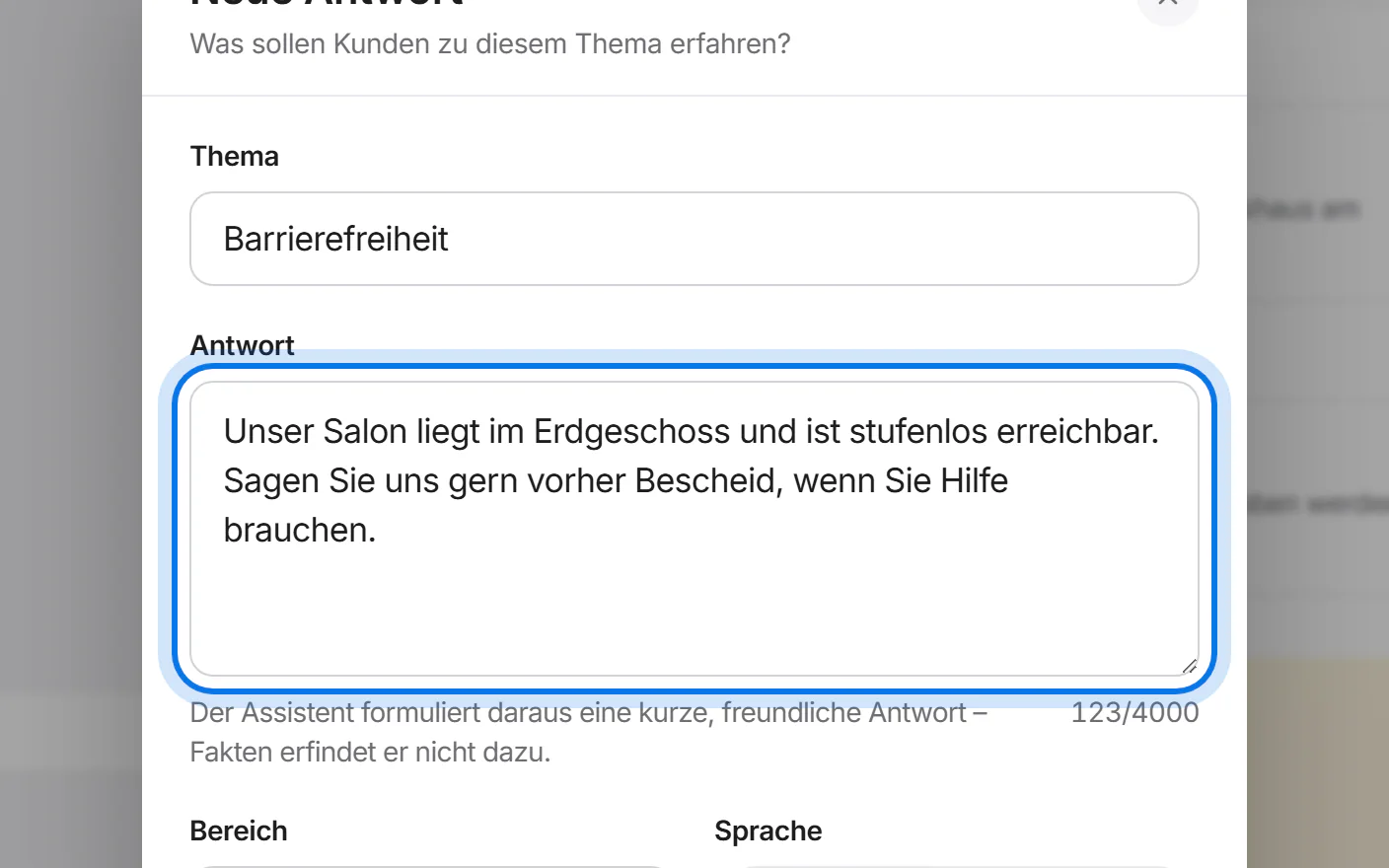
Write the answer the way you would say it to a customer.
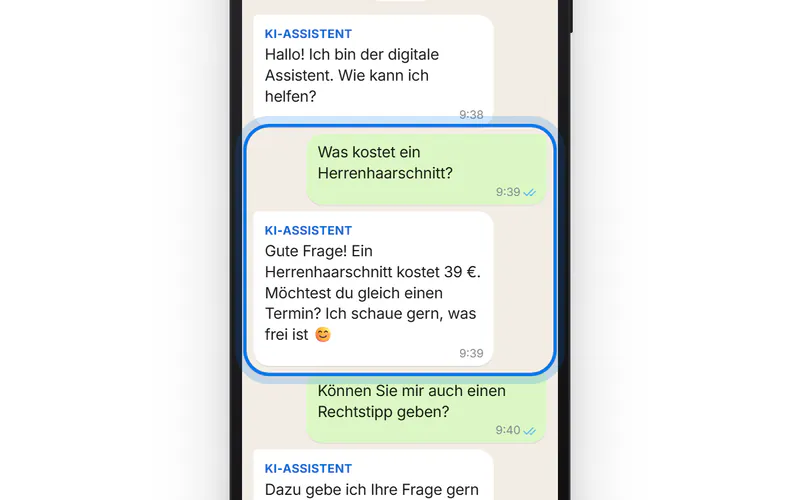
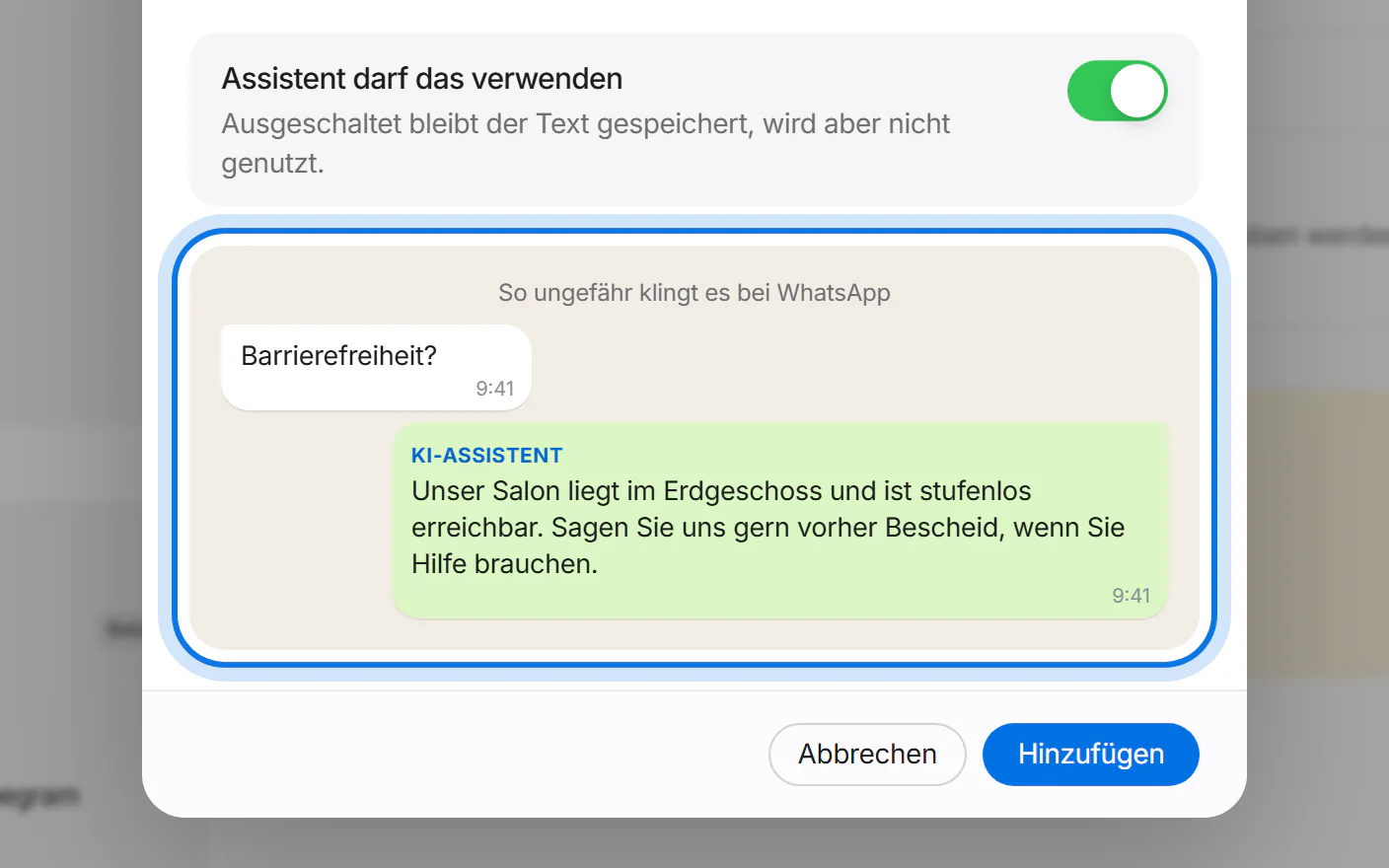
Below it you see roughly how the answer looks in WhatsApp.
Tap “Hinzufügen” (add).
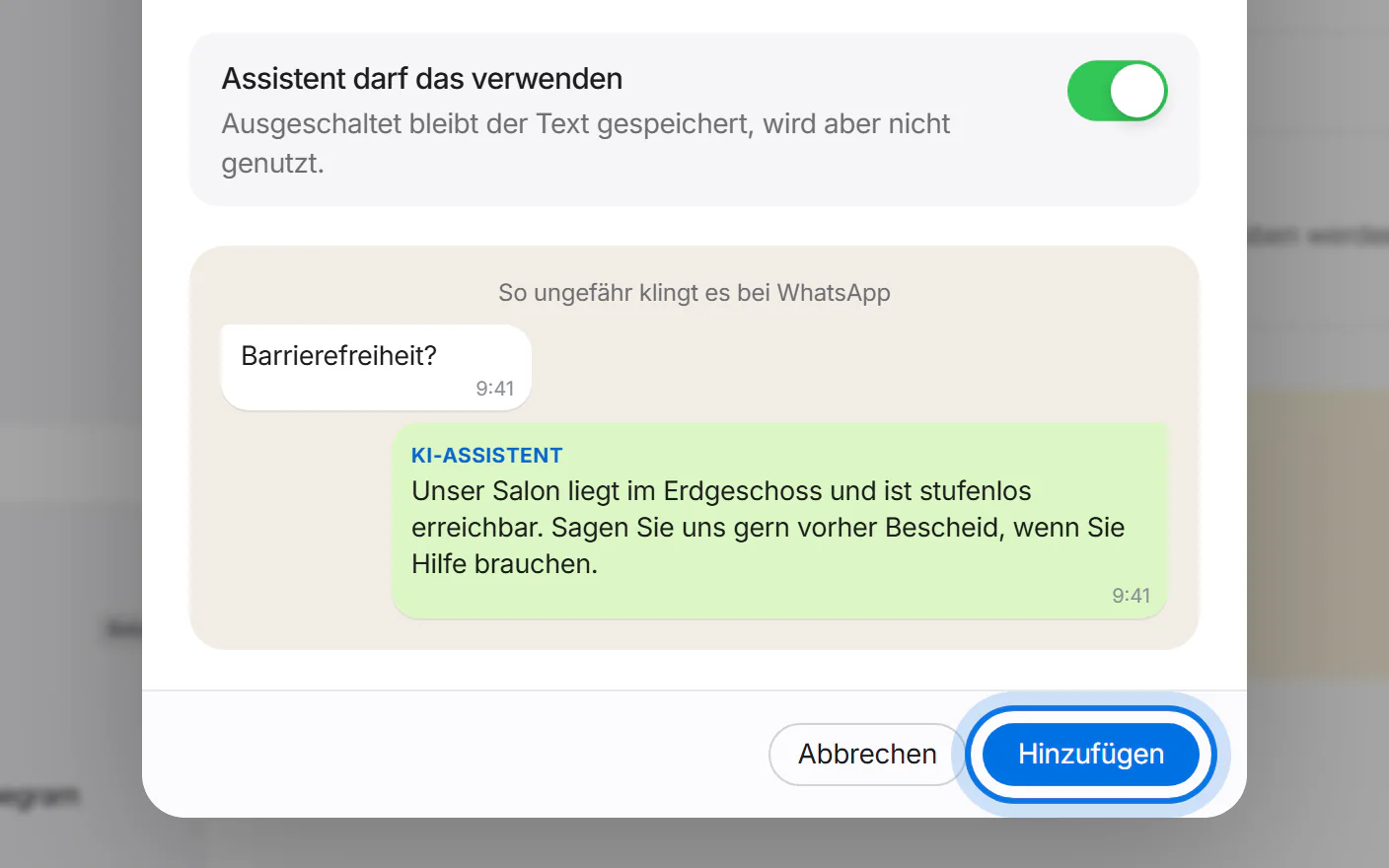
Done: the answer is in the list. Your assistant uses it from now on.