Set up your assistant
Decide how your assistant comes across: name, greeting, form of address and tone – and whether it also answers with voice messages.
10 steps about 4 min
How it comes across
Open “Assistent” (assistant) in the menu on the left.
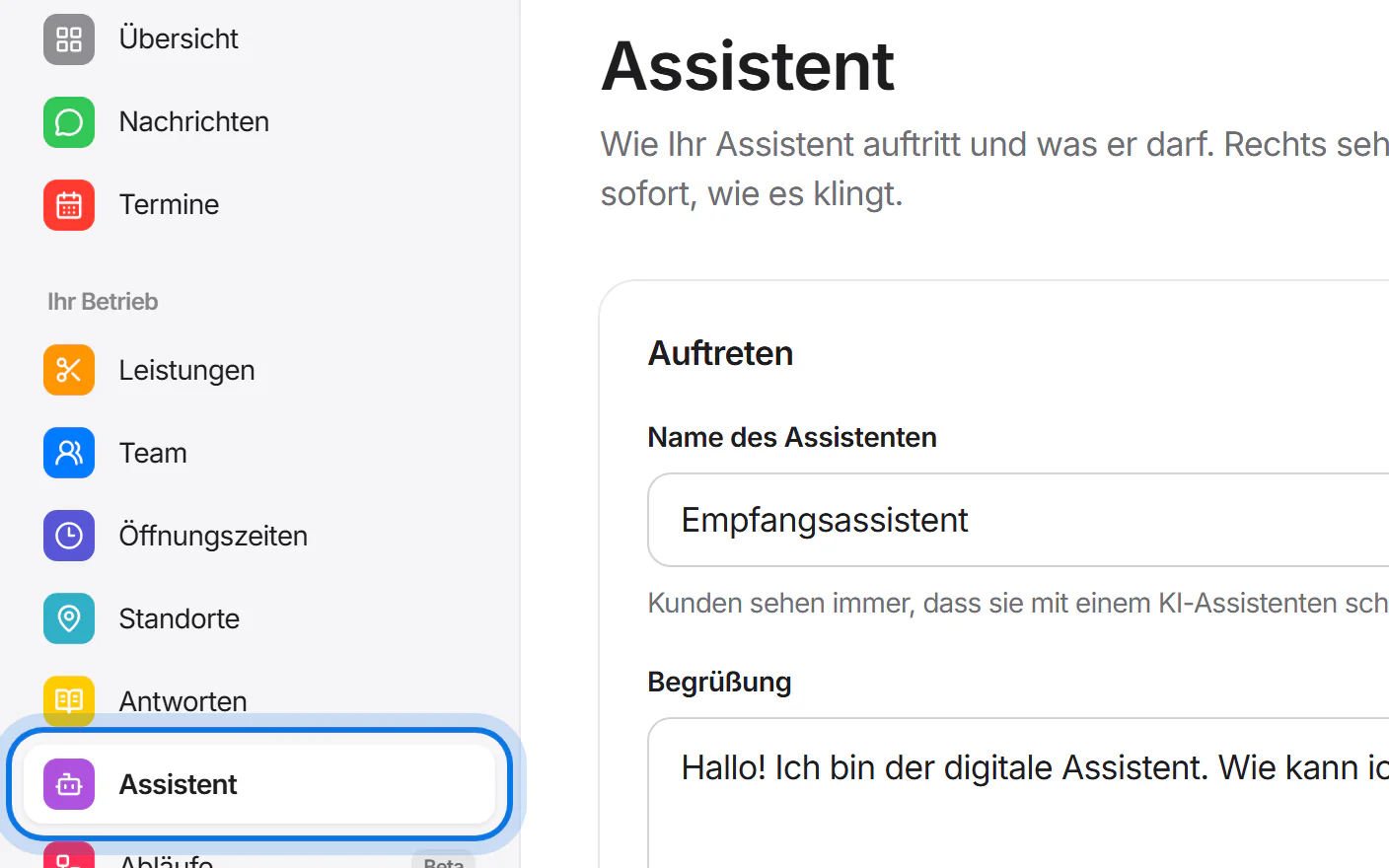
Give your assistant a name and a greeting.
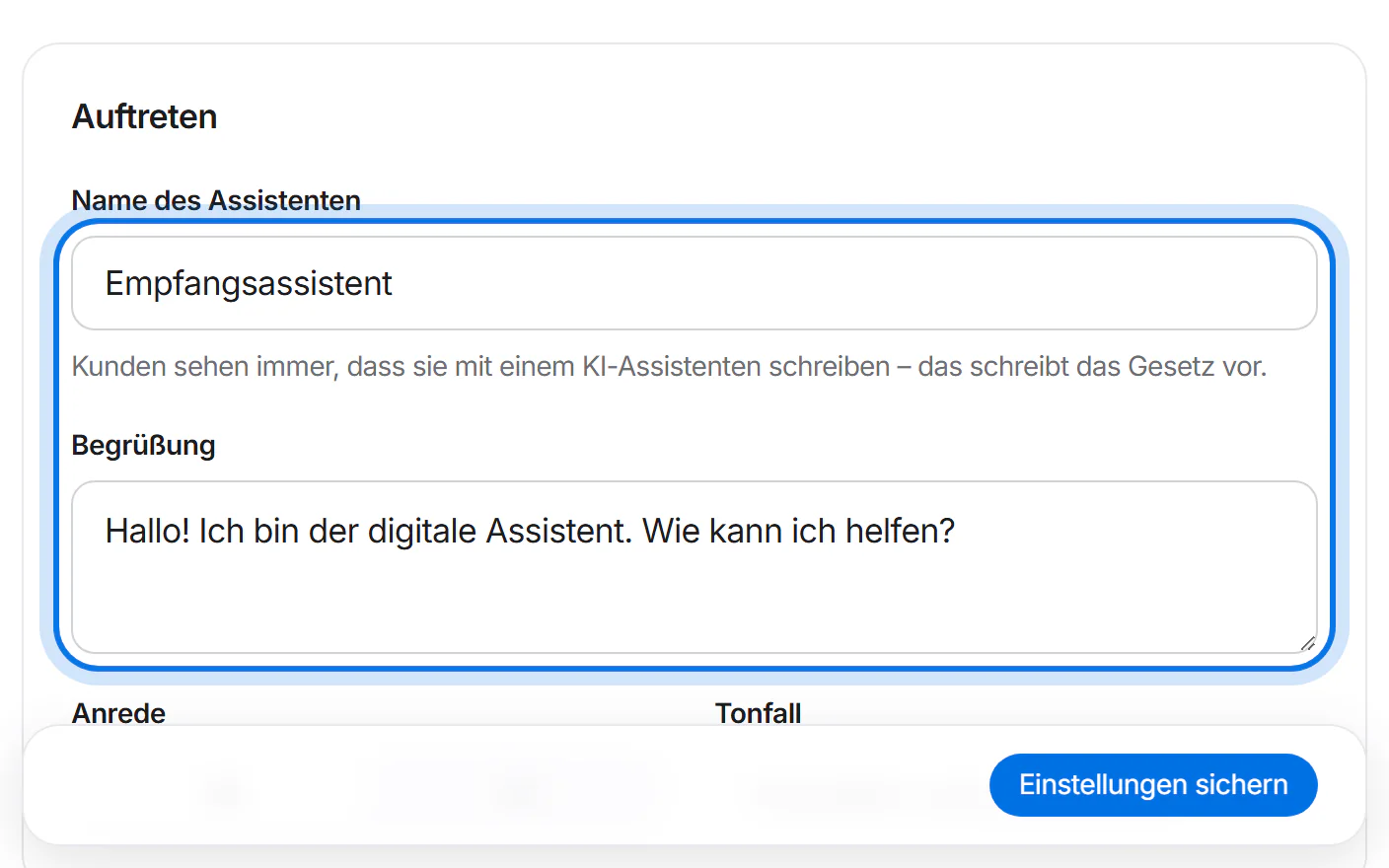
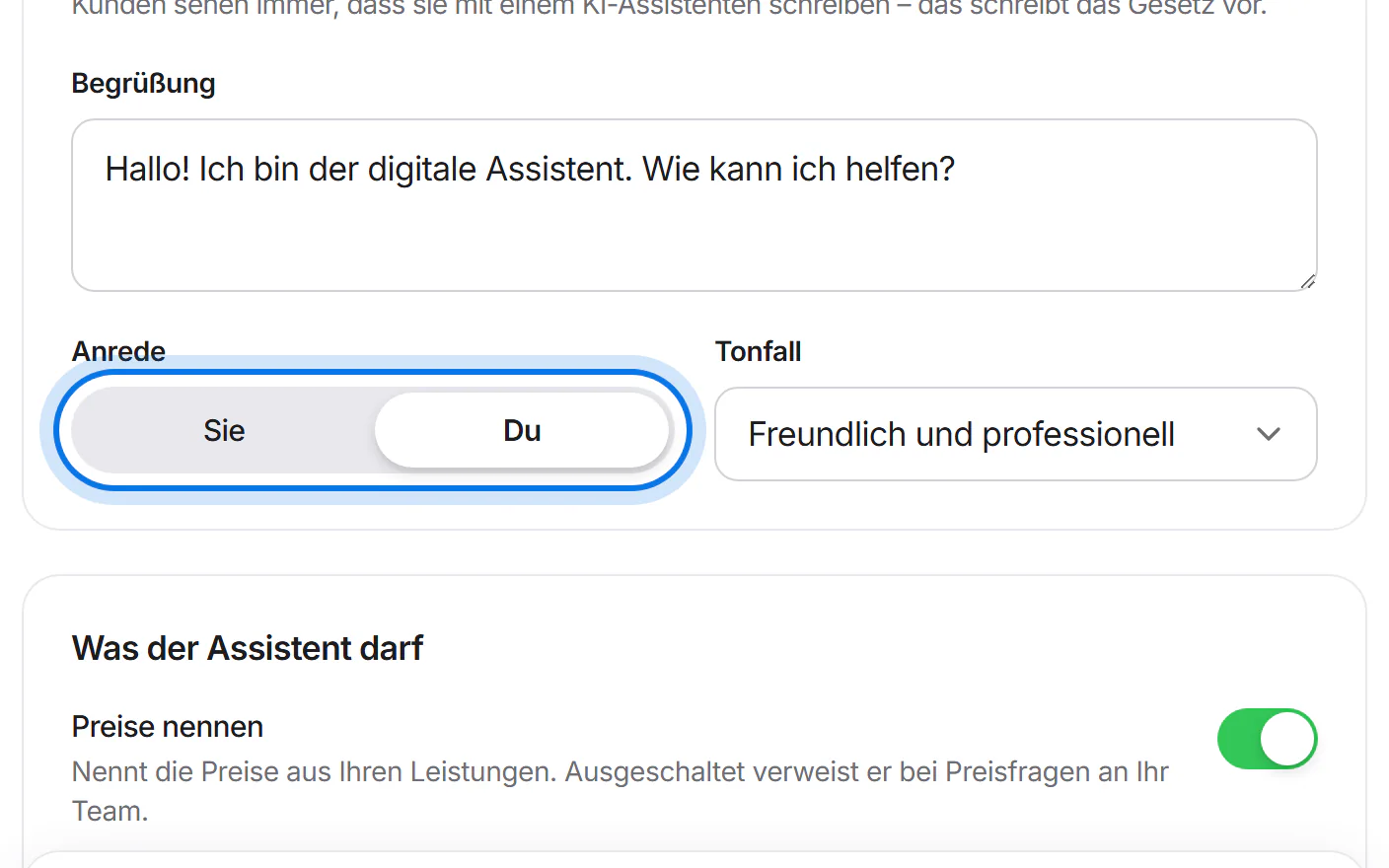
Choose the form of address: formal “Sie” or informal “Du”.
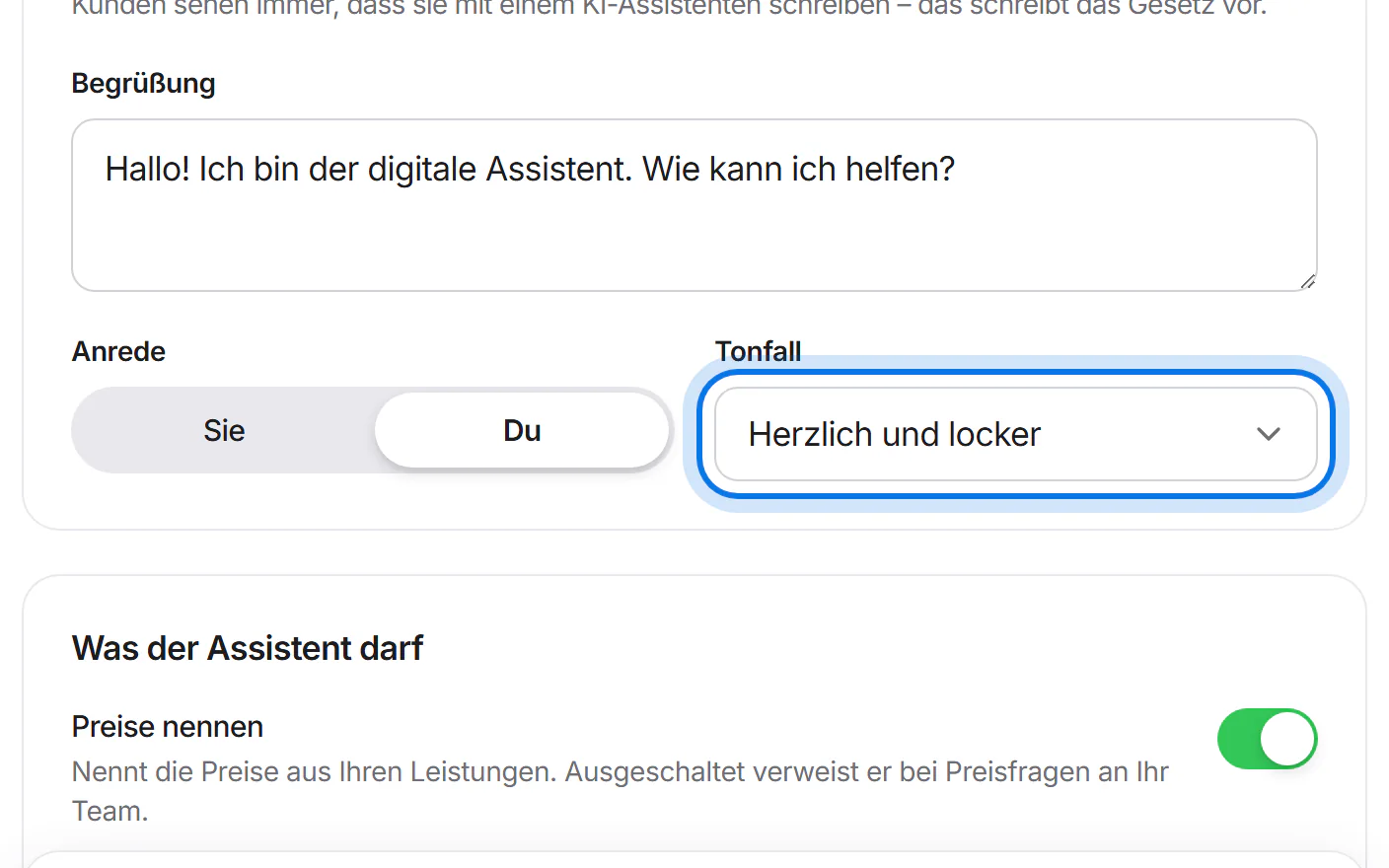
Choose the tone, for example “Herzlich und locker” (warm and relaxed).
The preview shows right away how your assistant writes.
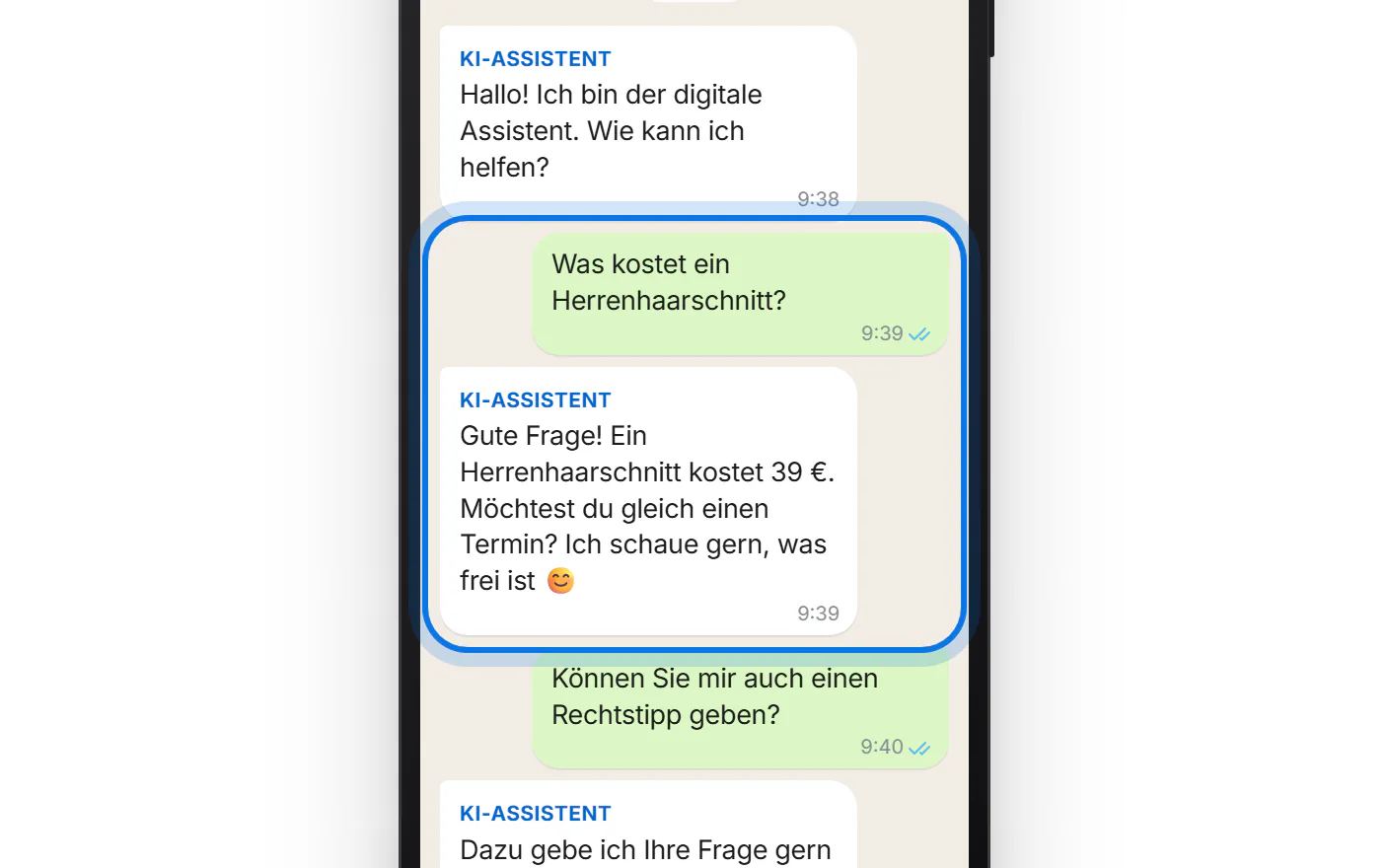
Tap “Einstellungen sichern” (save settings). It answers this way from the next message on.
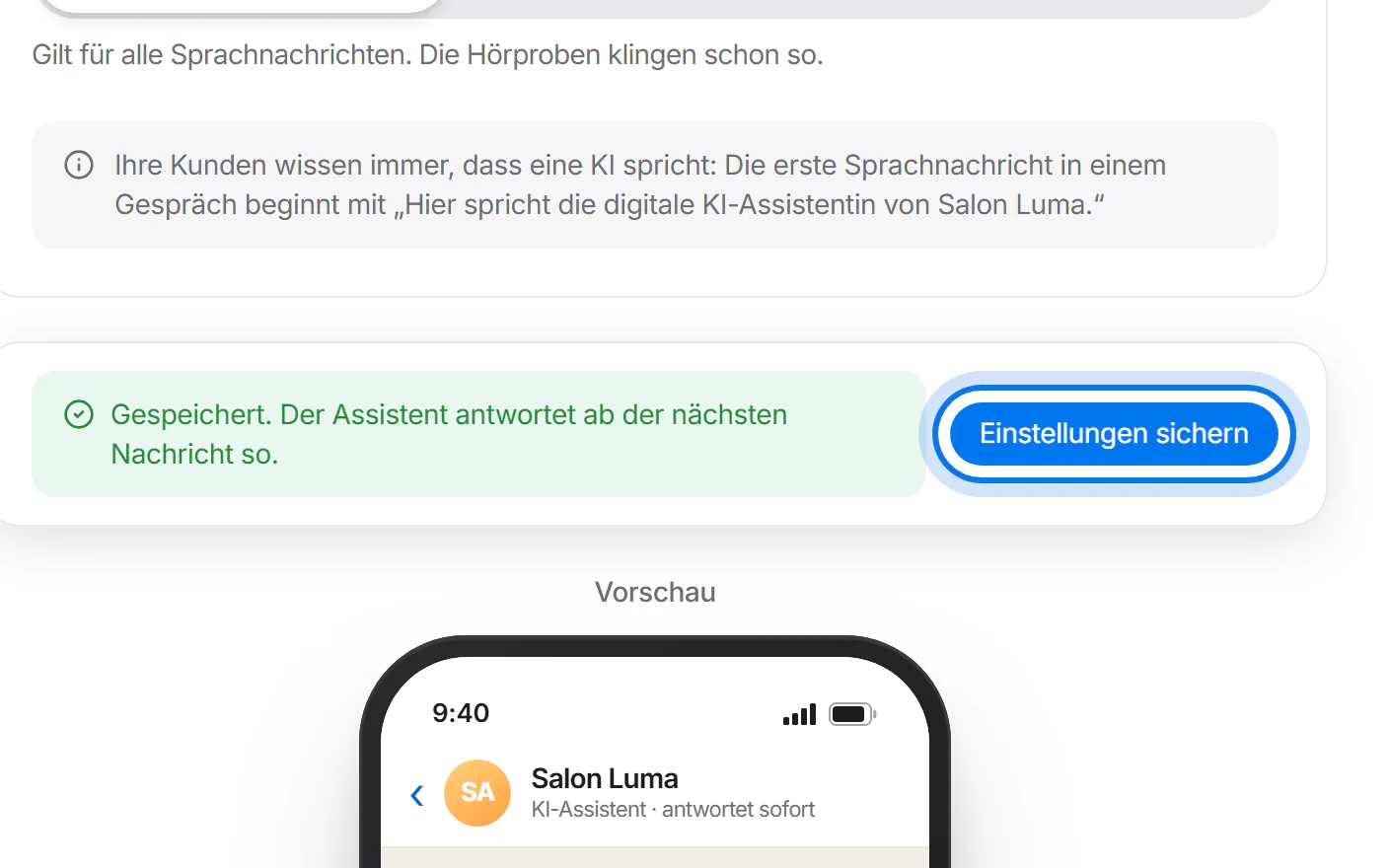


Voice messages
Under “Sprachnachrichten” (voice messages), switch on “Mit Sprachnachrichten antworten” (answer with voice messages). The text reply always comes first.
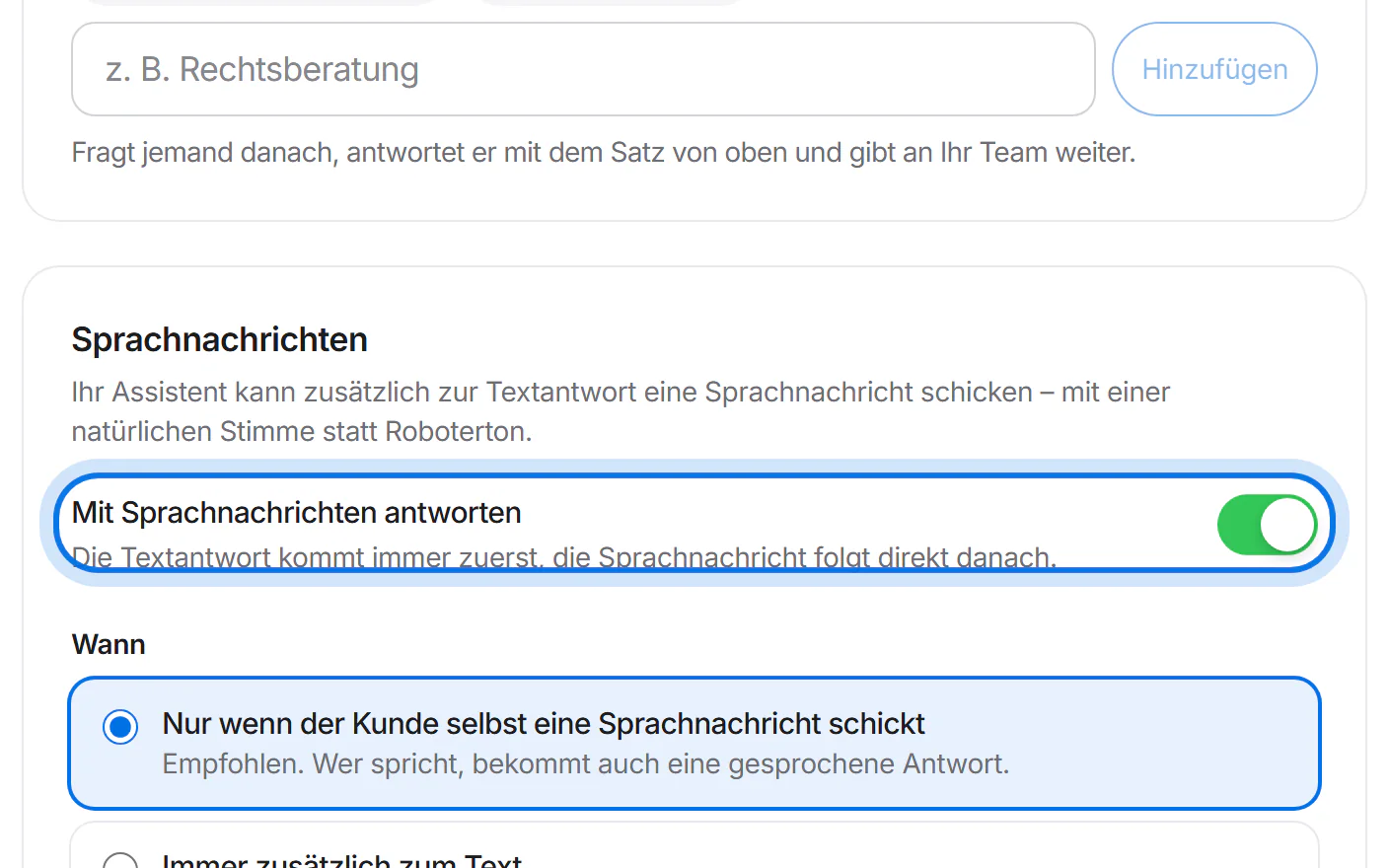
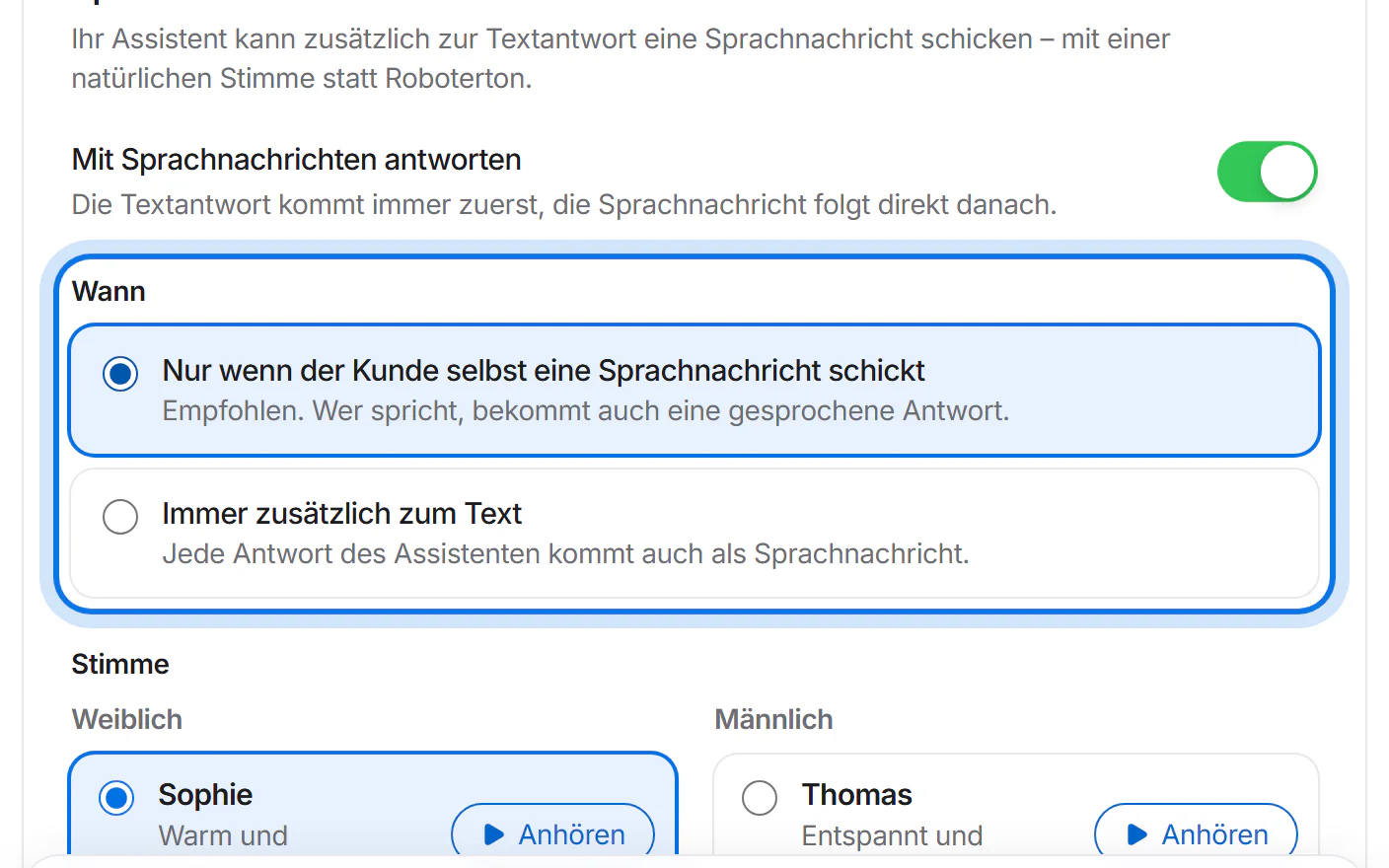
Under “Wann” (when), choose whether it speaks only when your customer sends a voice message, or always in addition to the text.
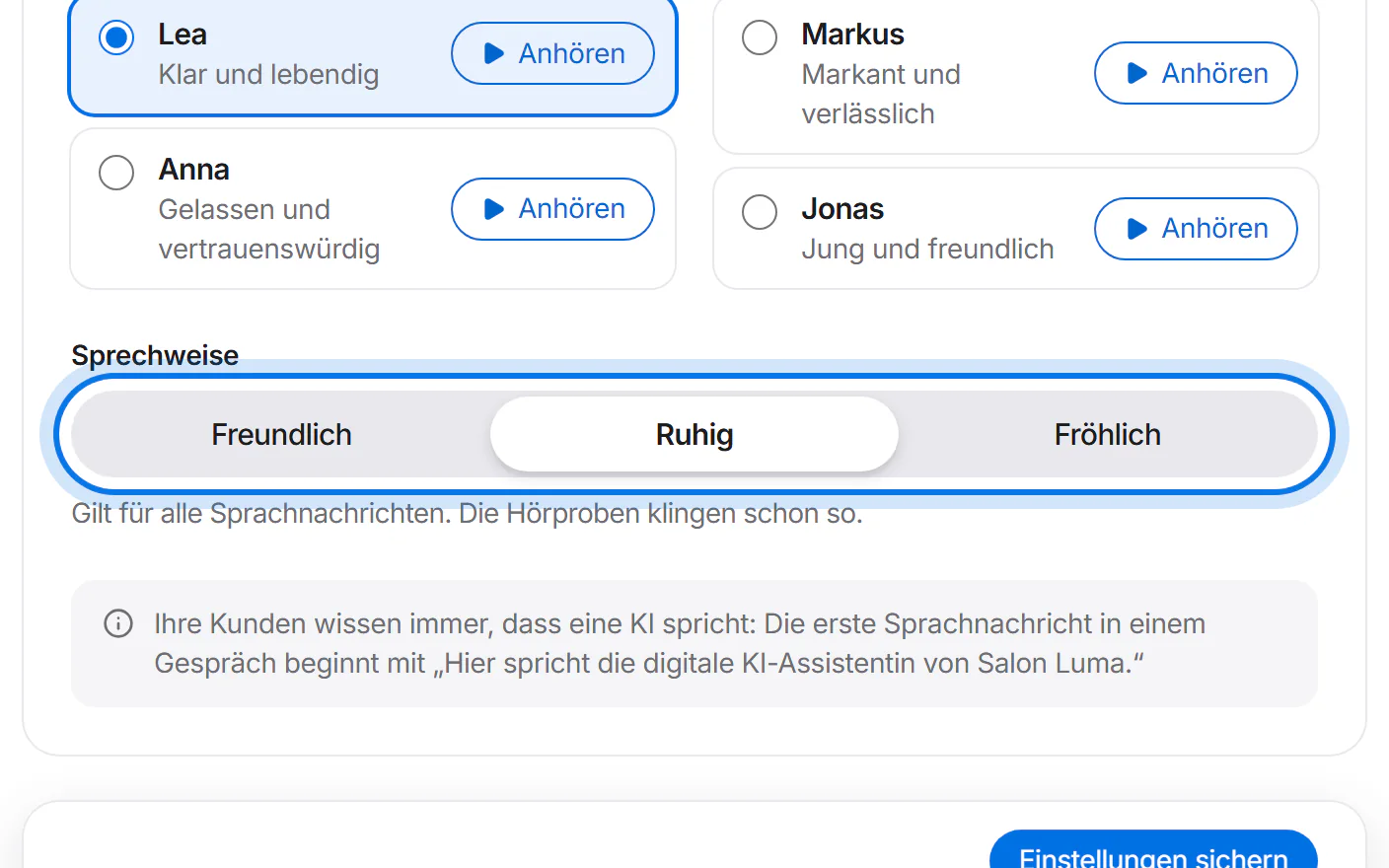
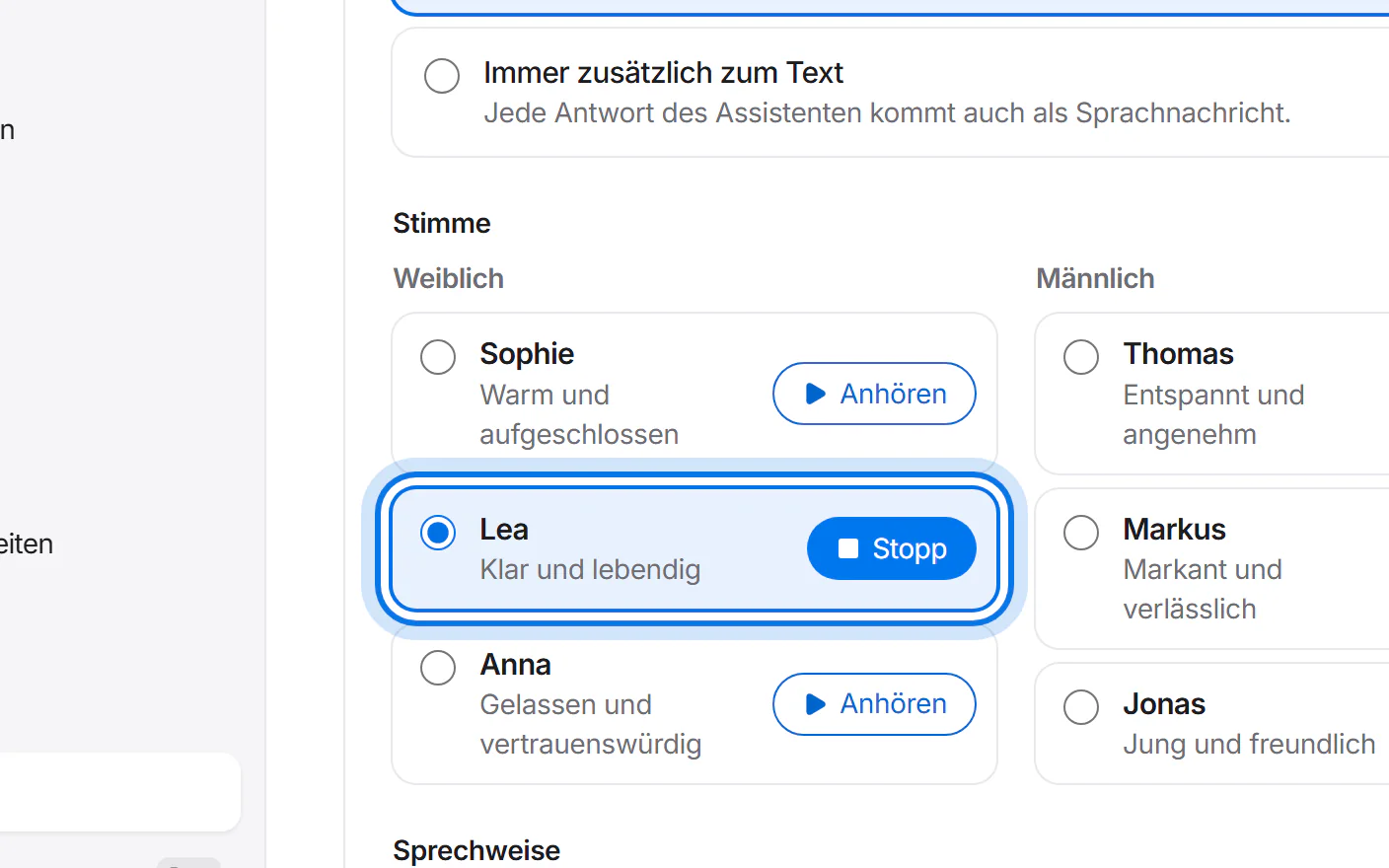
Tap “Anhören” (listen) next to a voice and pick the one that suits your business.
Choose the speaking style – friendly, calm or cheerful – and tap “Einstellungen sichern” (save settings).