Connect WhatsApp
Connect your business number through Meta's official sign-up. After that, your assistant answers messages sent to this number.
6 steps about 10 min
Step by step
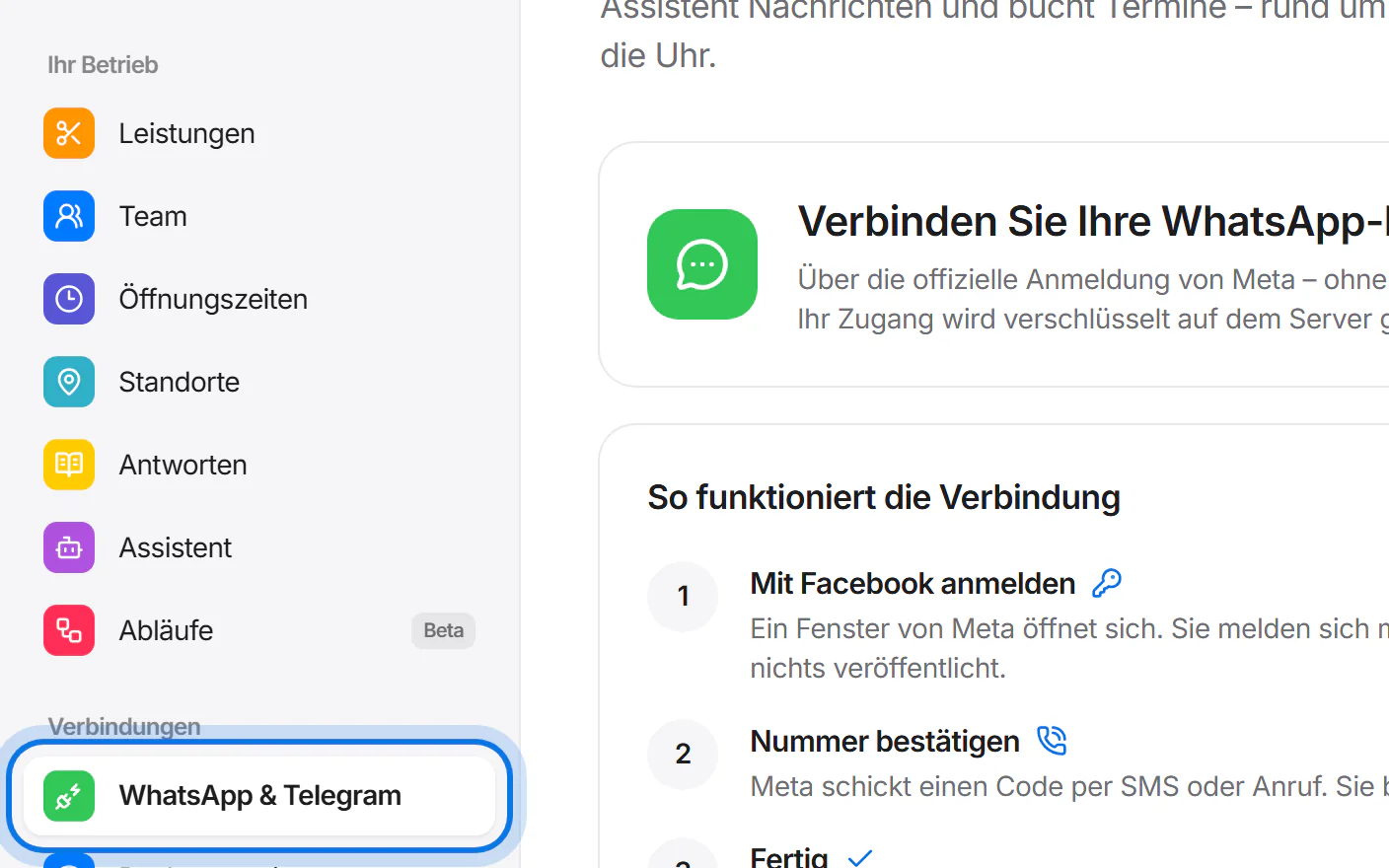
Open “WhatsApp & Telegram” in the menu on the left.
Have ready: a phone number that is not used in the WhatsApp app yet, and your Facebook account.
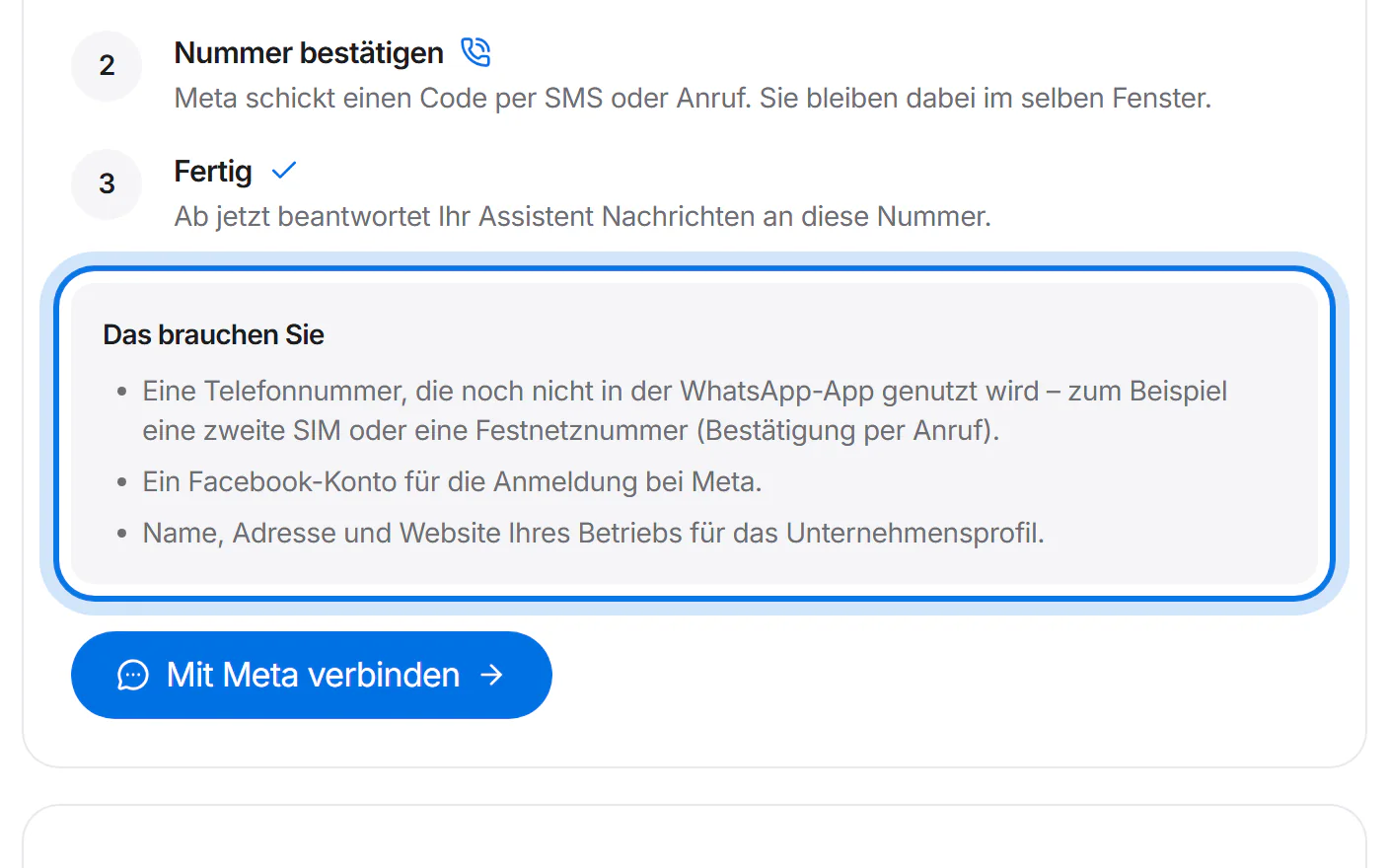
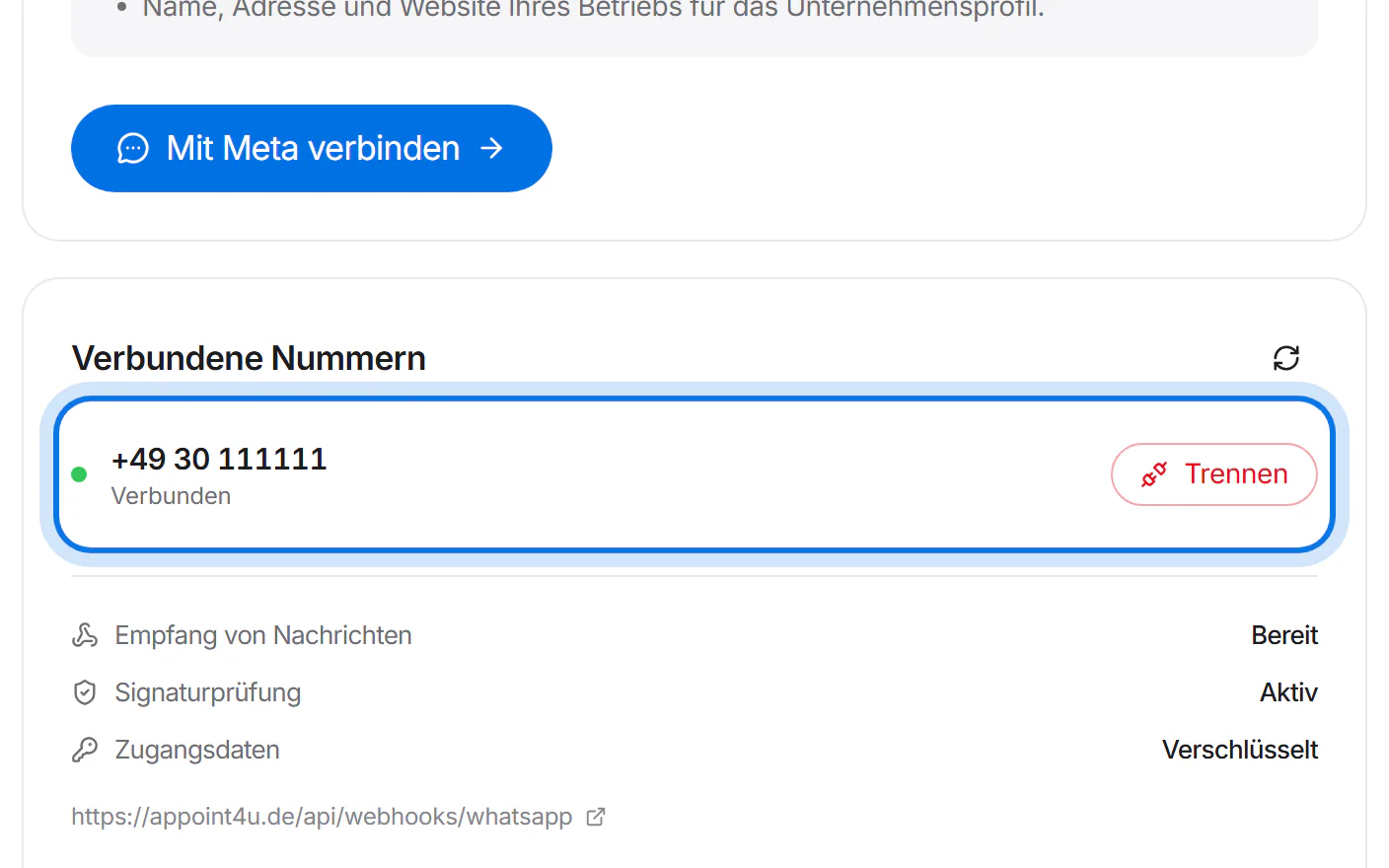
Tap “Mit Meta verbinden” (connect with Meta).
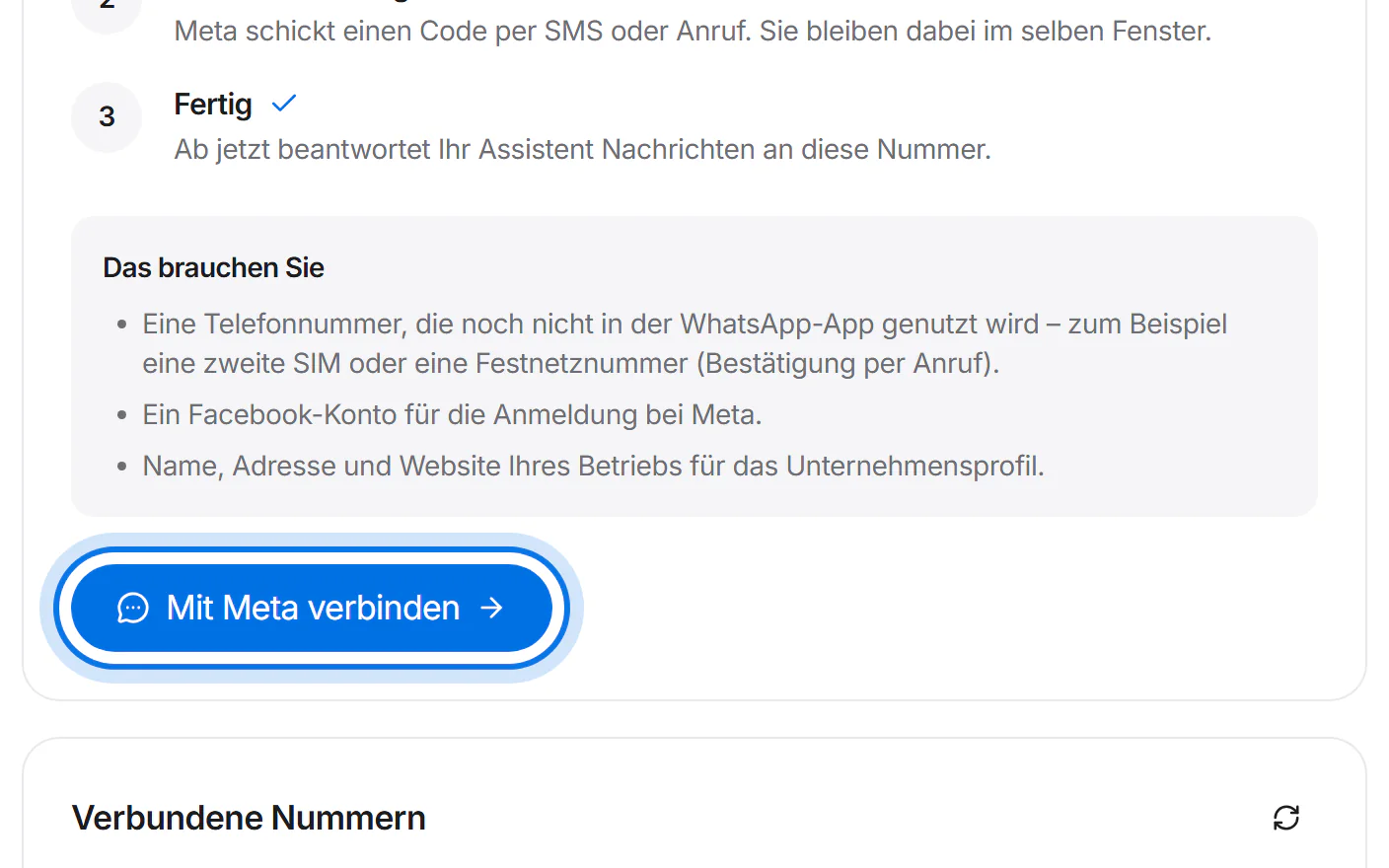
A window from Meta opens. Sign in with your Facebook account and follow the steps – nothing gets posted.
Simplified drawing – Meta's window looks different. Enter your number. Meta sends a code by text message or call – enter it in the same window.
Simplified drawing – Meta's window looks different. Done: your number appears under “Verbundene Nummern” (connected numbers). Your assistant answers from now on.