Team and working hours
Set who takes appointments, which services each person offers and when they work.
7 steps about 5 min
Step by step
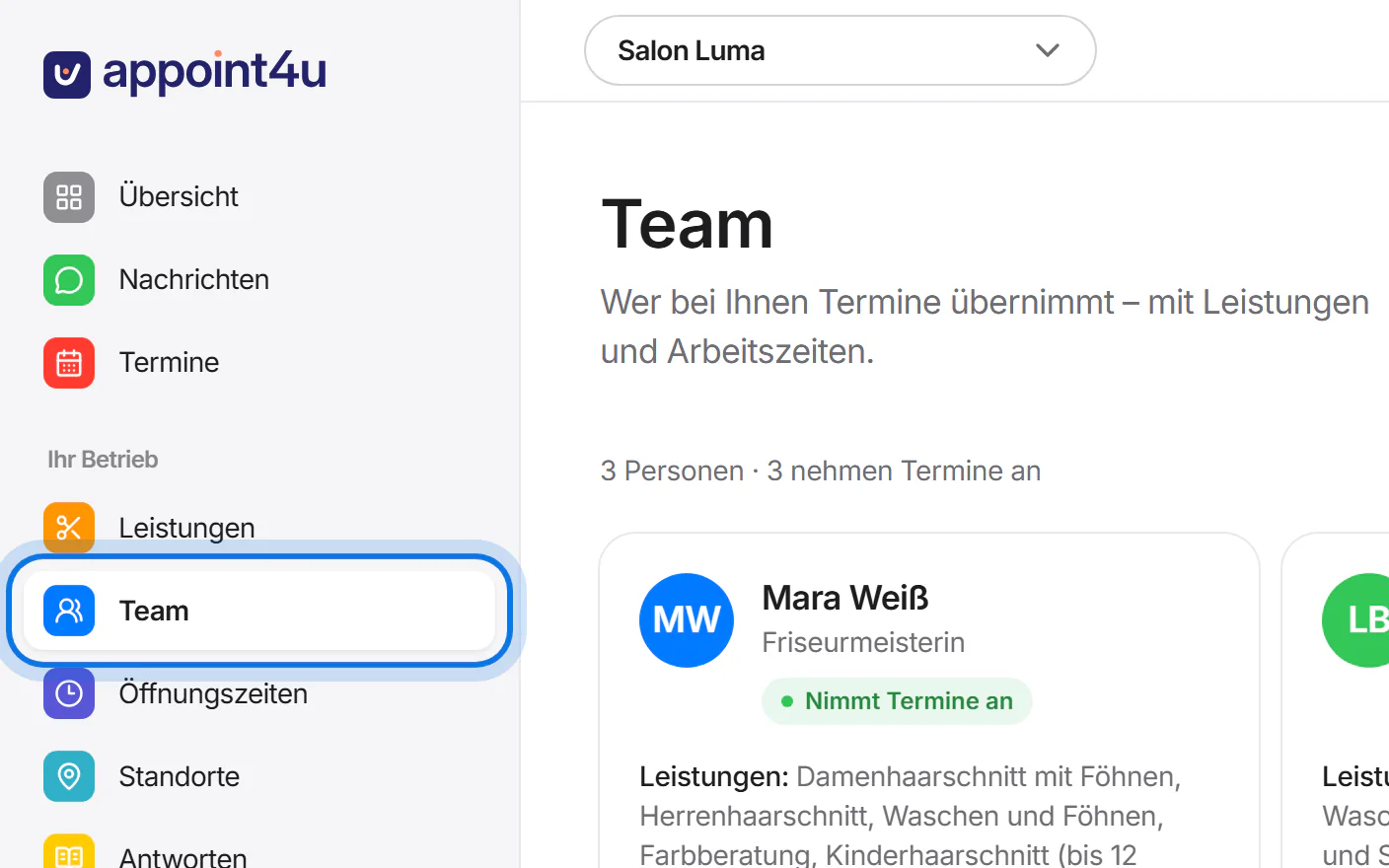
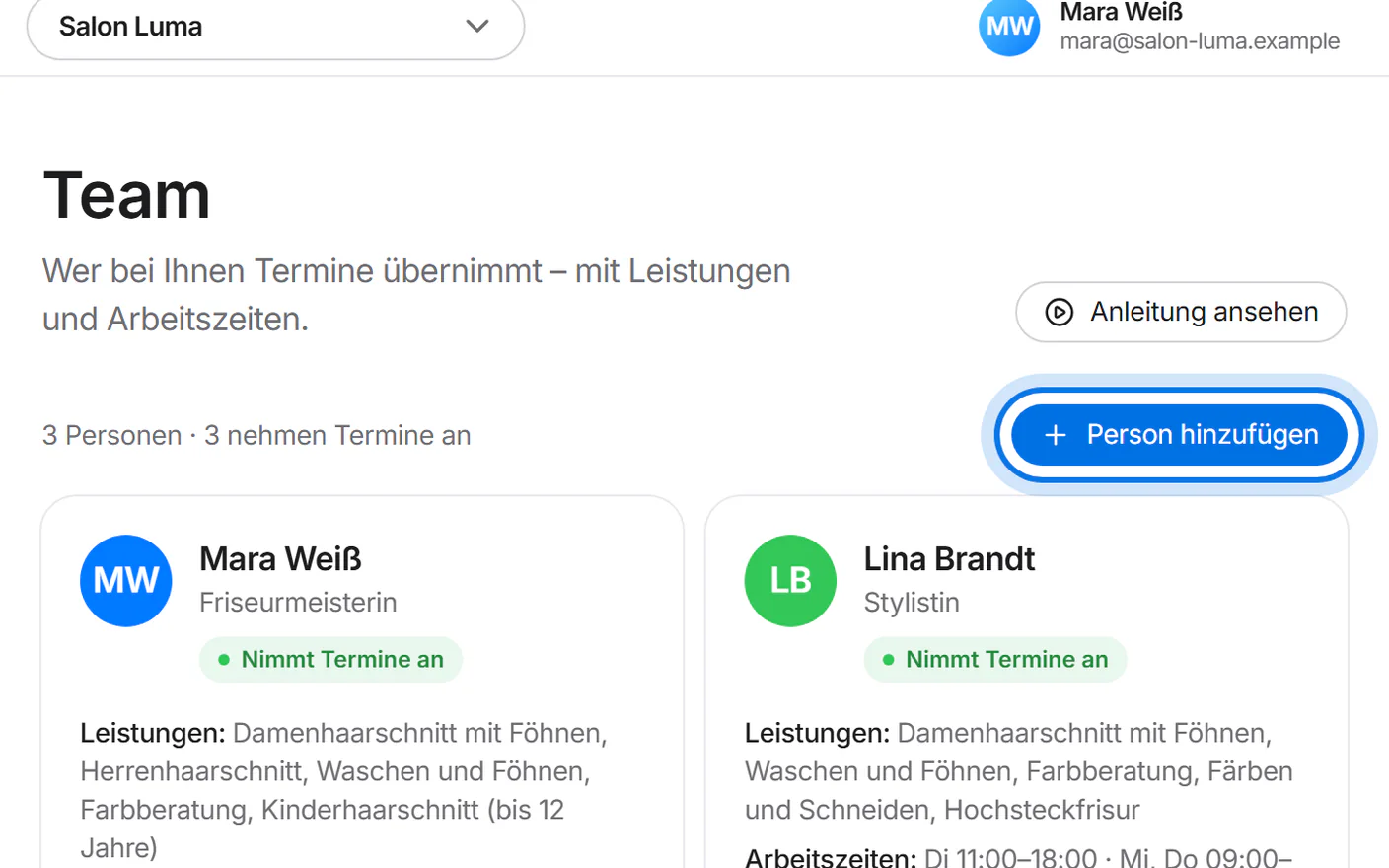
Open “Team” (team) in the menu on the left.
Tap “Person hinzufügen” (add person).
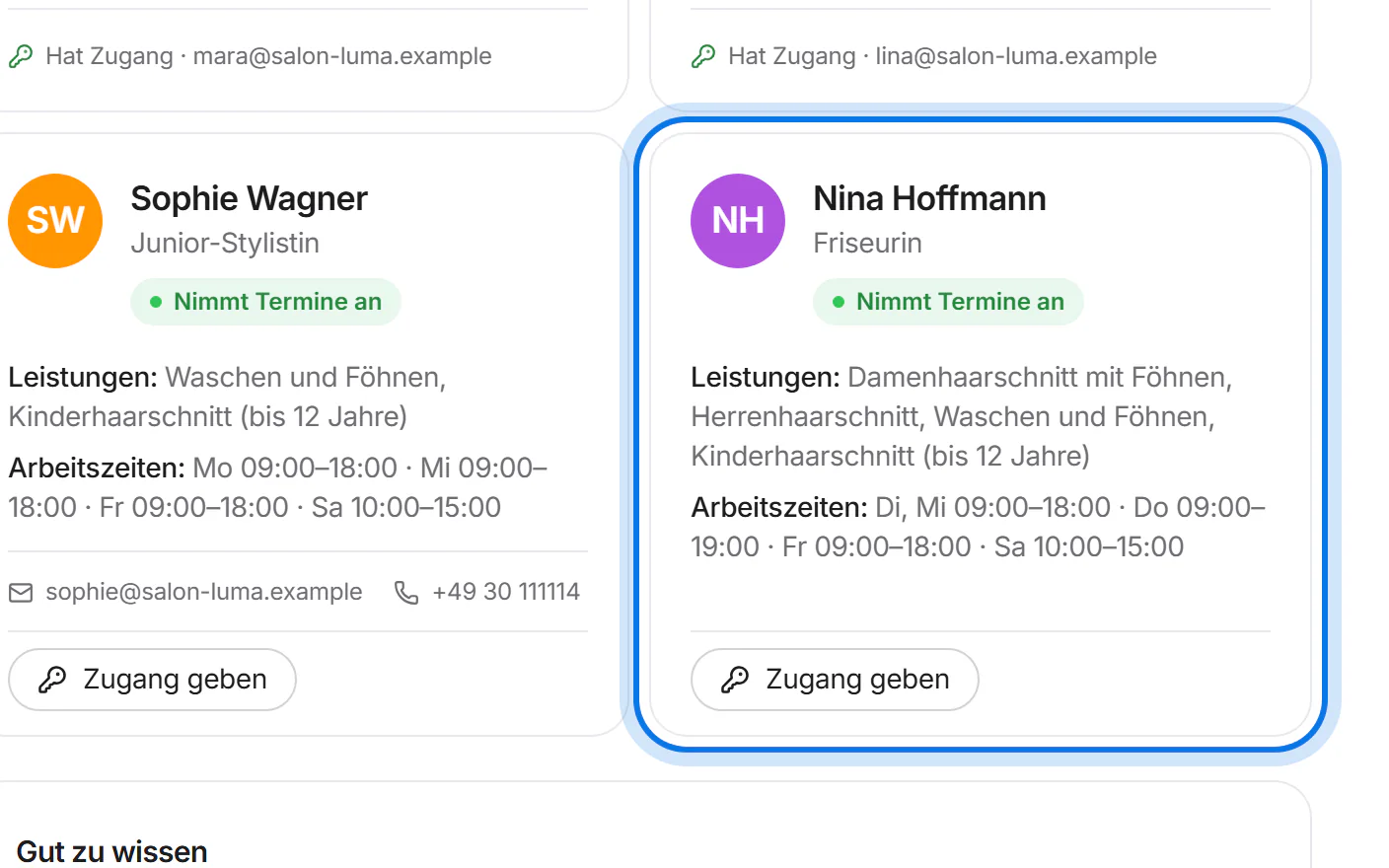
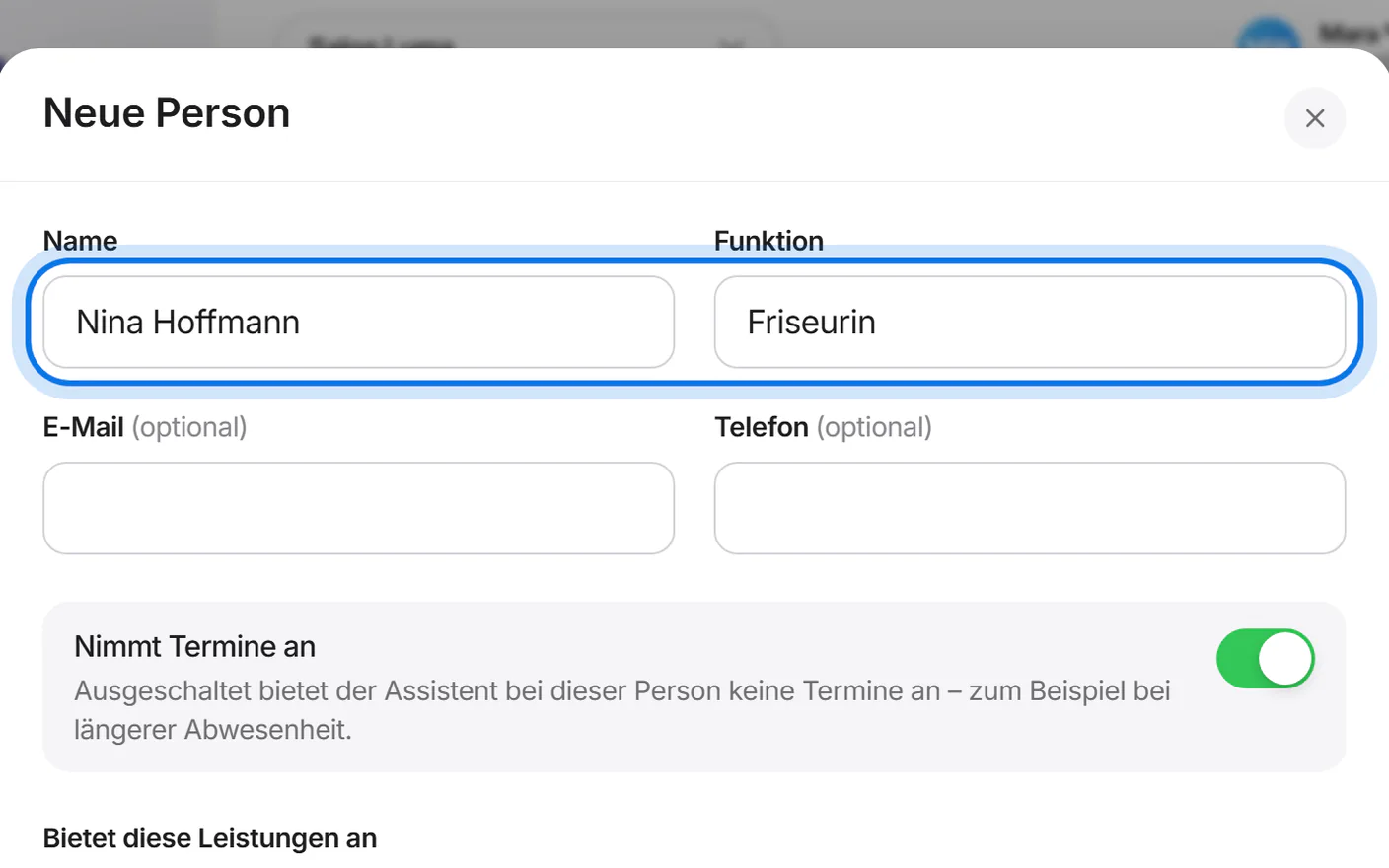
Enter the name and role, for example “Friseurin” (hairdresser).
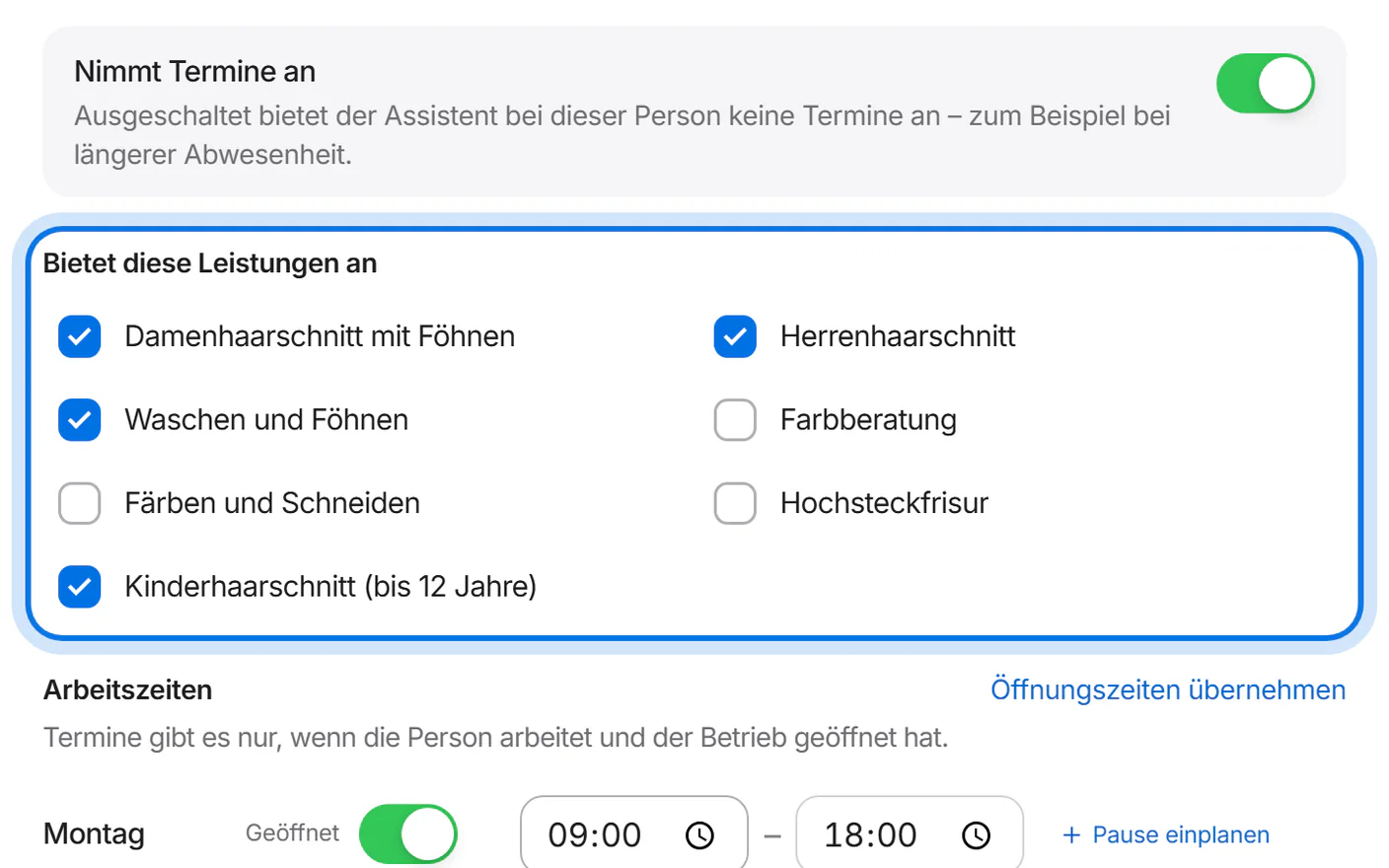
All services are ticked already. Untick everything this person does not offer.
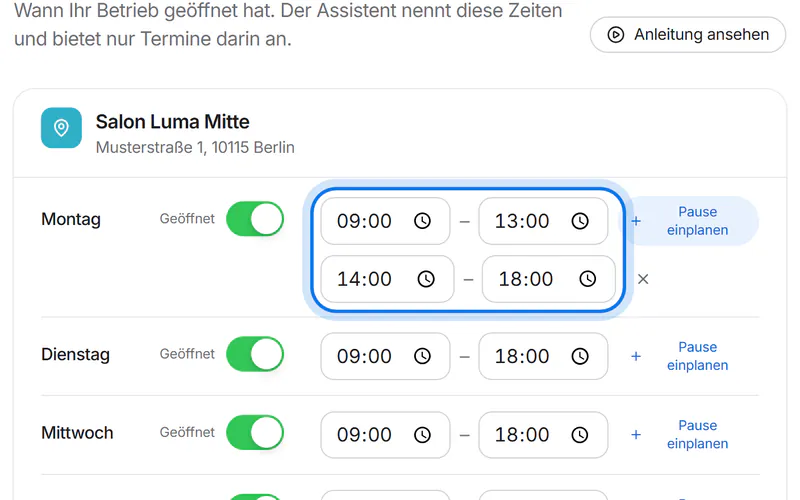
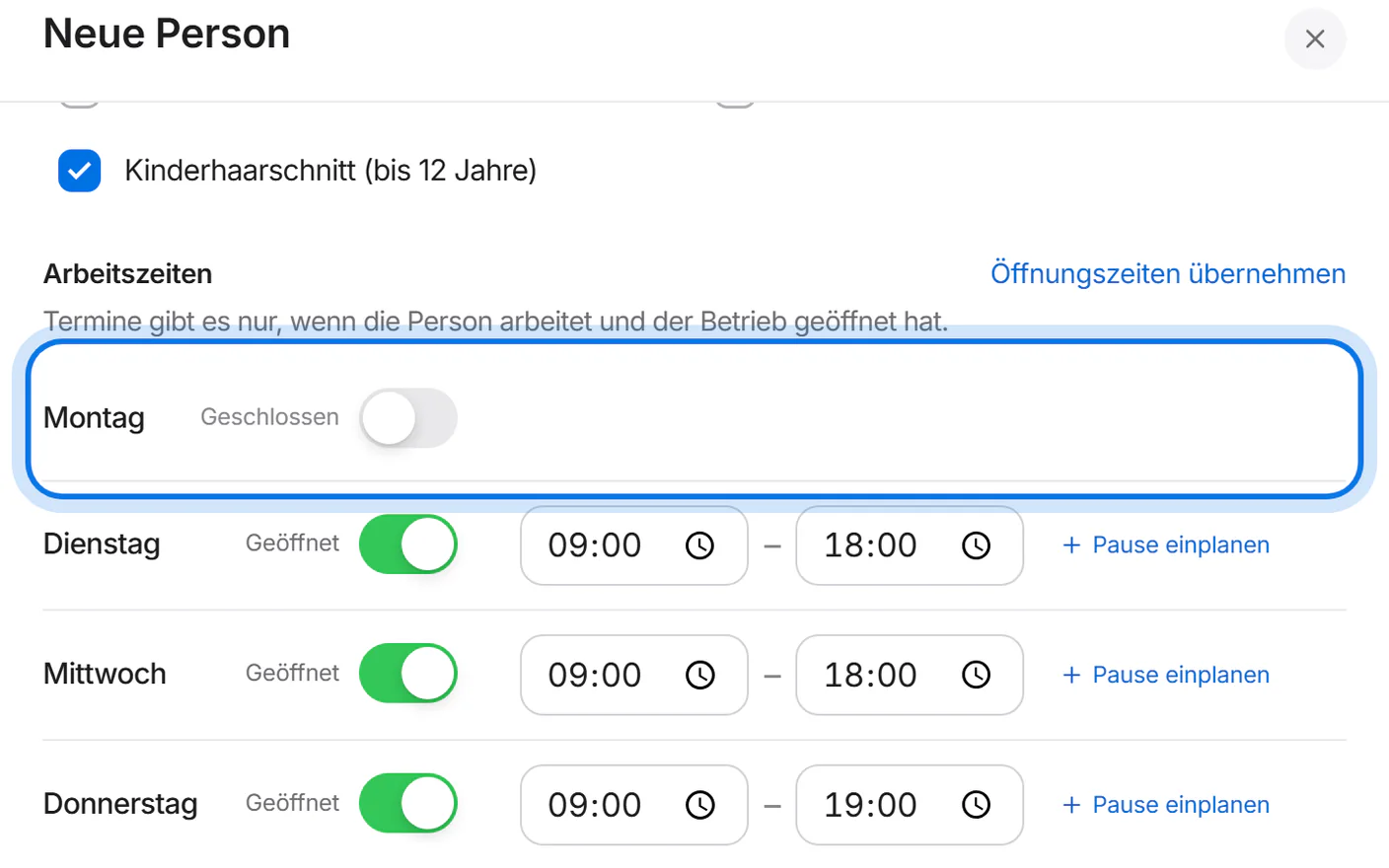
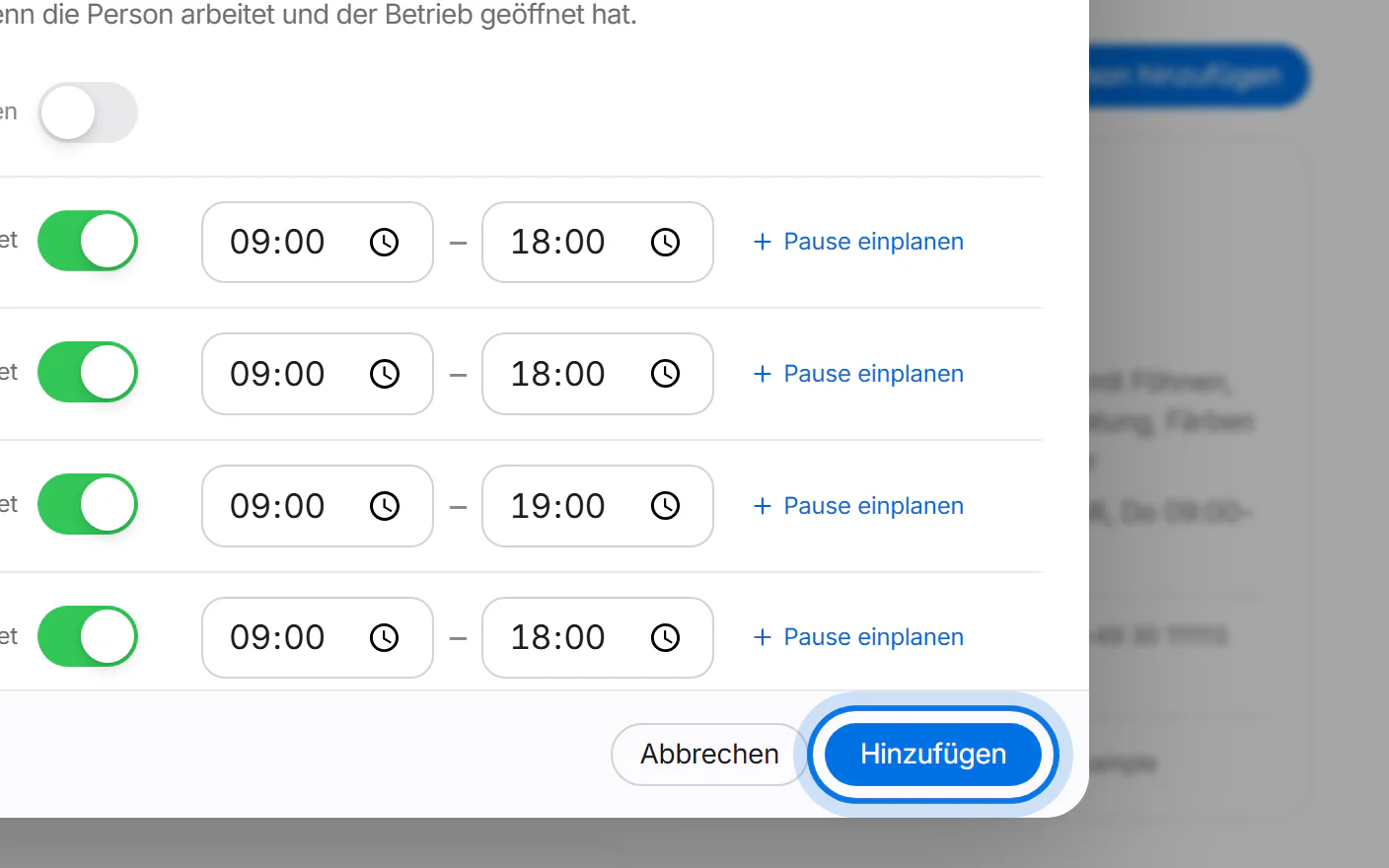
Working hours start with your opening hours. Change only what differs – for example a day off.
Tap “Hinzufügen” (add).
Done: the person is in your team. From now on the assistant offers appointments with them.