Connect your Telegram bot
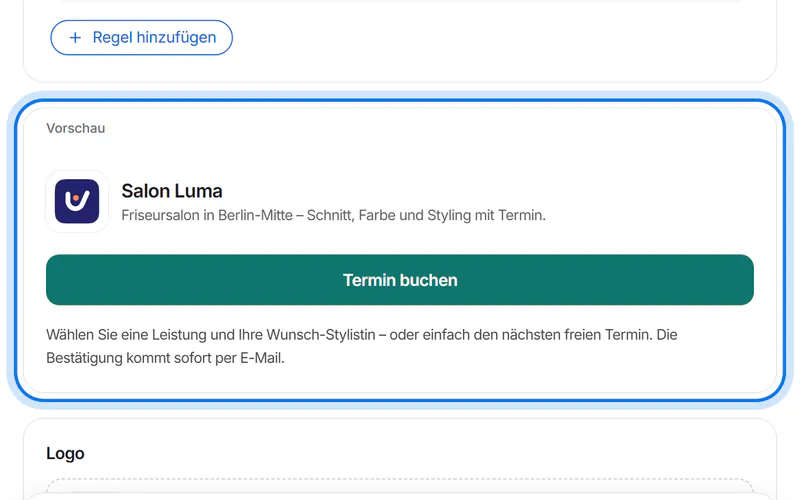
Your own Telegram bot with your name, logo and a “Termin buchen” (book) button. You confirm once in Telegram – we set up everything else automatically.
10 steps about 3 min
Create the bot
Open “WhatsApp & Telegram” in the menu on the left.
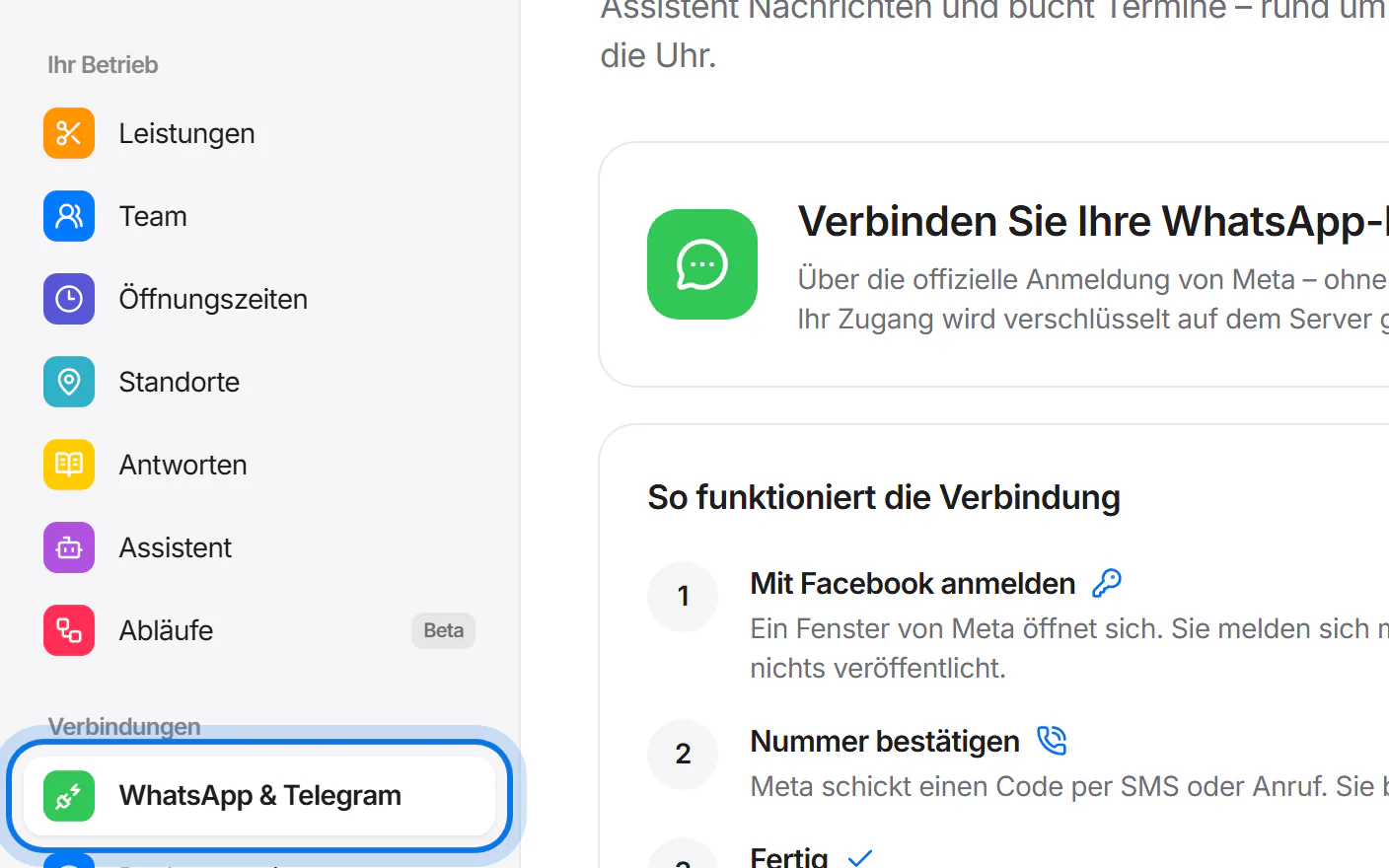
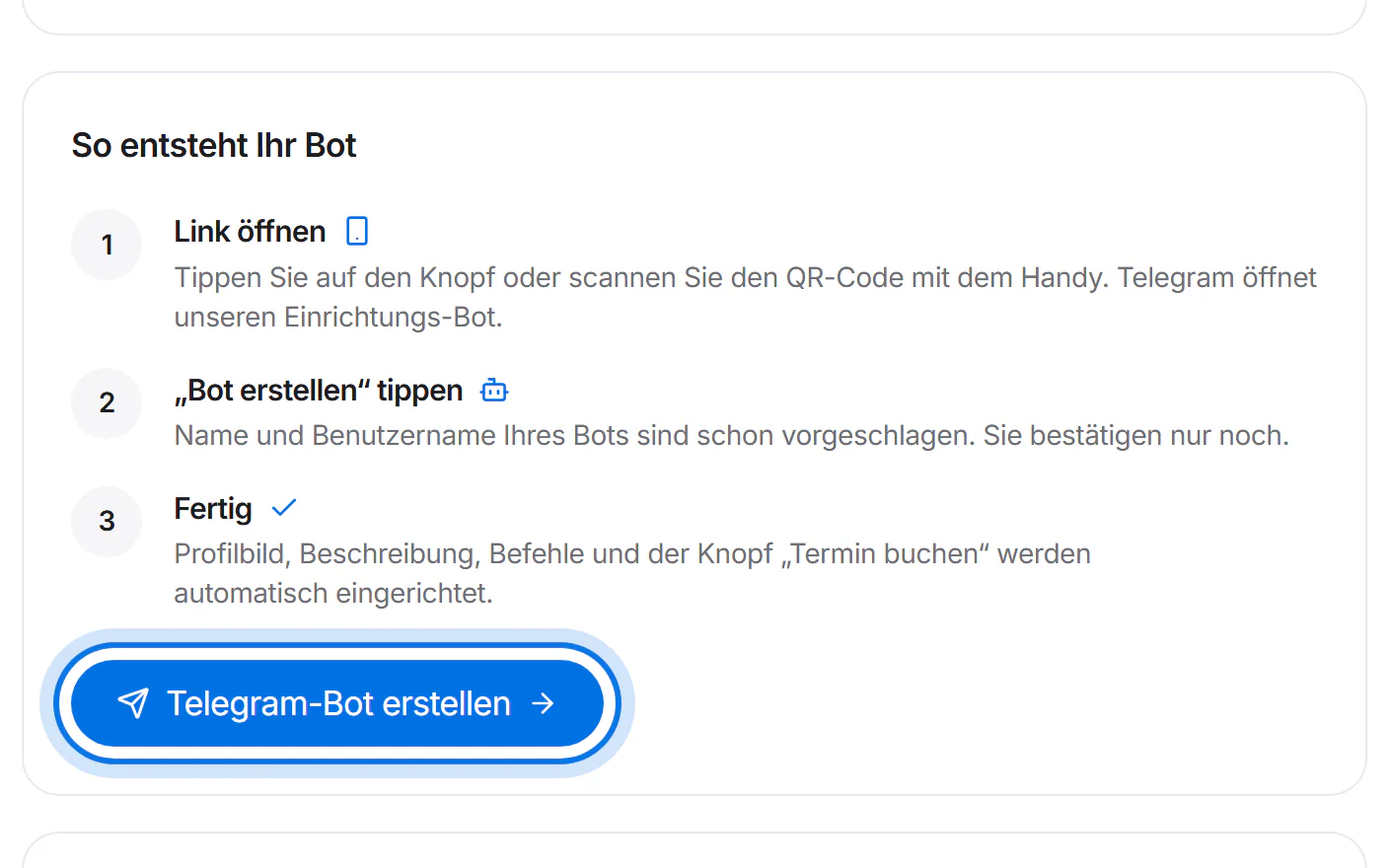
Under “Ihr eigener Telegram-Bot.” (your own Telegram bot), tap “Telegram-Bot erstellen” (create Telegram bot).
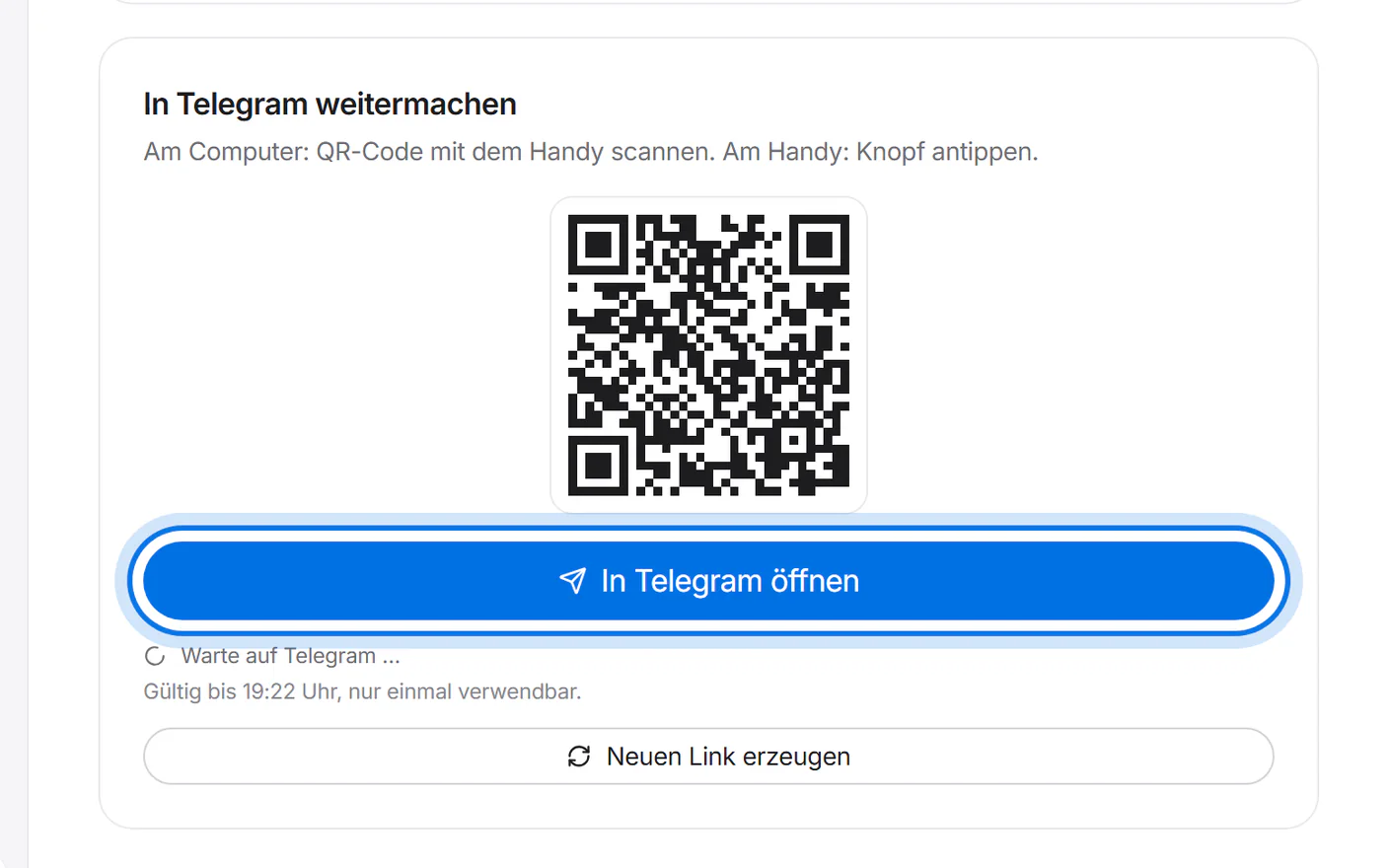
On a computer, scan the QR code with your phone; on your phone, tap “In Telegram öffnen” (open in Telegram). The link is valid for 30 minutes and only once.
Telegram opens our setup bot. Tap “Create bot” (“Bot erstellen” if your Telegram is in German) and confirm – name and username are already suggested, and you can still change both.
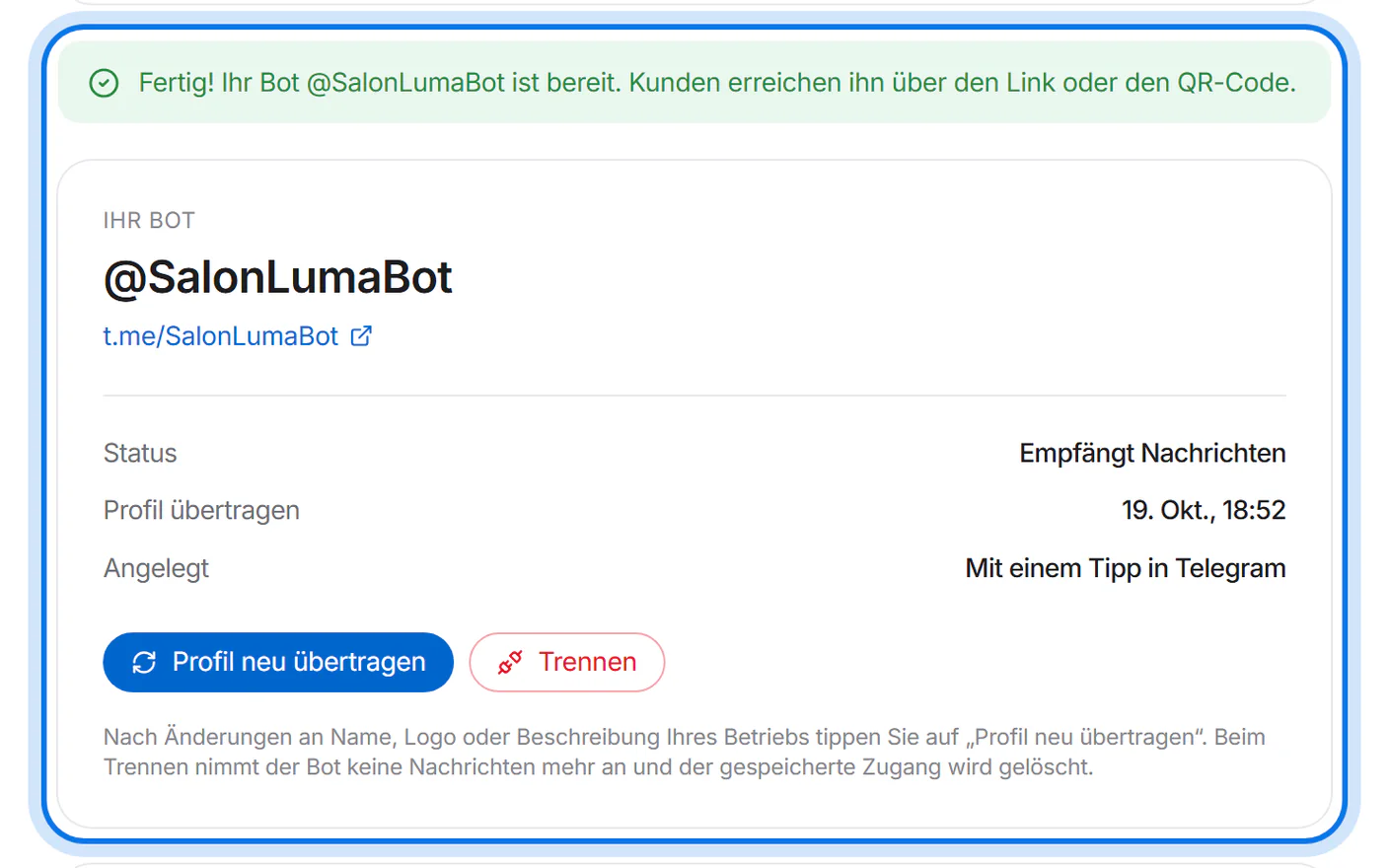
Simplified drawing – Telegram looks different. Done: after a few seconds you see “Ihr Telegram-Bot ist verbunden.” (your Telegram bot is connected). Profile picture, description, commands and the “Termin buchen” button are already set up.


Bring customers to your bot
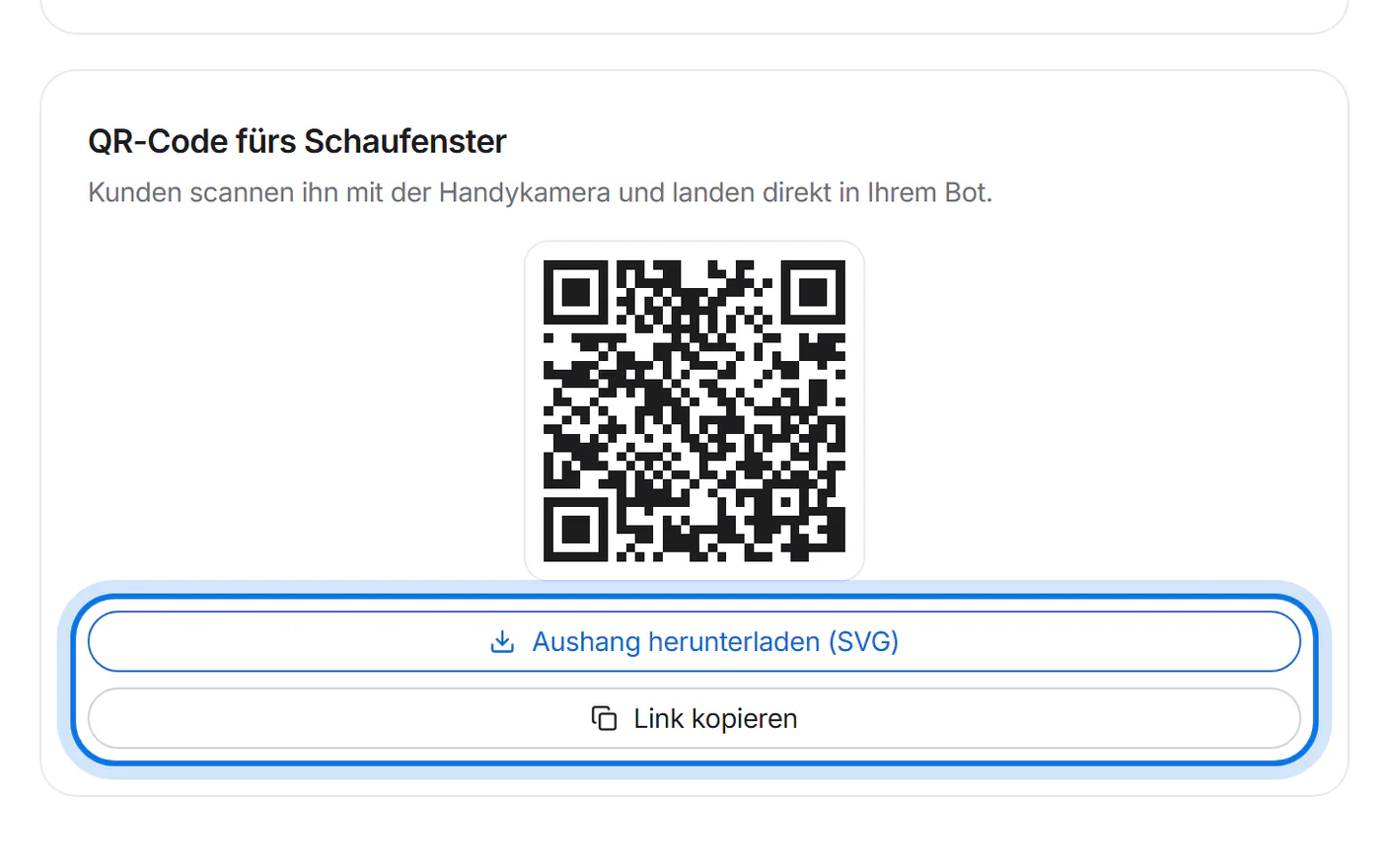
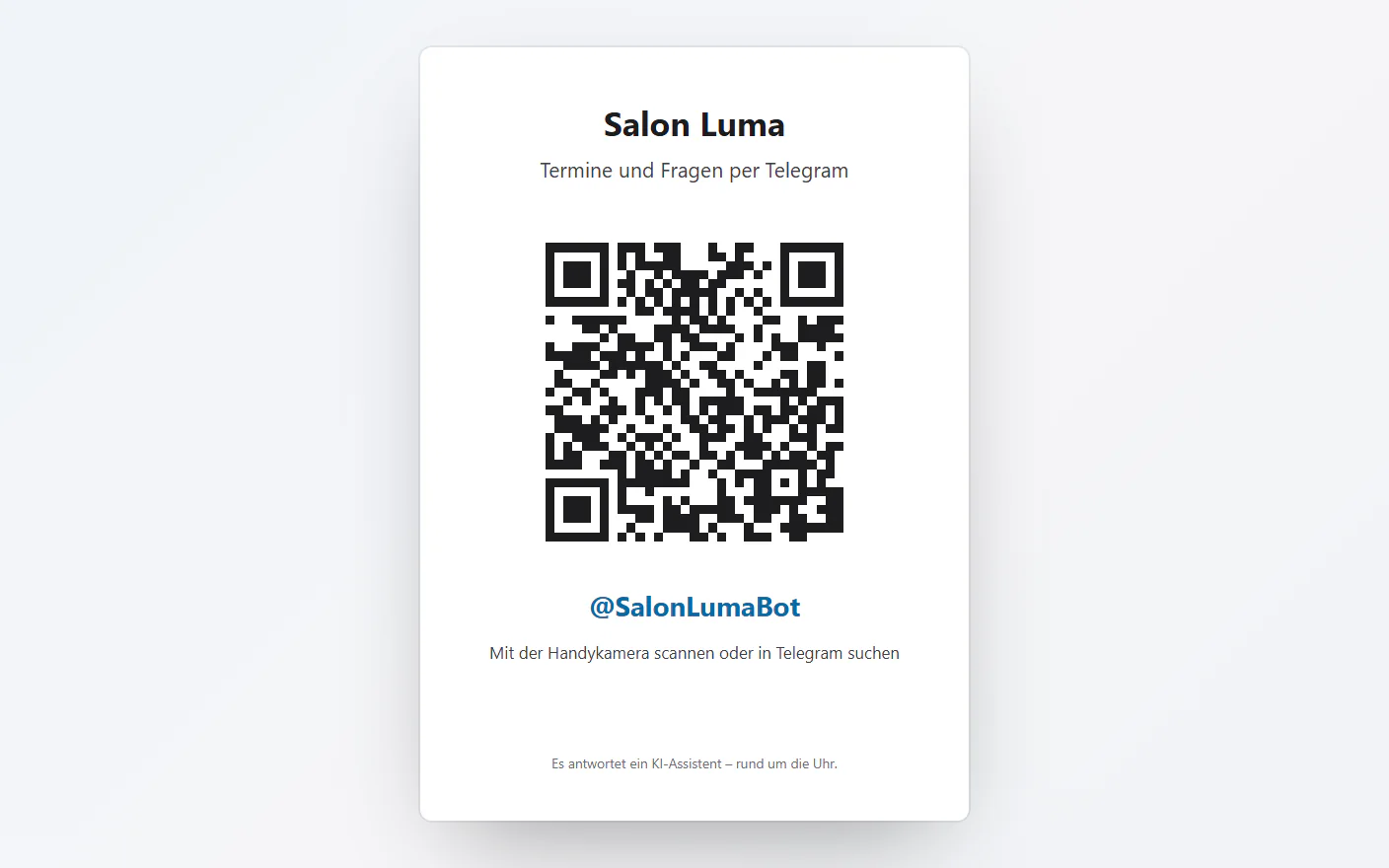
Under “QR-Code fürs Schaufenster” (QR code for your shop window), tap “Aushang herunterladen (SVG)” (download sign). “Link kopieren” (copy link) lets you share your bot, for example on your website or Instagram.
The sign is an A6 sheet with your name, the QR code and your bot's name. Print it for your shop window or the counter. Customers scan it with their phone camera.
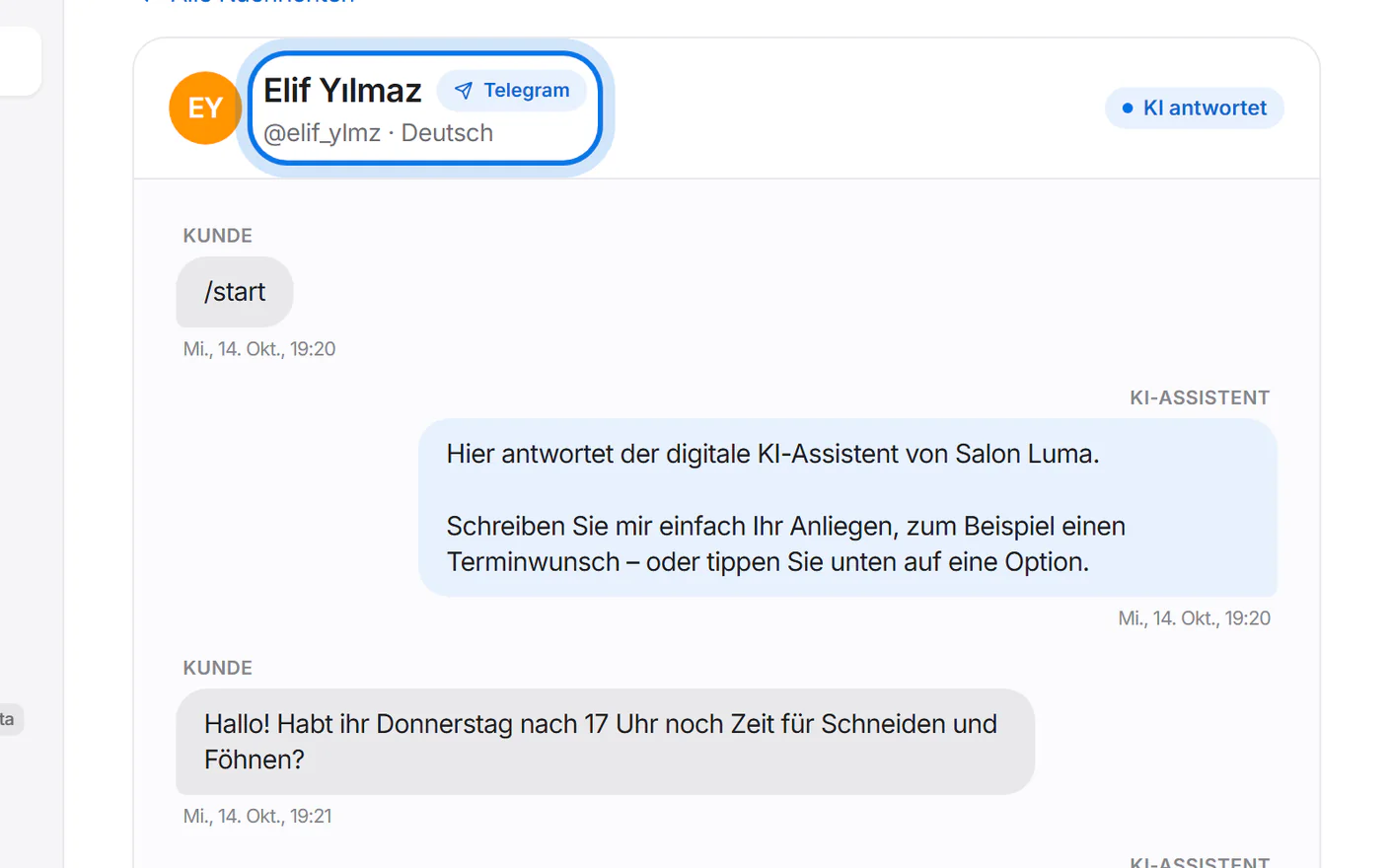
When someone writes to you on Telegram, the assistant answers and books appointments. You see the conversation under “Nachrichten” (messages) – marked “Telegram”, with the @name instead of a phone number.


Change it later
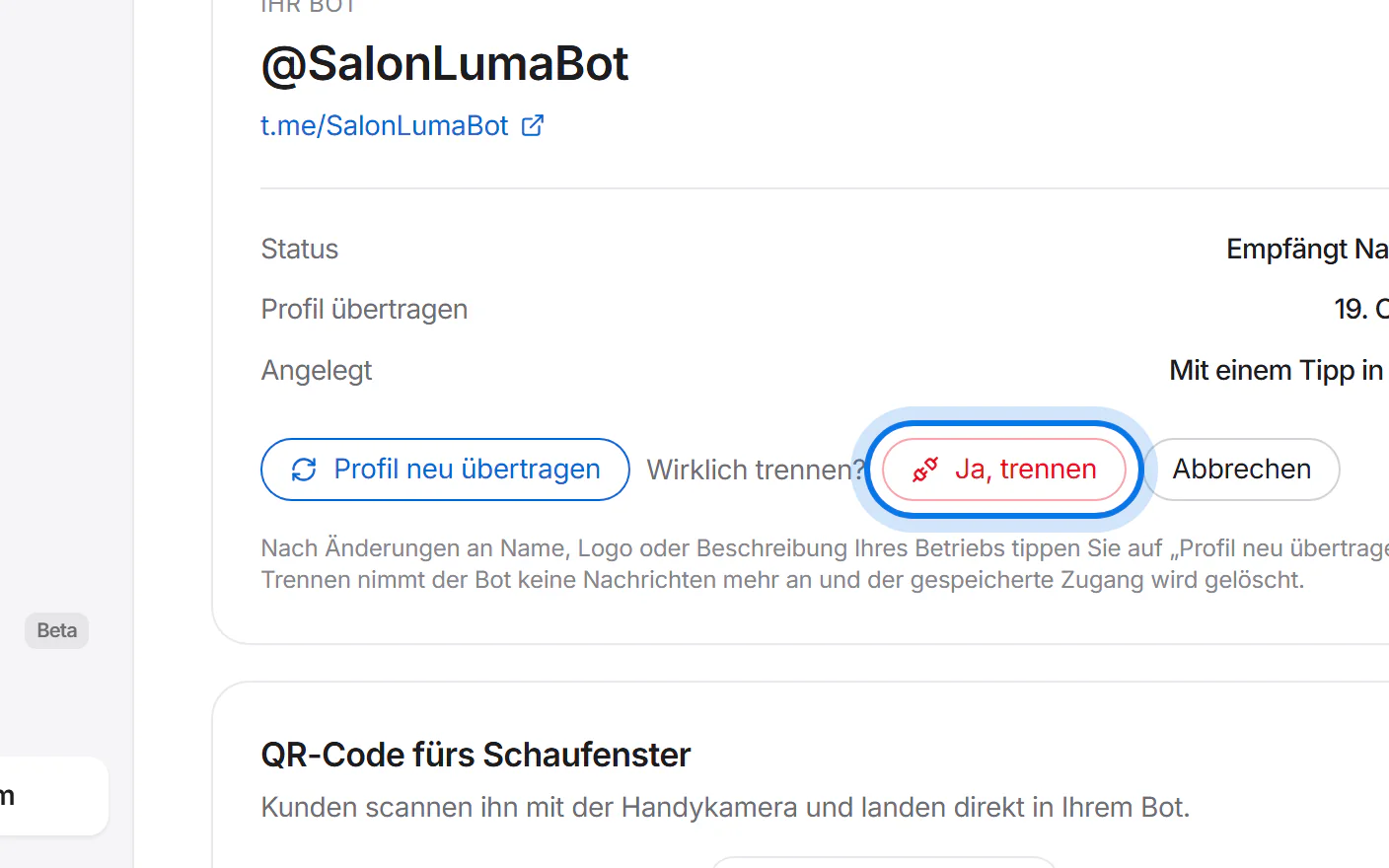
Changed your business name, logo or description? Tap “Profil neu übertragen” (transfer profile again) – your bot then shows the new details too.
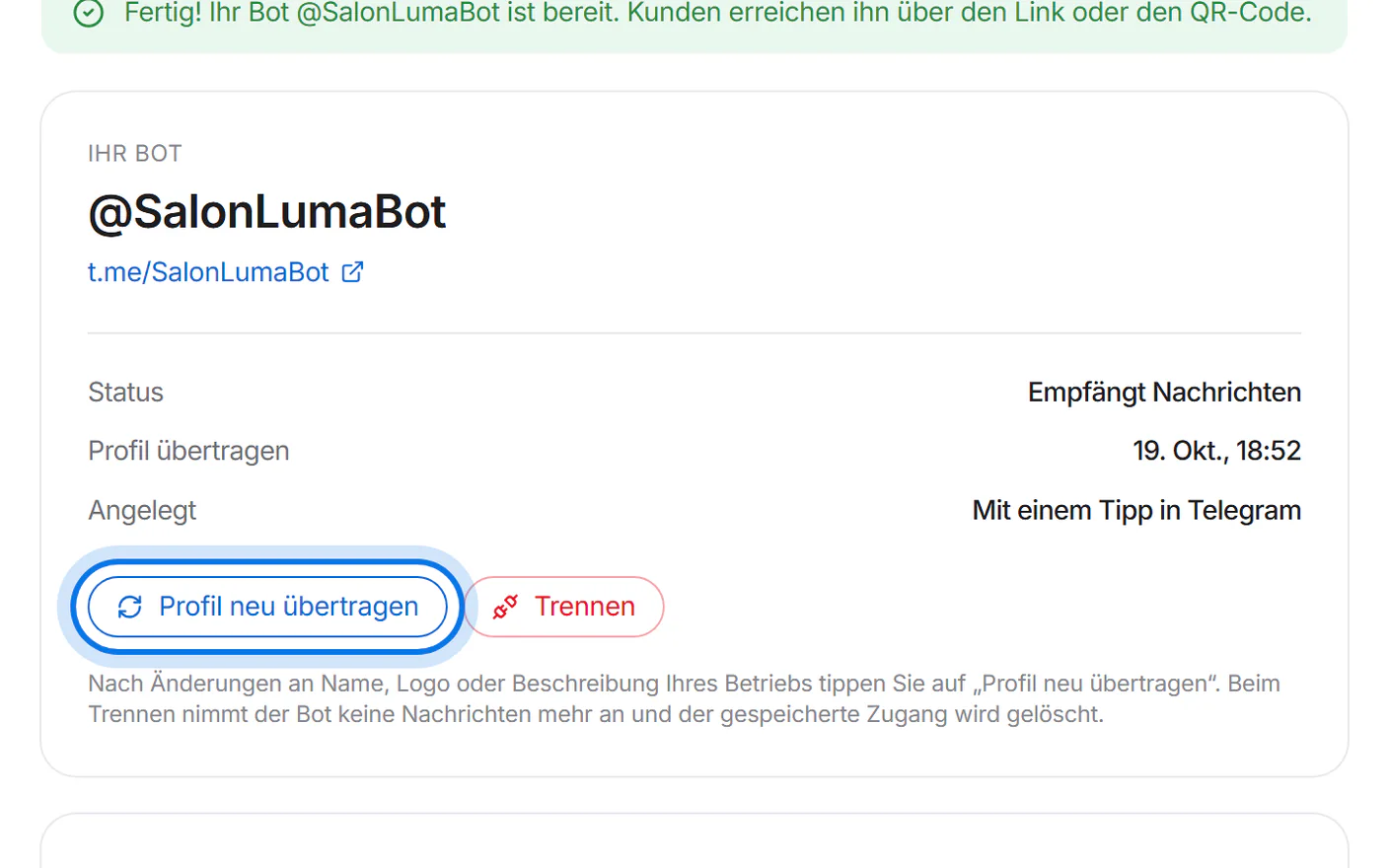
With “Trennen” (disconnect) and “Ja, trennen” (yes, disconnect) the bot stops taking messages and its stored access is deleted.